882 Video Test Instrument User Guide (Rev A.35) 23
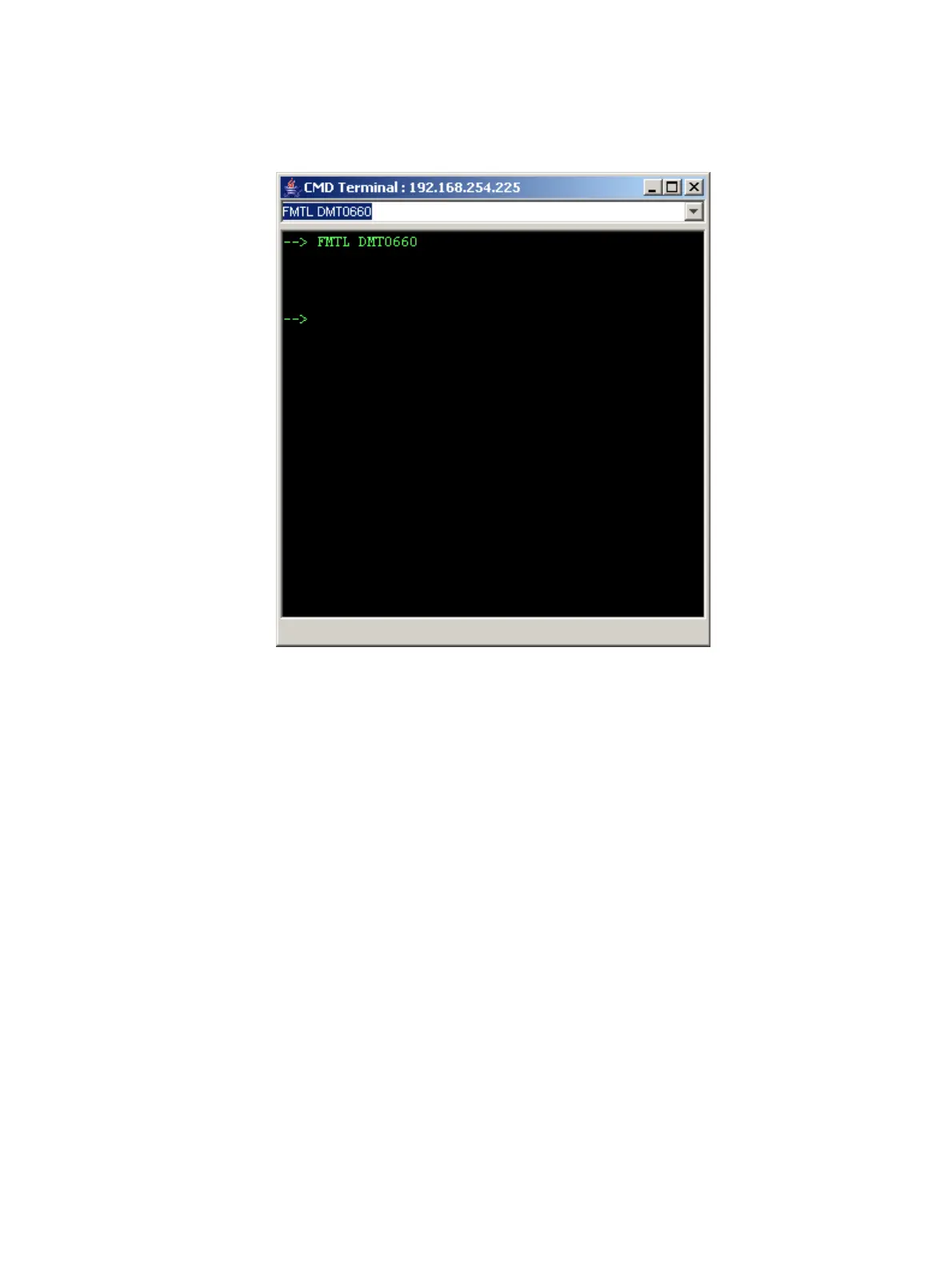
3. In the box at the top of the CMD Terminal window, enter a command, and then press
Enter. The command appears in the lower pane.
Working with the 882 FTP Browser
If you create objects on a PC, such as images or formats, you can use the 882 FTP
Browser to copy these objects to a 882. You can also use the 882 FTP Browser to copy
objects between media in a 882 and to copy objects from one 882 to another.
Copying files from a PC to a 882
To copy files from a PC to a 882:
1. Access the 882’s FTP browser by choosing the FTP Browser menu item from the main
web page. The 882 FTP Browser appears. The Instrument Files area



 To Next Page