882 Video Test Instrument User Guide (Rev A.35) 137
Sharing objects on a file server
The 882 can be set up to access shared format, image, and sequence files stored on a file
server. To do this, you must set the 882’s path to point to the corresponding folders on the
file server. You can set the path using the command line interface or the front panel.
To set the 882’s path using the command line interface:
1. Establish a session with the 882 using either HyperTerminal over a serial connection or
Telnet over an Ethernet LAN. See “Establishing a terminal session with the 882” on
page 30 or “Establishing a Telnet session with the 882” on page 33.
2. For each file type (format, image, and sequence), set the path parameter to the
corresponding folder on the file server using the following commands:
FMTP hostname:/Library/Formats
IMGP hostname:/Library/Images
SEQP hostname:/Library/Sequences
For example if your file server host name is Host01, you would enter the following
command to set the format path to the Formats directory on the file server:
FMTP Host01:/Library/Formats
Note: The hostname portion of the path is case sensitive.
The 882 will now display the formats on the file server when you press the Source key.
To set the 882’s path using the front panel:
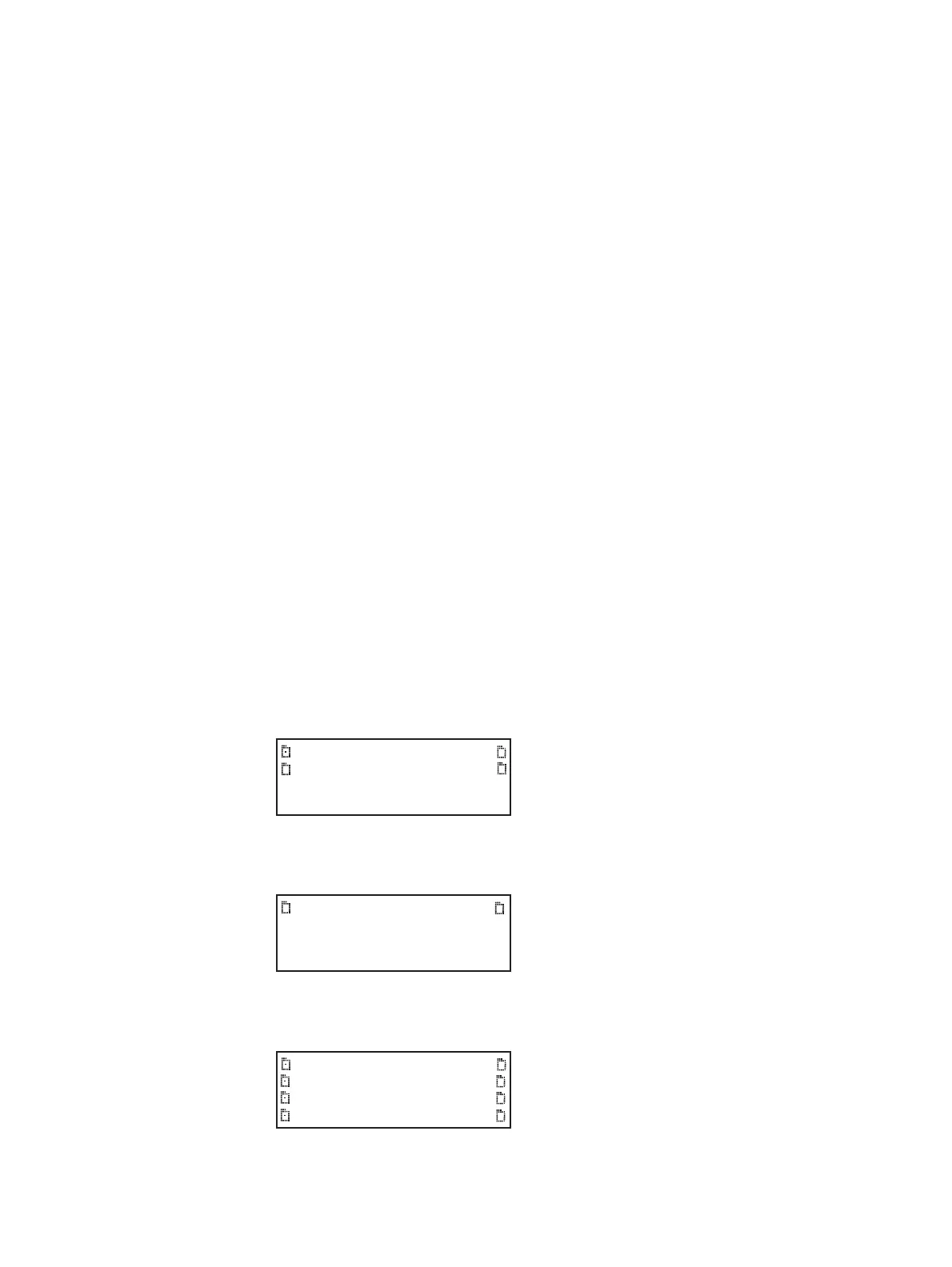
1. Place the 882 in Browse mode by holding down the Tools key until the media menu
appears on the 882’s display as shown below.
2. Choose the NetPlace item by pressing the adjacent soft key. The folders on the file
server appear on the 882’s display as shown below.
3. Choose the Library item by pressing the adjacent soft key. A list of folders in the library
folder appear on the 882’s display as shown below.
Flashmem
NetPlace
PCCard
Cache
Fonts FormatLib
Formats Images
Sequence UserData
Users WebFiles



 To Next Page