882 Video Test Instrument User Guide (Rev A.35) 21
2. Choose the System item by pressing the adjacent soft key. The System menu appears
on the 882’s display as shown below.
3. Choose the Network item by pressing the adjacent soft key. The 882’s IP address
appears on the 882’s display as shown below.
To use the Virtual Front Panel:
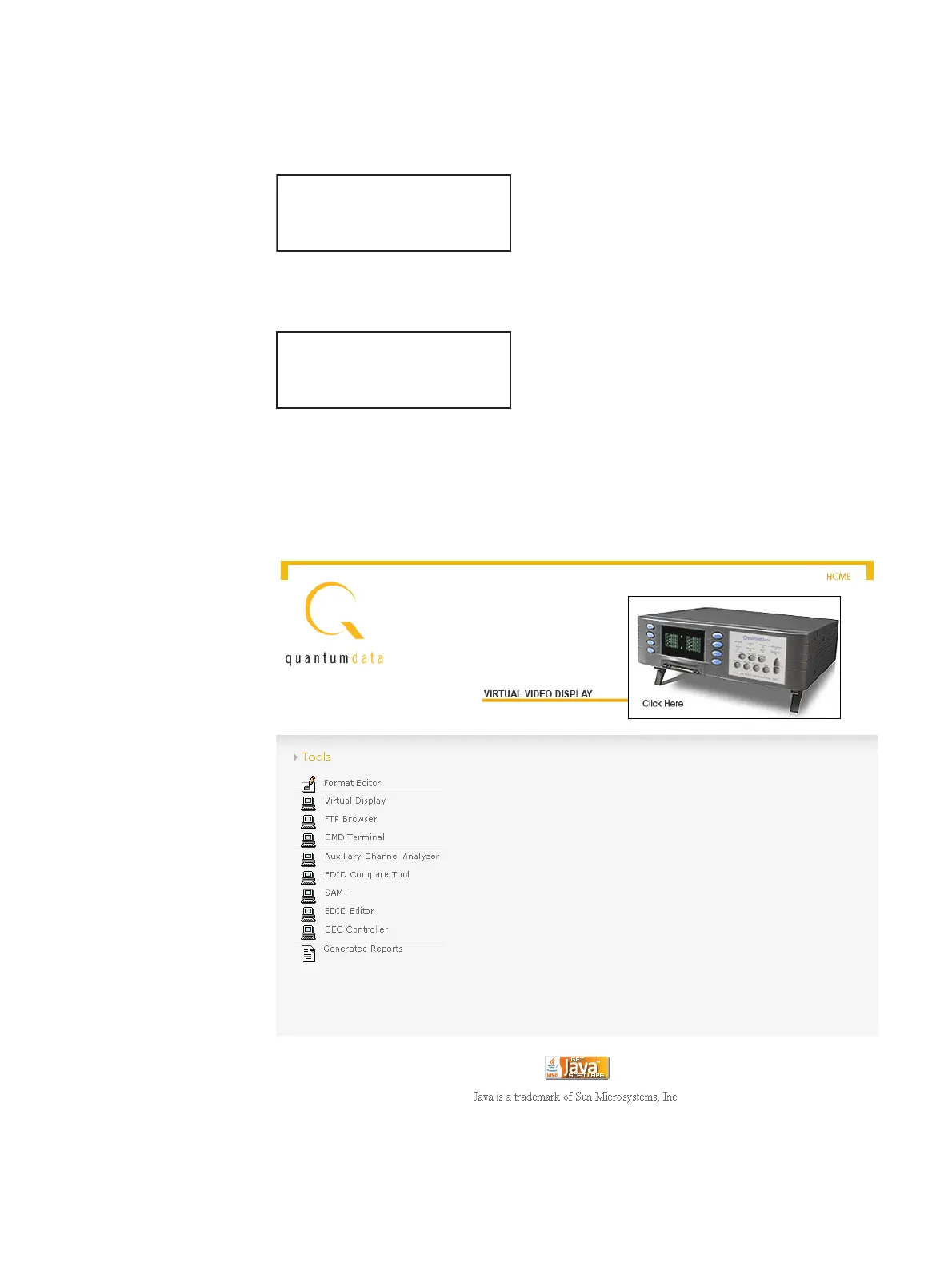
1. Open a Web browser (such as Internet Explorer) and type the 882’s IP address in the
address entry field. For example, enter the following: http://192.168.254.1.
The 882 home page appears in the browser.
Clock Clone*
CalFactor Server
Network About
Serial GPib
IP Address
192.168.254.1
Subnet Mask
255.255.255.000



 To Next Page