882 Video Test Instrument User Guide (Rev A.35) 7
Note: Be sure that you have transferred any existing EDID reports to your PC.
Otherwise, generating a new report overwrites the existing report.
5. Choose !DataRpt item by pressing the adjacent soft key. An EDID Information Report
is generated and stored on the PCMCIA card in the
/card0/Library/Reports/Edid_Data.htm file.
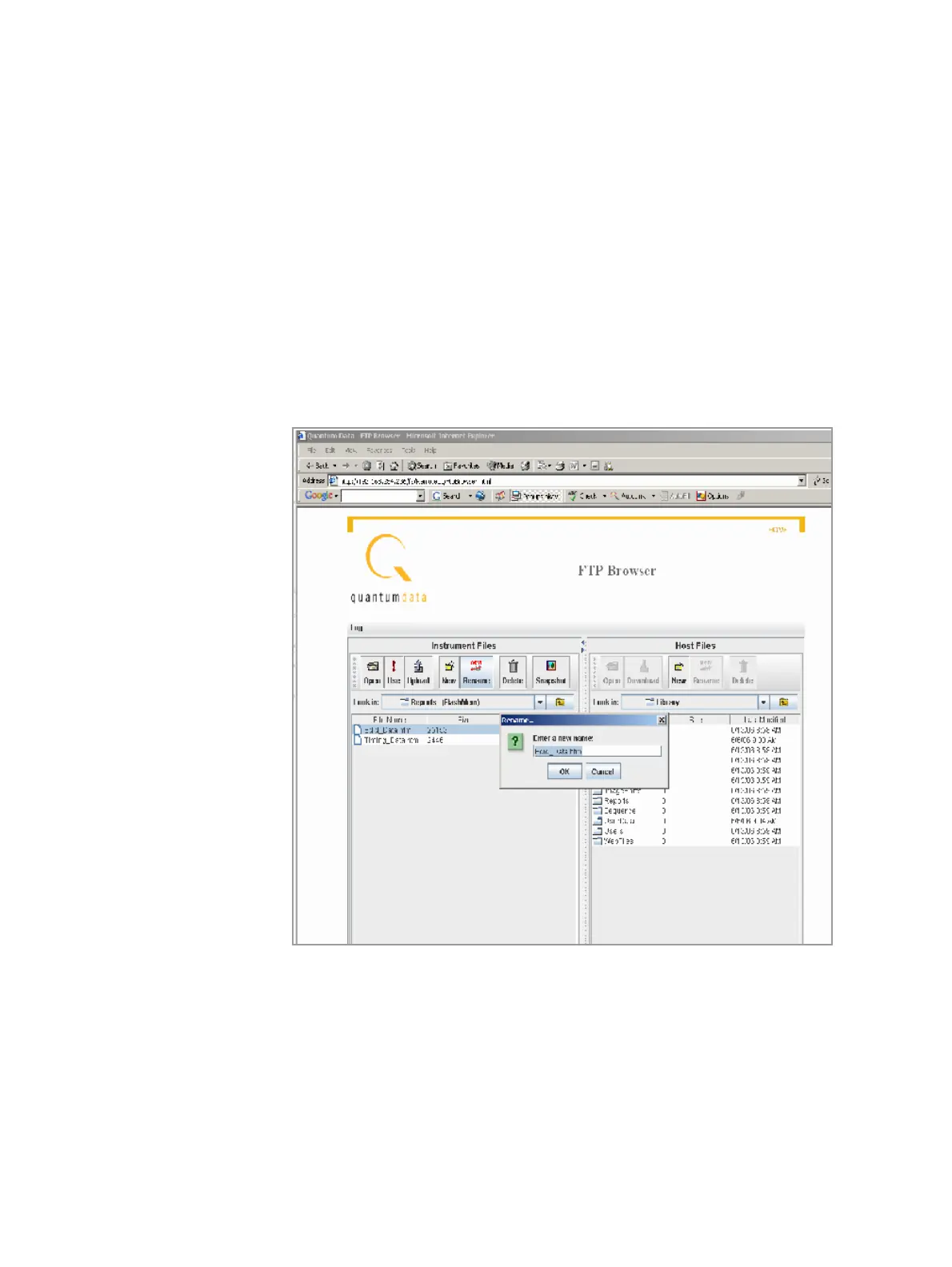
6. Open the FTP Browser on the 882 and select a suitable directory on your PC to store
the report.
7. Using the FTP Browser, transfer the report from the 882 PCMCIA card to your PC like
shown below.
Note: Make sure to change the names of any existing reports in the directory on your
PC to avoid overwritting existing reports.



 To Next Page