882 Video Test Instrument User Guide (Rev A.35) 91
8. Next you will be prompted to hit the Clone Capture button (Tools -> System -> Clone
-> Capture.) This will cause the generator to back up the internal files to the
PCMCIA/Compact Flash card. When this process is complete, insert the card into the
computer and click on Next.
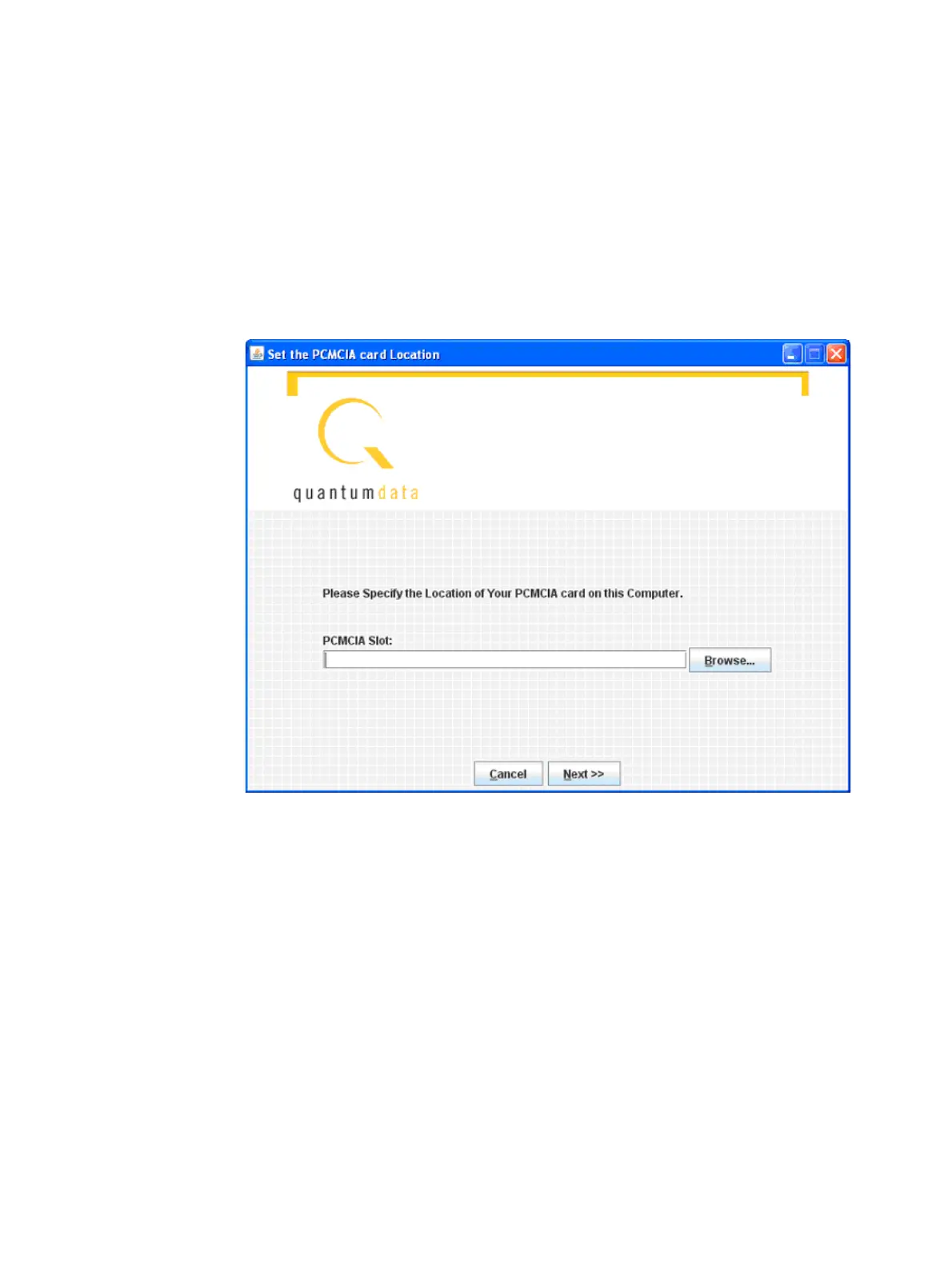
9. Then you will be asked to specify the location of the PCMCIA/Compact Flash drive on
the computer. You can type the drive letter into the space provided (such as G:\) or you
can browse to the location. In either case, you must specify the root of the
PCMCIA/Compact Flash card.



 To Next Page