882 Video Test Instrument User Guide (Rev A.35) 633
When selected, this image is displayed.
After pressing the Contents key and then the Options key you then enable More and use
the +/- increment keys to adjust the speed.
Ramp_B, Ramp_G, and Ramp_R
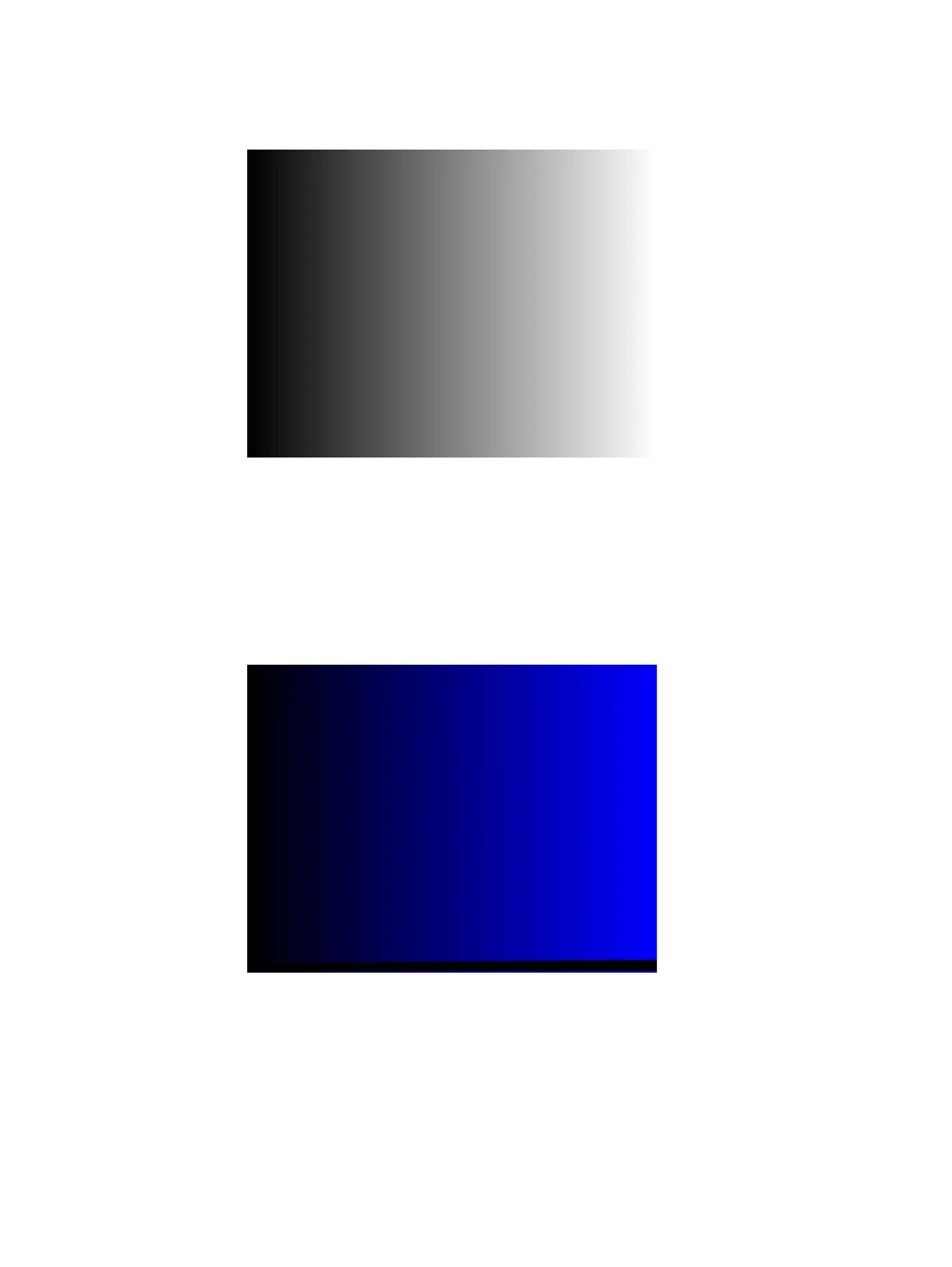
Description The active video area goes from full black (+7.5 IRE) at the left edge of the screen to full
blue (_B), green (_G), or red (_R) at the right edge. The Ramp_B image is shown below.
Test Video gain linearity
Method When viewed on a TV screen, the full range of grays should be visible. There should be no
color shifts visible.



 To Next Page