882 Video Test Instrument User Guide (Rev A.35) 101
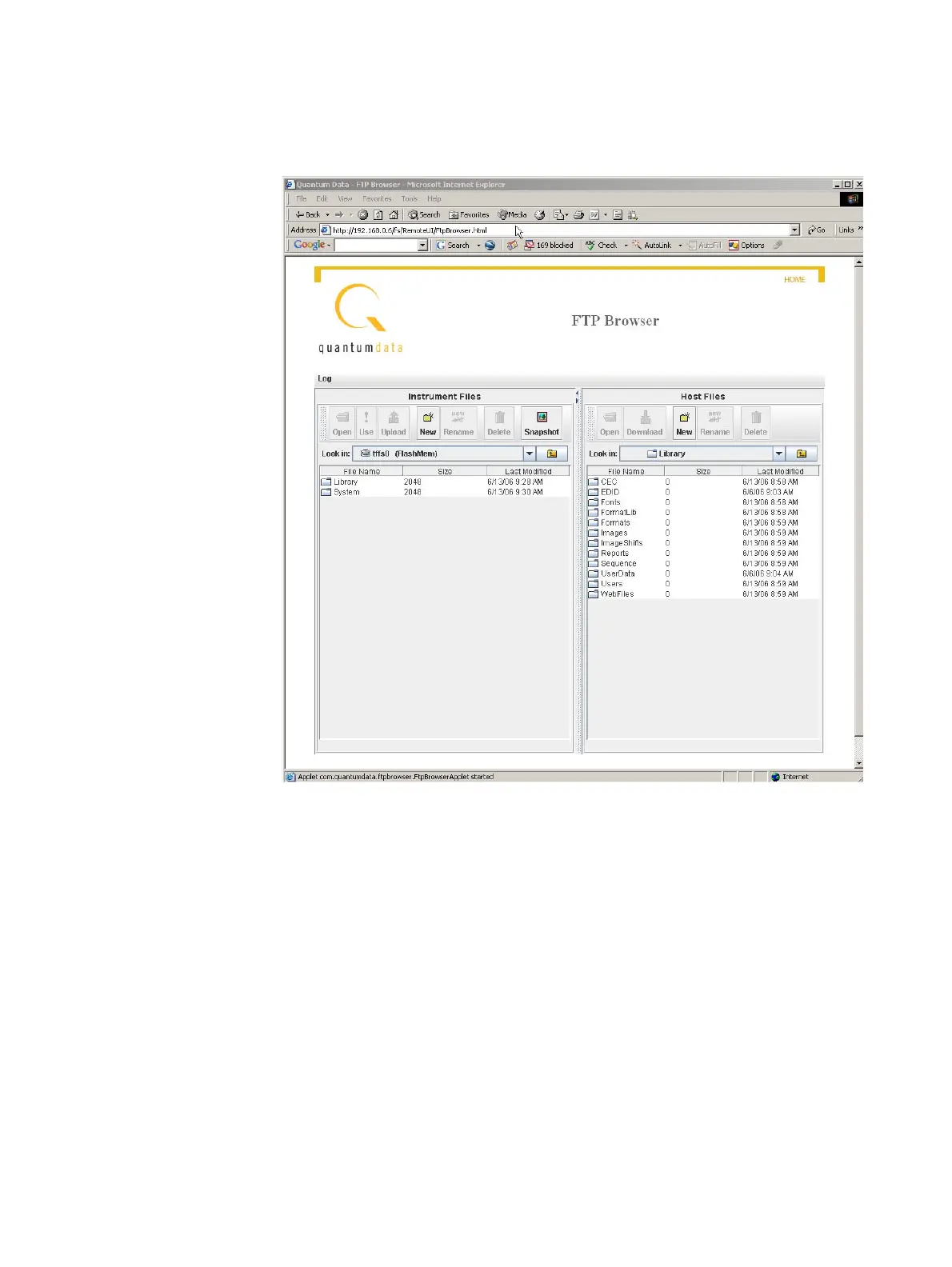
Files area shows the files stored on the generator. The Host Files area shows the files
stored on the PC.
4. In the Host Files area, create a backup folder.
5. In the Host Files area, open the backup folder.
6. In the Instrument Files area, click the down arrow by the Look in box and select tffs0.
This is the generator’s flash memory.
7. In the Instrument Files area, select all of the folders (or only the specific files in the
lower pane that you want to backup).
8. Click Upload. A Transfer Files dialog box appears.
9. Verify that the source file or folder and the destination folder are correct, and then click
OK. The Copying Files dialog box appears showing the status of the operation.
10. When transfer is complete, click Done.



 To Next Page