118 Chapter 3 Administrative Tasks
5. To view the video board information, pressing the soft key adjacent to the arrow by Main
Board. The video board build date appears as shown below. Press the soft key
adjacent to the arrow by Build Date to see other information about the video board.
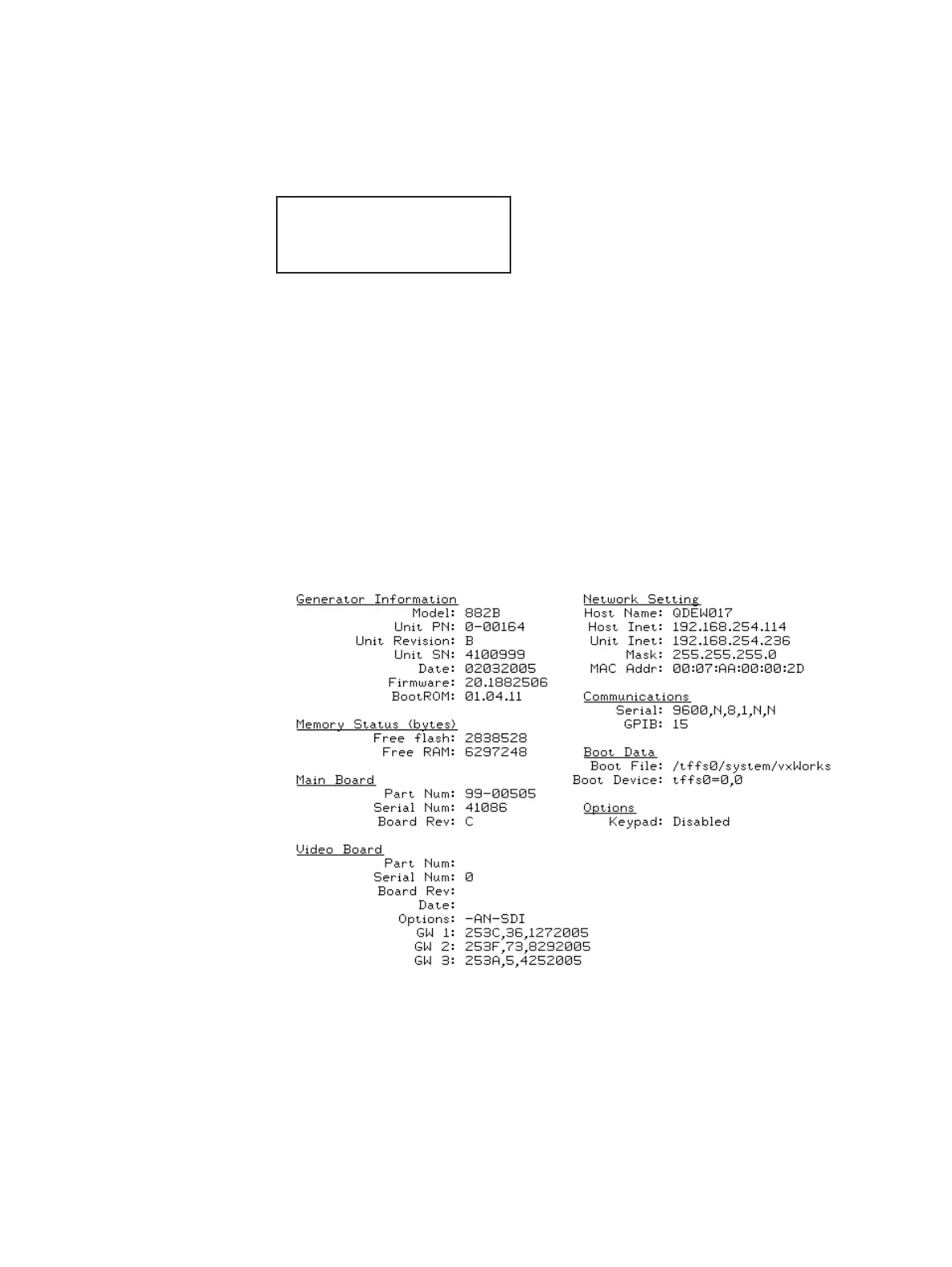
To view generator configuration information using the GenStats image:
1. Press the Source key and select a standard format such as DMT0660.
Alternatively, enter the following commands to load the format:
FMTL DMT0660.xml; FMTU
2. Press the Content key and select the GenStats image.
Alternatively, enter the following commands to load the GenStats image:
IMGL GenStats.img; IMGU
The GenStats image appears as shown below.
3. Establish a session with the generator using either HyperTerminal over a serial
connection or Telnet over an Ethernet LAN. See “Establishing a terminal session with
the 882” on page 30 or “Establishing a Telnet session with the 882” on page 33.
About
<- Video Board
Build Date ->
2004/08/30



 To Next Page