202 Chapter 5 Working with Formats
To delete a format catalog through the command line:
1. Establish a session with the generator using HyperTerminal over a serial connection or
Telnet over an Ethernet LAN. For instructions, see “Establishing a terminal session with
the 882” on page 30 and “Establishing a Telnet session with the 882” on page 33.
2. Delete a format catalog by entering the following command:
DIRK /tffs0/Library/FormatLib/Vesa1.xml // deletes catalog named Vesa1
3. Power cycle the generator.
To delete a format catalog through the Generator FTP Browser:
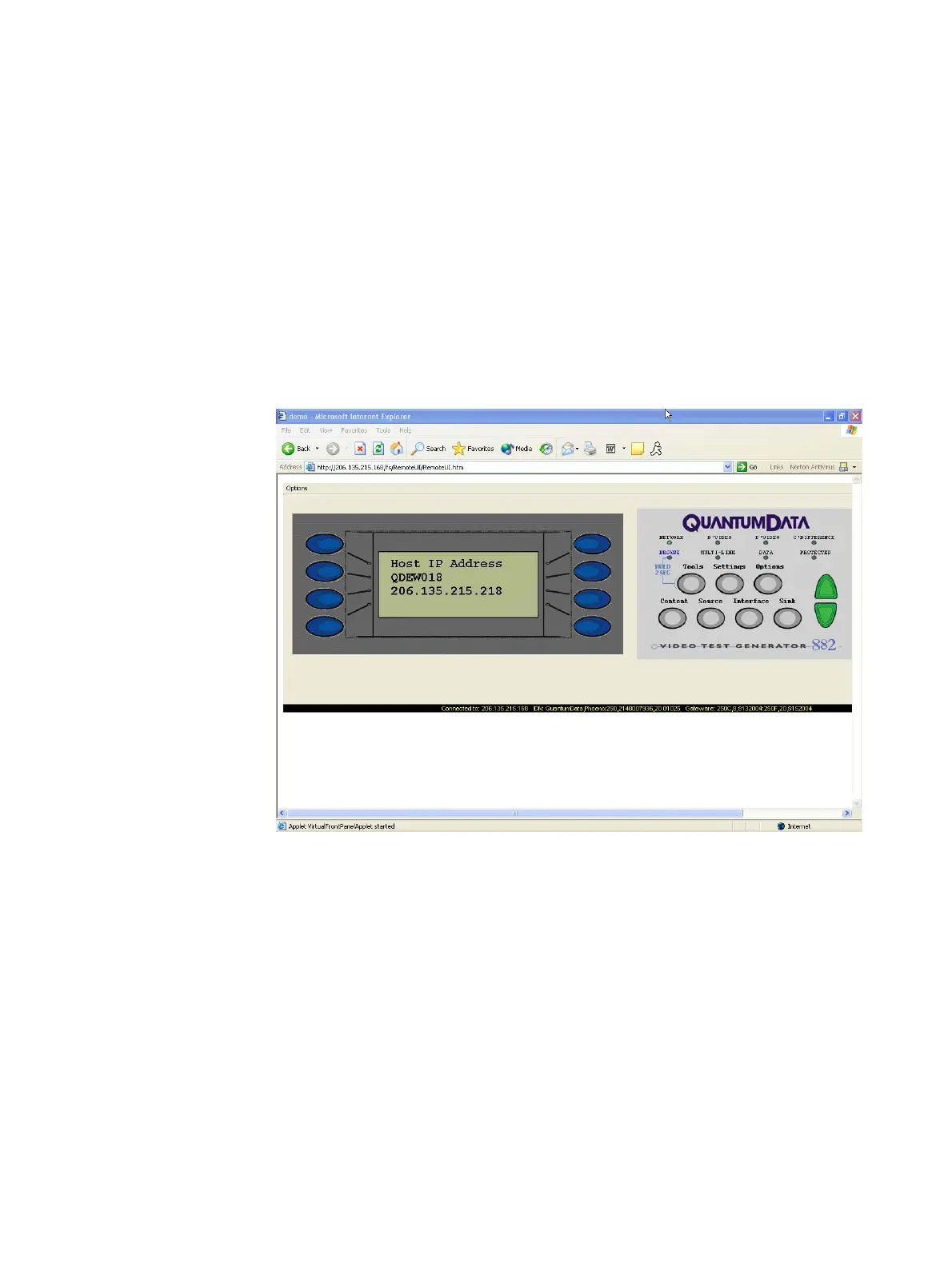
1. Access the source generator’s Virtual Front Panel. See “Front panel interface” on page
9.
2. From the Options menu (upper left corner of the Virtual Front Panel), choose the FTP
Browser menu item. The Generator FTP Browser appears.
3. In the Instrument Files area, click the down arrow and select the tffs0. This is the
generator’s flash memory.
4. Double click the Library folder, and then double-click the FormatLib folder to open it.



 To Next Page