274 Chapter 9 Testing HDMI Sink Devices
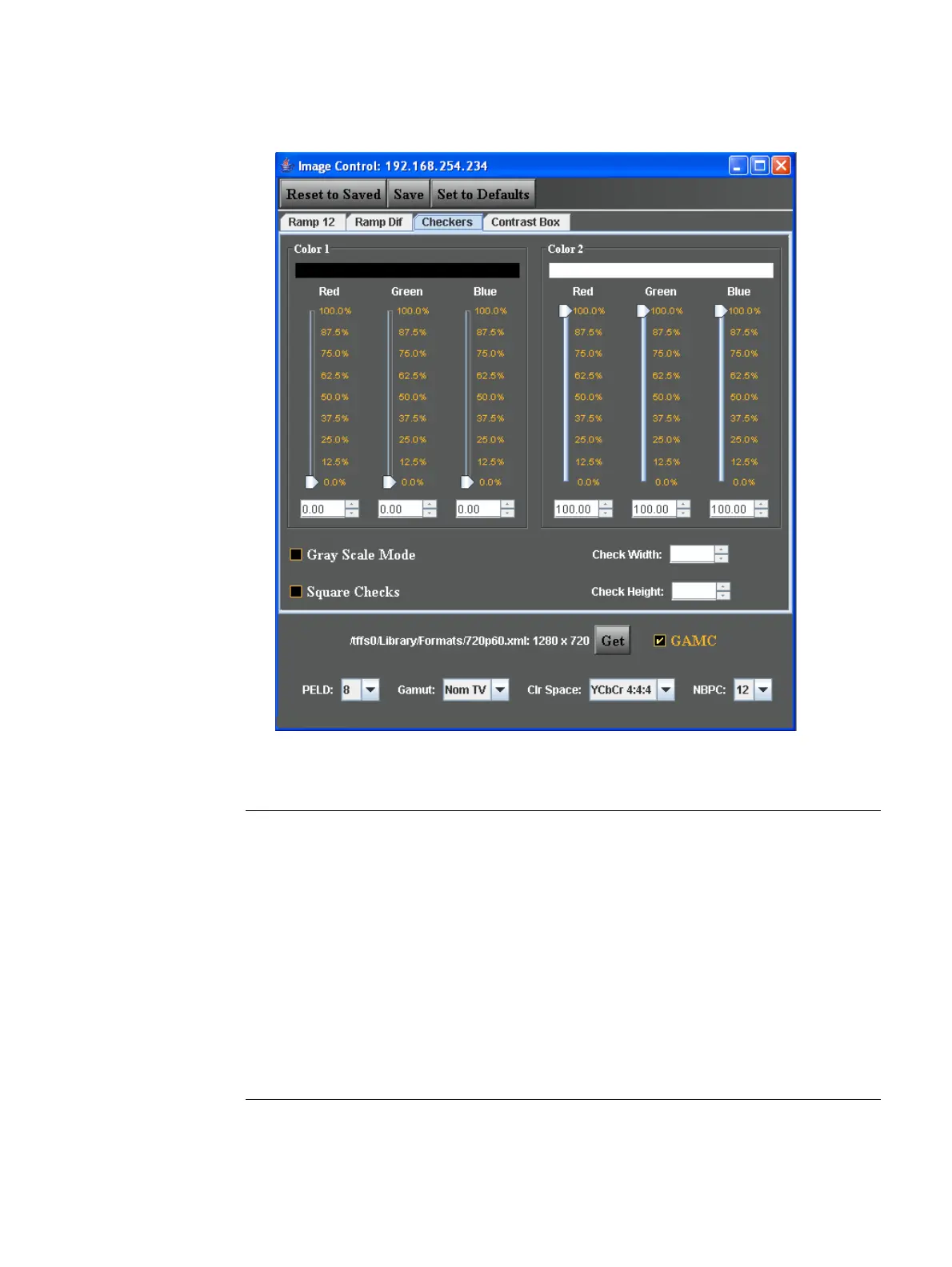
Refer to the image and table below to understand the configuration and use of this image.
The following table describes the parameters of the Image Control Tool.
Function/Field Function
Color 1 These slide bars set the color component and grayscale level for one
set of tiles. This is expressed as a percentage of the total range
defined by the setting of Number of Bits per Component (NBPC) from
0% to 100%. For example, if NBPC is 12 the total range is 4096.
Color 2 These slide bars set the color component and grayscale level for one
the other set of tiles. This is expressed as a percentage of the total
range defined by the setting of Number of Bits per Component (NBPC)
from 0% to 100%. For example, if NBPC is 12 the total range is 4096.
PELD This is the pixel depth within the 882. It defines the number of colors
available to the 882 for rendering simultaneously on an image. The
valid values for the PELD pulldown select box are 8 and 32. This
parameter does not effect this image.



 To Next Page