276 Chapter 9 Testing HDMI Sink Devices
To access the Image Control Tool:
1. Set up the 882 for HDMI output. See “Setting up the 882 for HDMI testing” on page 259.
2. Press the Source key and select the desired format.
Alternatively, you can load the format with the following command:
FMTL format_name
FMTU
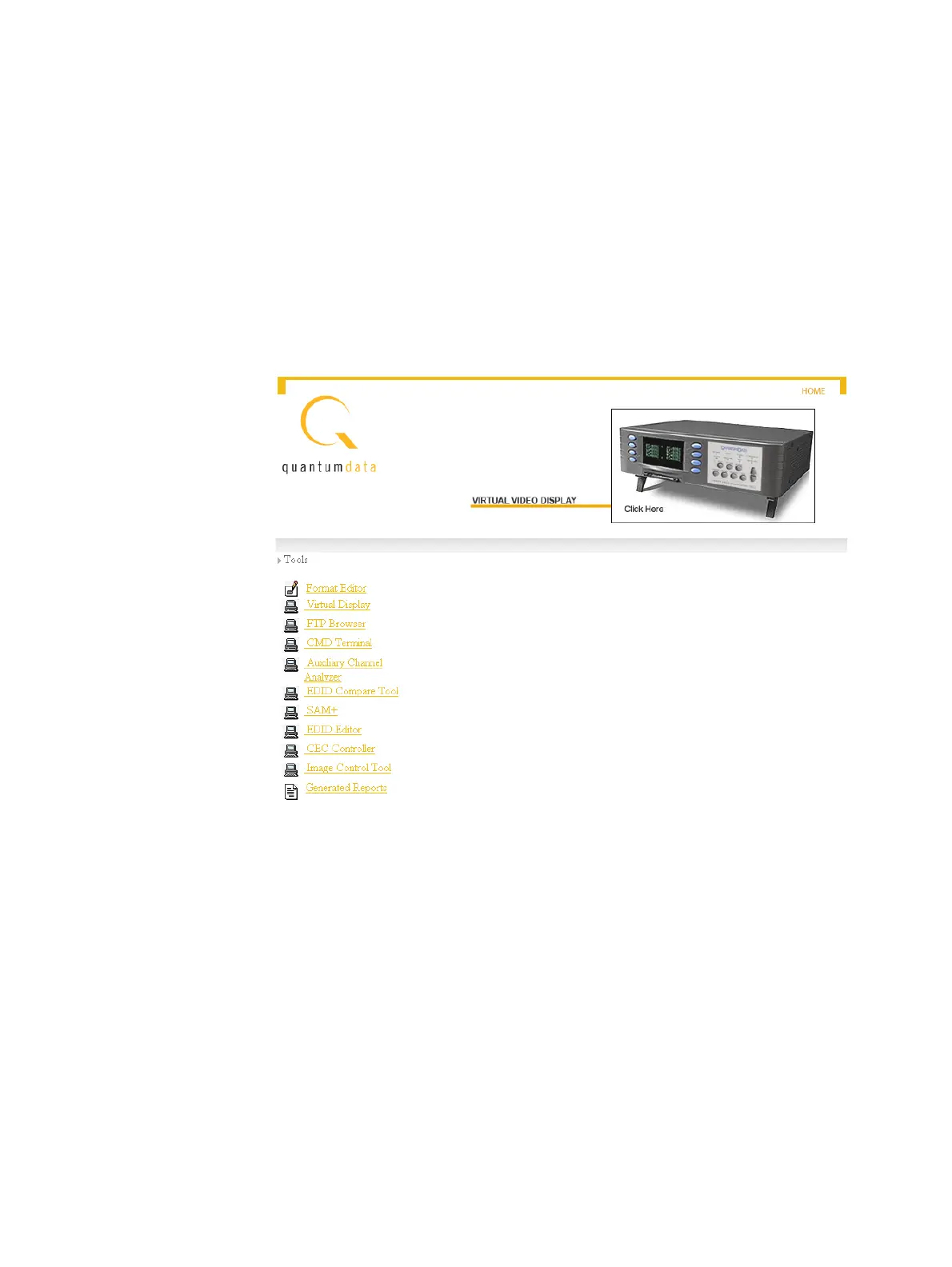
3. Open a Web browser (such as Internet Explorer) and type the 882’s IP address in the
address entry field. For example, enter the following: http://206.135.215.189/.
The 882 home page appears in the browser.



 To Next Page