296 Chapter 9 Testing HDMI Sink Devices
3. Press the Content key and choose an audio image (for example, AudioLR).
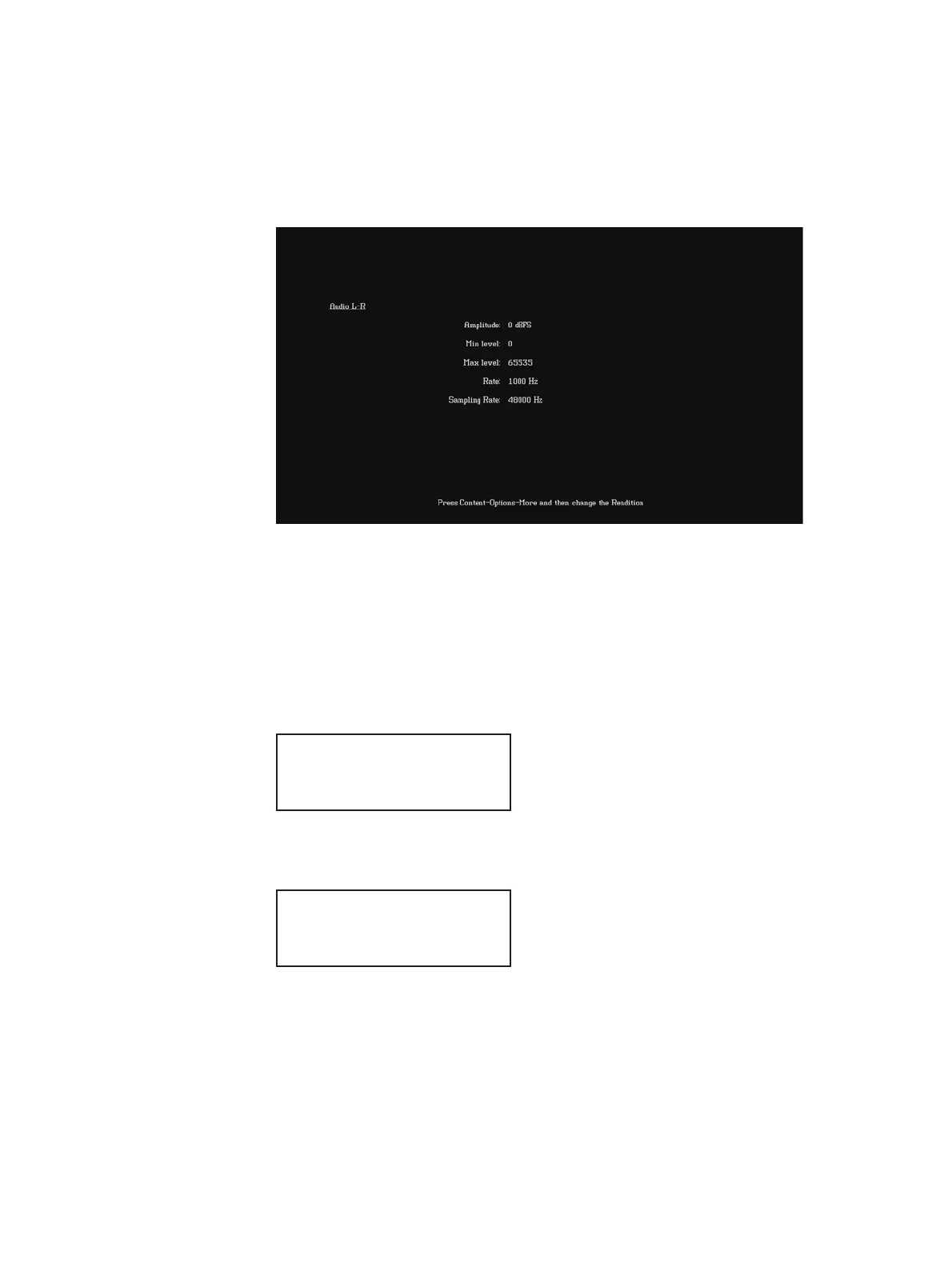
The selected image appears on the connected HDMI display. The image shows the
current settings for the HDMI audio output. For example, the AudioLR image is shown
below.
Alternatively, to select the audio image using the command line interface, enter the
following commands:
IMGP /tffs0/Library/Images // Set image path to 882 memory
IMGL AUDIOLR // Loads the AudioLR image
IMGU // Activates the AudioLR image
4. Enable and view image versions for the AudioLR image as follows:
a. Press the Options key. The following menu appears on the 882’s display:
b. Choose the More item by pressing the adjacent soft key until a + and Rendition
appears next to the item.
c. Press the + and - keys to advance through the image versions.
Note: Depending on the selected image, pressing the + and - keys will change the
amplitude or frequency of the HDMI audio output.
Alternatively, to enable and view an image version using the command line interface,
enter the following commands:
-More
Red+
-NoGamma Green+
-Noise Blue+
+More Rendition: 000
Red+
-NoGamma Green+
-Noise Blue+



 To Next Page