882 Video Test Instrument User Guide (Rev A.35) 315
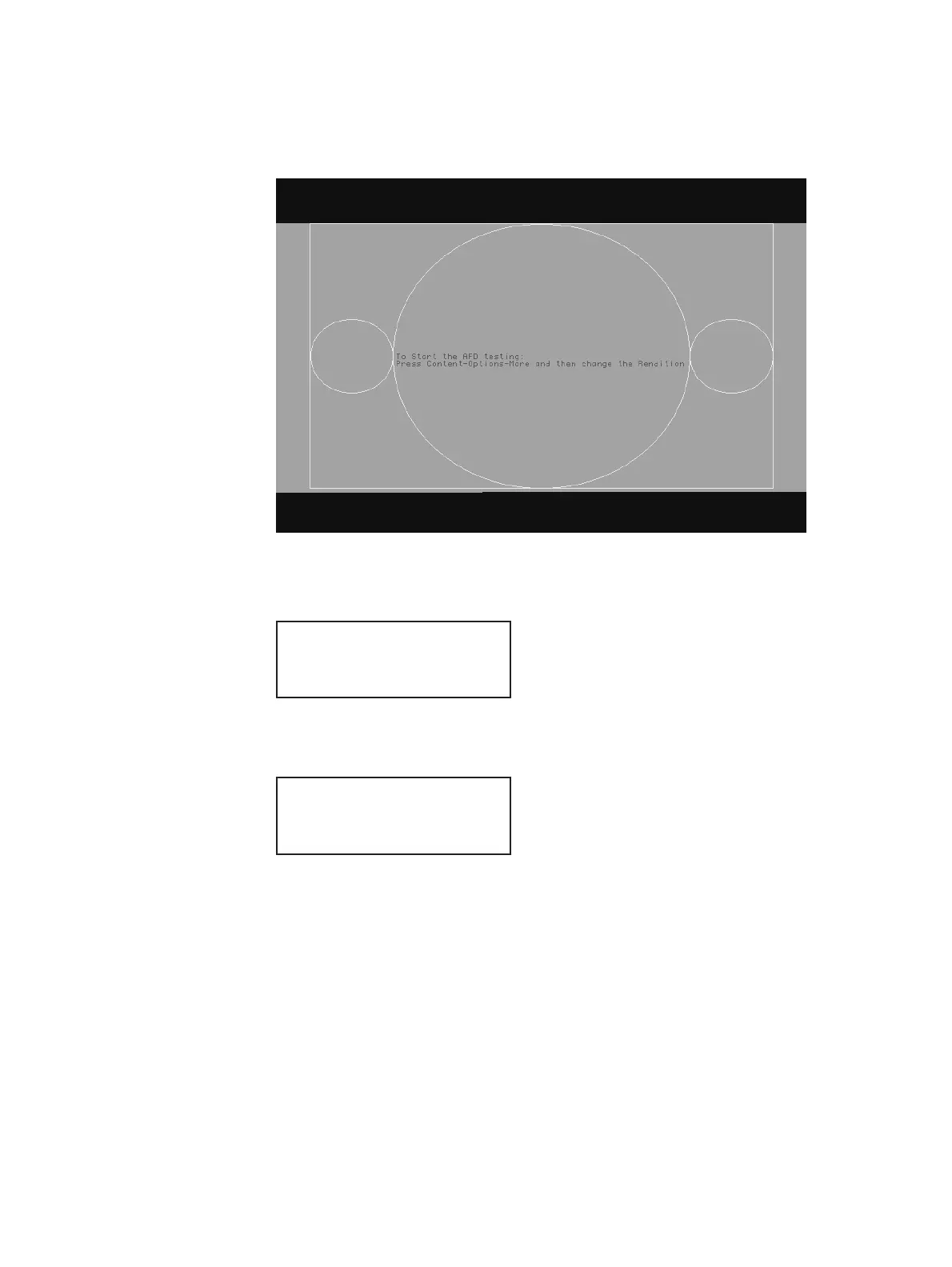
IMGU // Activates the AFDtest image
The AFDtest image appears on the connected HDMI display.
4. Enable and view image versions for the AFDtest image as follows:
a. Press the Options key. The following menu appears on the 882’s display:
b. Choose the More item by pressing the adjacent soft key until a + and Rendition
appears next to the item.
c. Press the + key to advance through the image versions.
Note: Select the image version that corresponds to the AFD case (or code) you want
to test. See the table on page 314 for a list of the image numbers that correspond with
each AFD case.
Alternatively, to enable and view the image versions using the command line interface,
enter the following commands:
ISUB 1 // Enables sub images
IVER 1 // Specifies the first image version
IMGU // Activates the image version
-More
Red+
-NoGamma Green+
-Noise Blue+
+More Rendition: 000
Red+
-NoGamma Green+
-Noise Blue+



 To Next Page