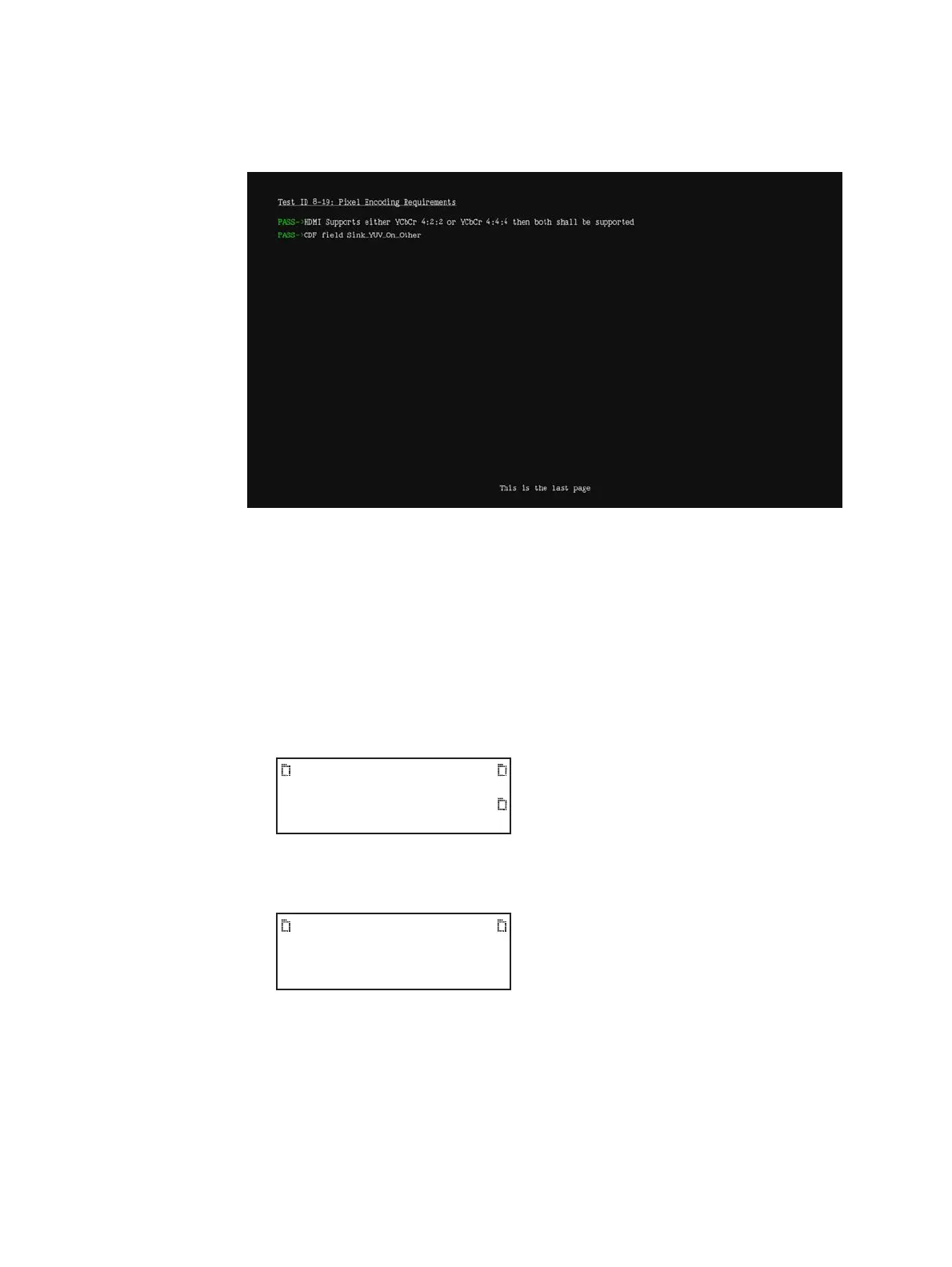
24 Chapter 11 Testing EDID for HDMI
• Testing Pixel Encoding Requirements (Test ID 8-19)—verifies that the display
under test supports YCbCr pixel encoding when required.
Running the HDMI EDID Compliance test report
Follow the procedure to generate an HTML report of EDID compliance test results. Prior to
running this test you will need to configure the 882 for the test. Refer to “Setting up 882 for
HDMI sink device EDID compliance testing” on page 16 for instructions on setting up the
882 for the EDID test.
To generate a report of EDID compliance test results:
1. Press the Tools key. The Tools menu appears on the 882’s display as shown below.
2. Press the Reports key. The Reports menu appears on the 882’s display as shown
below.
System
Sequence
Probe
AFC
Analyzer
Reports
ImgShift
EDID
Packets



 To Next Page