30 Chapter 11 Testing EDID for HDMI
6. Click the Use CDF actitivation button located at the bottom of the interface, to load the
CDF defined in the screen for use in the test.
7. Click the Run Test actitivation button to run the EDID compliance test.
The test runs without interruption.
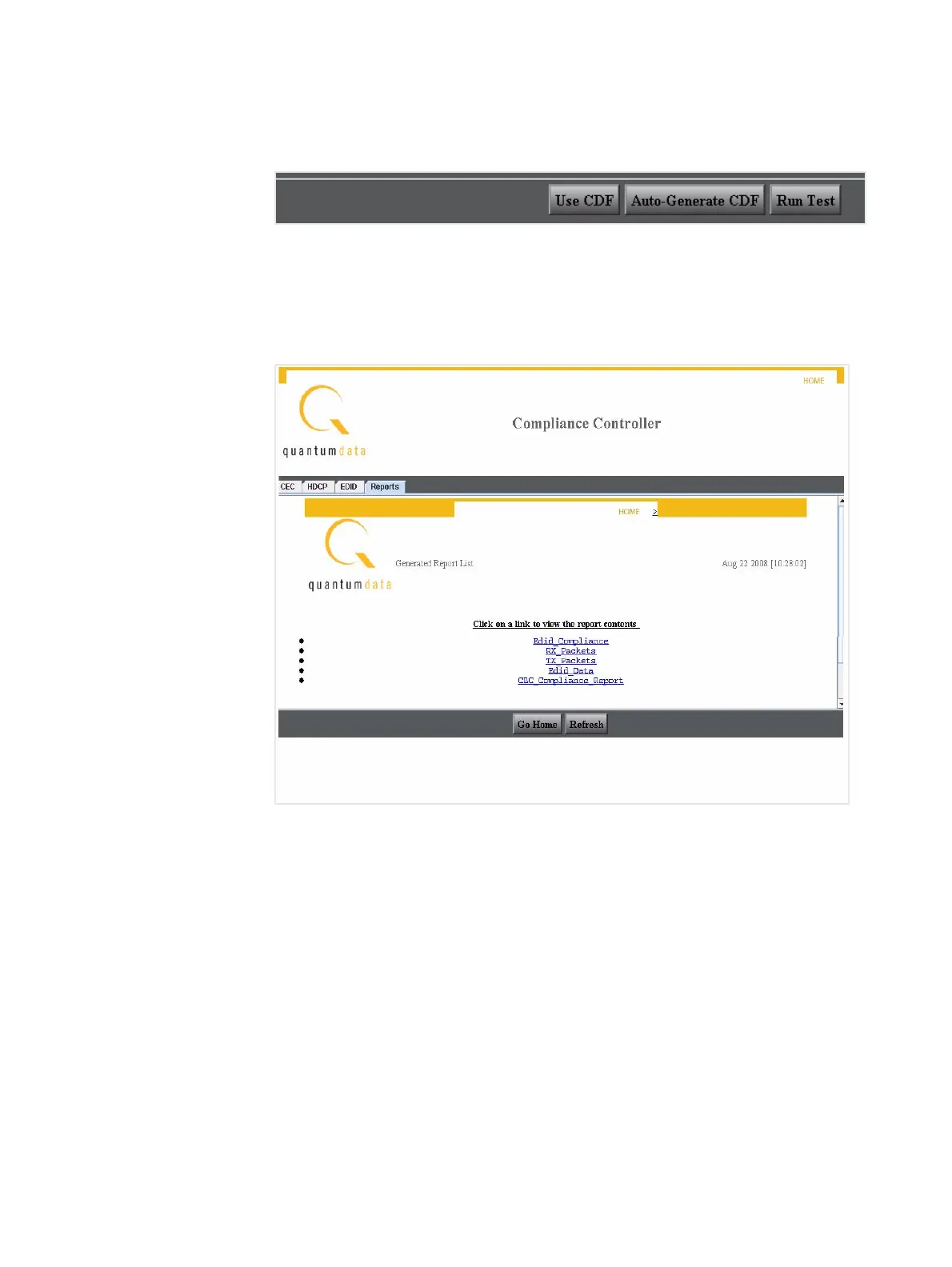
8. Select the Report tab on the Compliance Controller interface to view the list of reports
as shown below.



 To Next Page