882 Video Test Instrument User Guide (Rev A.35) 47
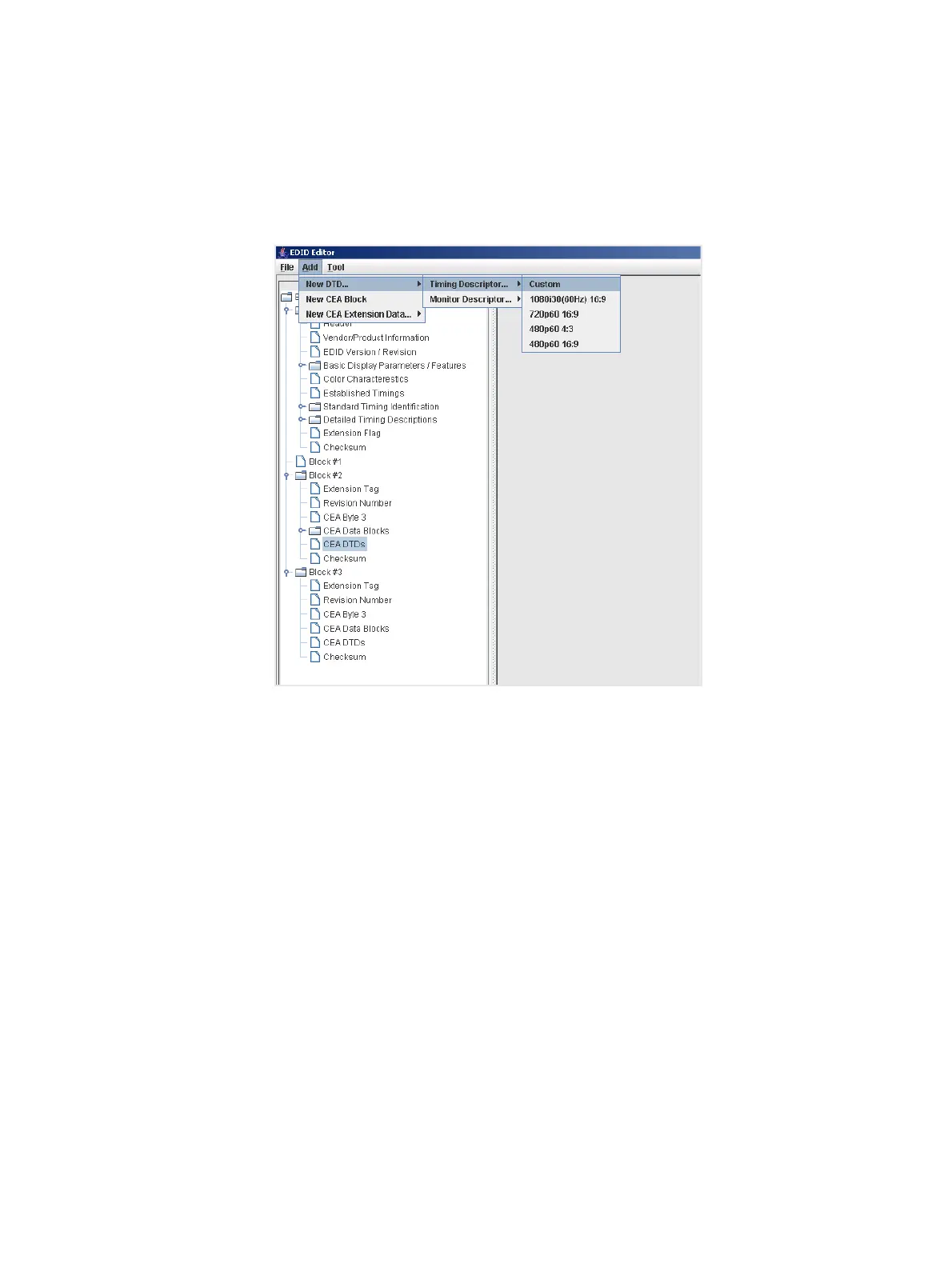
6. Add detailed timing descriptor (DTD) data.
a. Highlight the CEA DTDs block where you want to add the DTD.
b. Select New DTD from the Add pull down menu.
The example below shows adding a Custom Timing Descriptor.
When you add a DTD, it is added to the selected DTD data block as shown below.
c. Edit the fields in the data block that in accordance with your requirements.
d. Click the OK button to save the data block that you added.



 To Next Page