70 Chapter 12 CEC Interactive Troubleshooting Environment (ITE)
2. Enter the following command to check for continuity.
CEC1:MSGX 3 0 83 //request physical addr of device at addr 0 from a
device at address 3 for example
3. View the results by querying the message log.
CEC1:MSGX?
The following results would be returned.
0F 84 00 00 00
To ping a CEC device using the CEC Test image:
1. Press the Content key and select the CECTest1 or CECTest2 image.
CECTest1 is for HDMI OUT1 and CECTest2 is for HDMI OUT 2.
Alternatively, enter the following commands to load the CECTest image:
IMGL CECTest1.img; IMGU
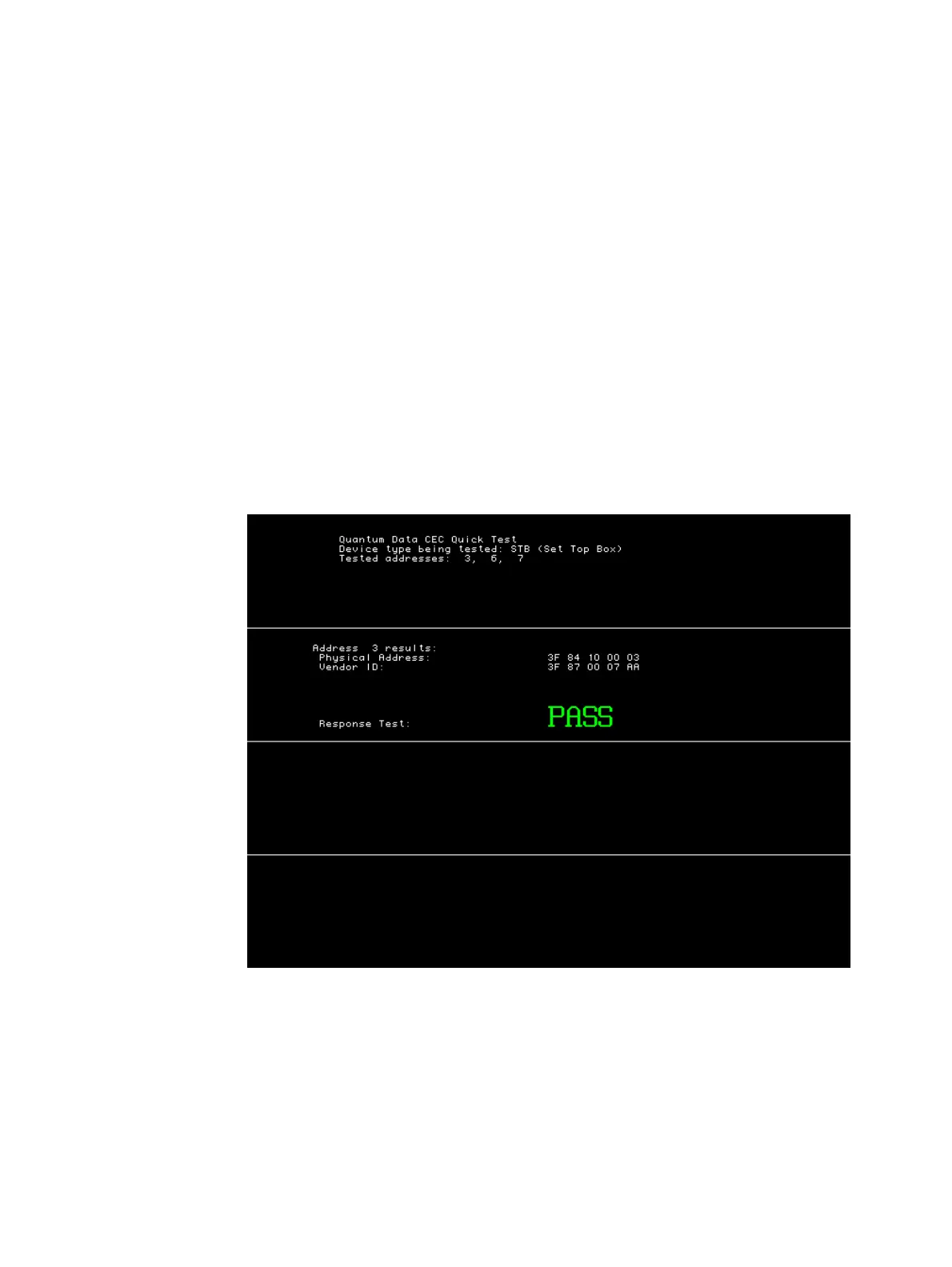
The CECTest1 image appears as shown below.
When you invoke this image, the 882C sends two messages out the CEC1 core (HDMI
Out 1) to the device that is connected to it. The two messages it sends querying for the
physical address and the vendor ID. The results are shown on the screen above along
with a Pass/Fail indication.



 To Next Page