882 Video Test Instrument User Guide (Rev A.35) 81
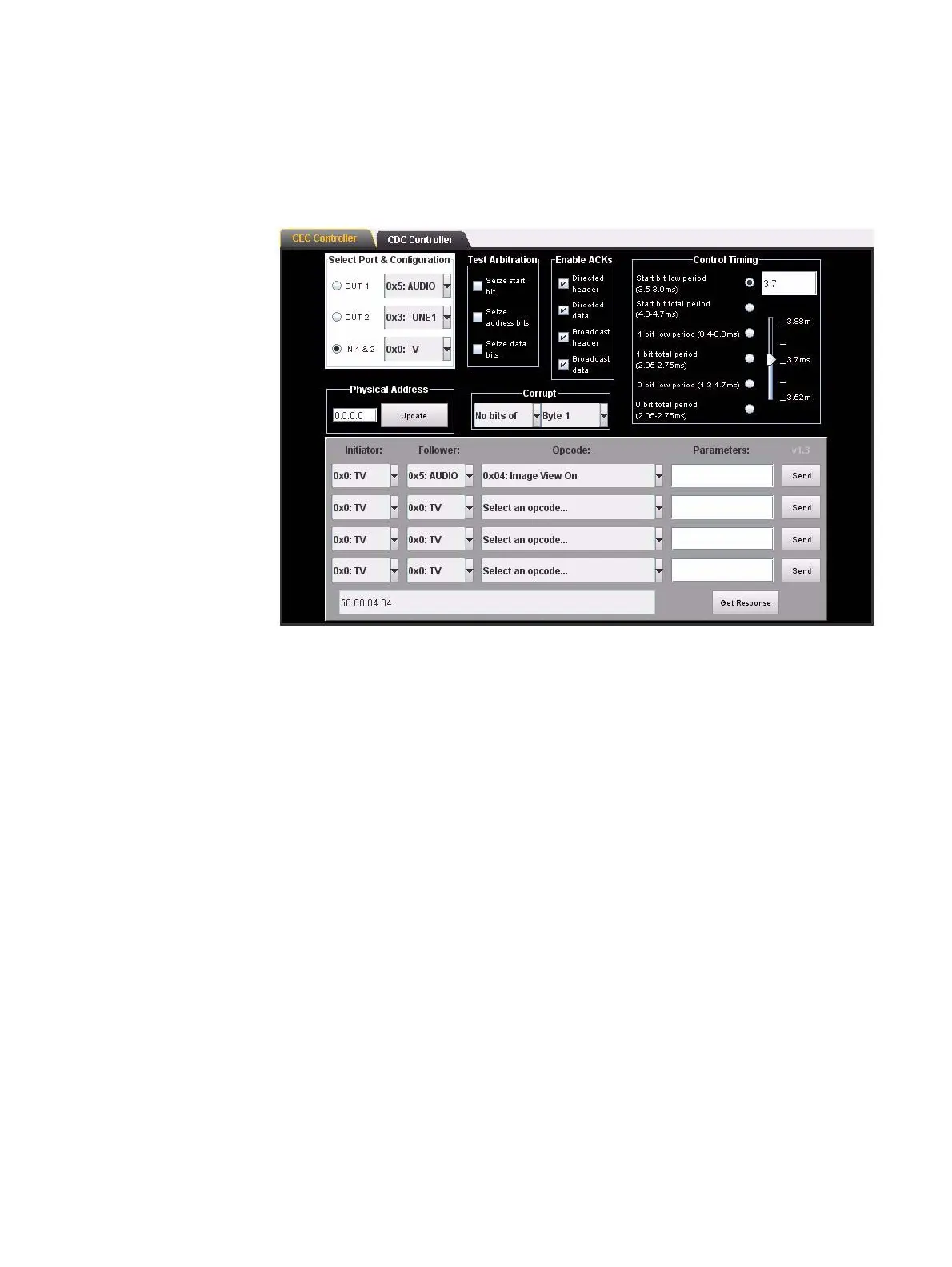
5. Click on the Send activation button associated with the command item to initiate the
command.
You can view the command response using the Get Response activation button on the
lower right of the CEC/CDC Controller panel. This is shown in the screen shot below:
You can also view the message and its response using the ACA application. A screen
shot of CEC messages appearing in the ACA is shown below.



 To Next Page