882 Video Test Instrument User Guide (Rev A.35) 97
L
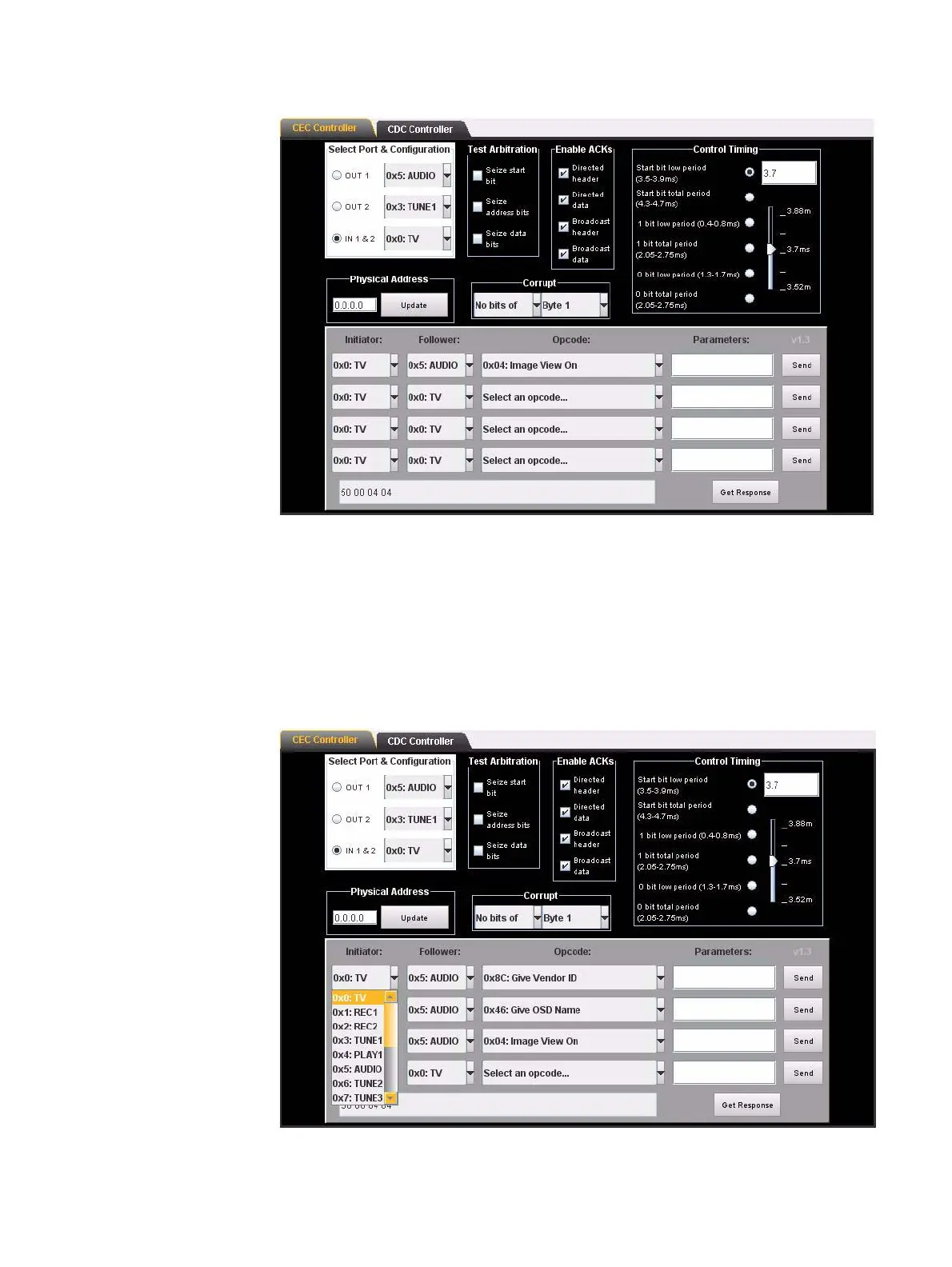
2. Select the port and device on the 882CA/EA that you wish to use for testing in the
Select Port & Configuration area of the CEC/CDC Controller screen. This is the port
of a device that you are emulating with the 882.
3. Then specify the initiator and follower for the command that you want to enter. You
specify this in the lower panel under the headings Initiator and Follower. These
selections are shown on the screen shot below. The Initiator is specified as a TV and
the Follower as an Audio system.



 To Next Page