882 Video Test Instrument User Guide (Rev A.35) 81
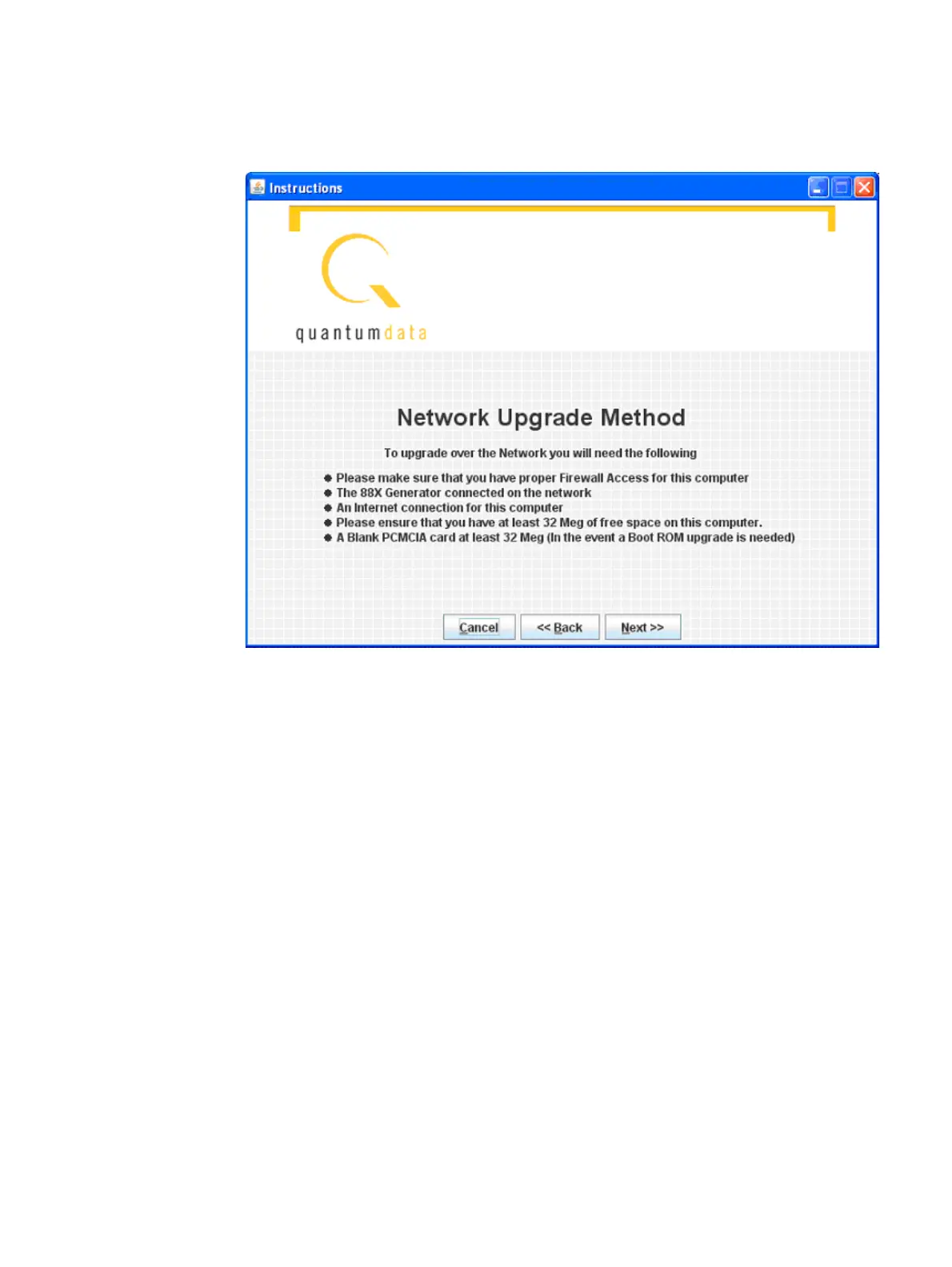
2. Select Network Upgrade, then Next. The Network Upgrade screen will appear:
3. Make sure you have network access to the generator, then select Next.
Next you will have the opportunity to back up the files in the generator. If you have any
custom images, formats, reports, or other files stored on the /tffs0 flash drive within the
generator, they will be lost unless you choose to back up the files.



 To Next Page