84 Chapter 3 Administrative Tasks
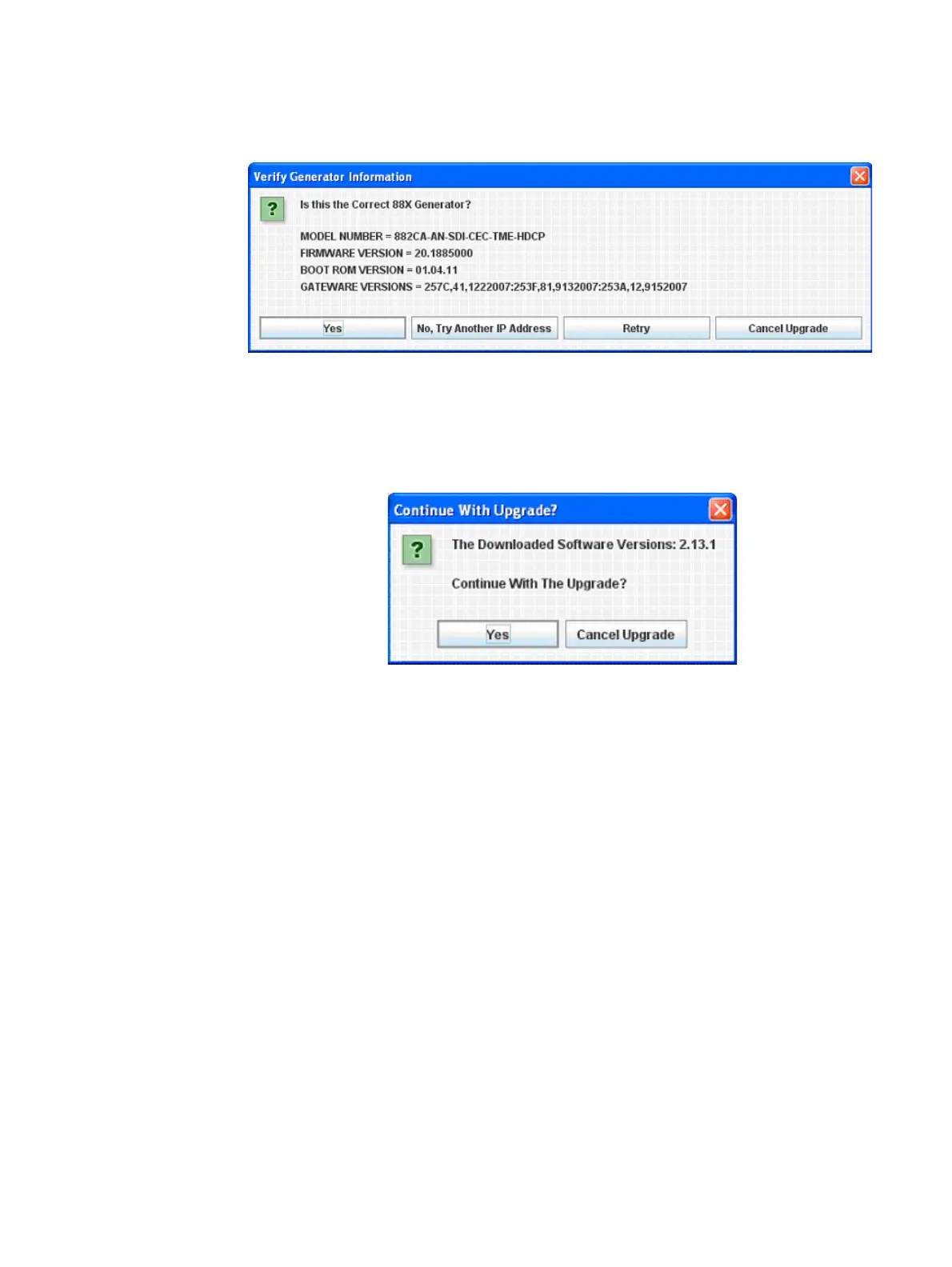
8. Next you must confirm that you are connected to the correct generator:
Click Yes to continue. Next the utility will connect to the Quantum Data website to
download the current firmware version for this generator, then display the version
number and wait for your confirmation.
9. Click Yes to continue. The utility will extract the downloaded files, back up the
generator’s current files to the PC, and finally transfer the new files to the generator.
Please don’t disconnect or turn off the generator or PC until you see the final screen:



 To Next Page