RADWIN5000ConfigurationGuide Release4.9.17 5‐2
WINTouch SUPRO/AIRConfiguration
5.2WINTouch
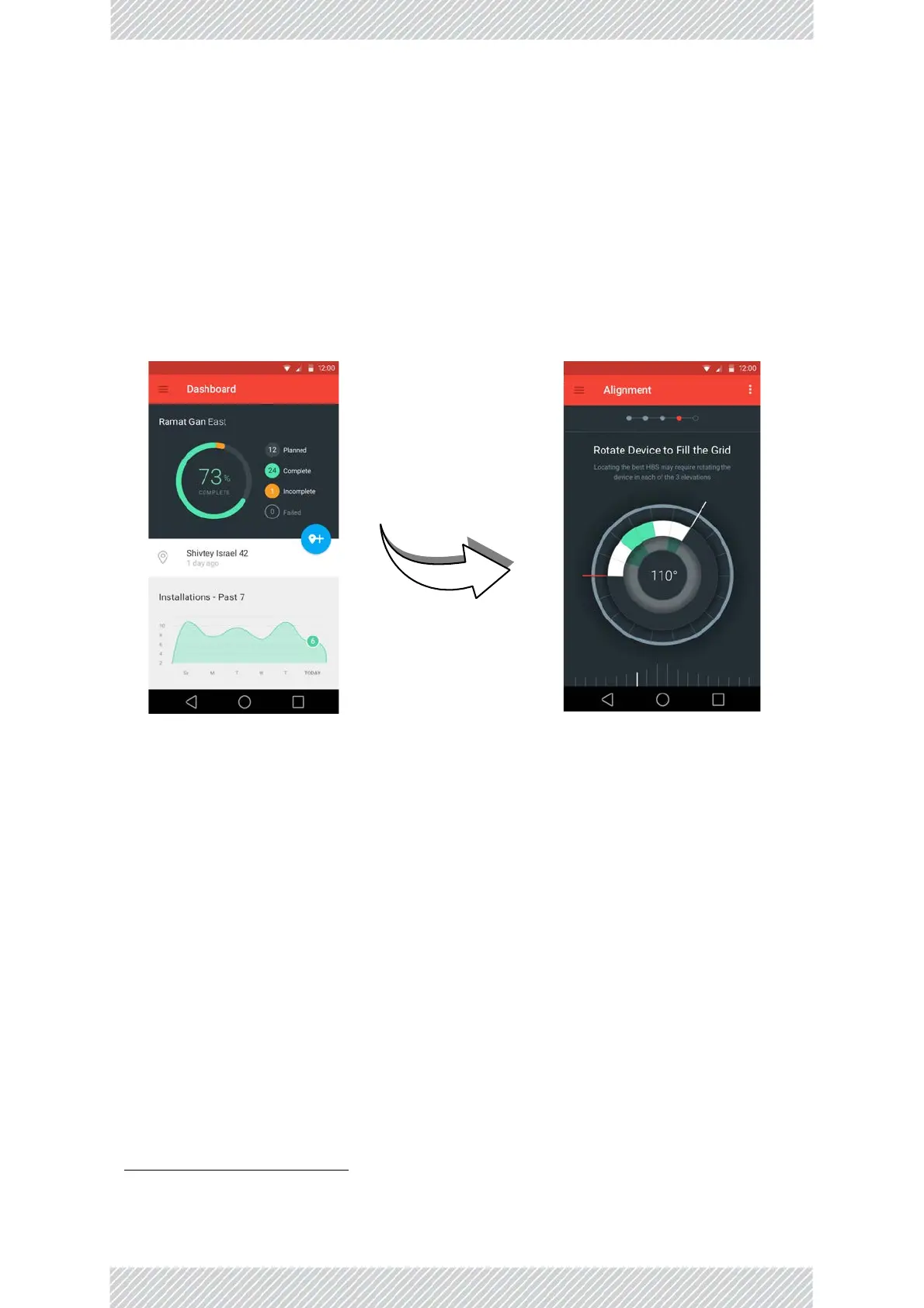
• WINTouchisasmartphoneapplicationthatallowsyoutoconfigureanSUPRO/AIRunit,
frominitialsettingstofinalantennaalignment.
• WINTouchprovidesintuitiveinstructions,including clearvideoclips‐keepingthelearn‐
ingcurvetoaminimum.
• InstallWINTouchonyoursmartphone,connecttotheunitviaWiFi,andfollowWIN‐
Touch’sinstructions.
5.3SUPRO/AIRWebInterface(viaPCor
laptop)
Accessthewebinterfacebyconnectingtotheunit,eitherdirectlyviaRJ45cable,orviaWiFi
(defaultWiFipasswordiswireless).
Entertheunit’sIPaddressinawebbrowser.
Username:admin
Password:netman
IfyouareusingadesktopPCorlaptop
1
,youwillseeawindowsimilartothis:
1. Ifyouareusingasmartphone,see“SUPRO/AIRWebInterface(viaSmartphone)”onpage5‐11


 To Next Page