RED RAVEN OPERATION GUIDE
COPYRIGHT © 2016 RED.COM, INC 955-0127_V6.3, REV-E | 111
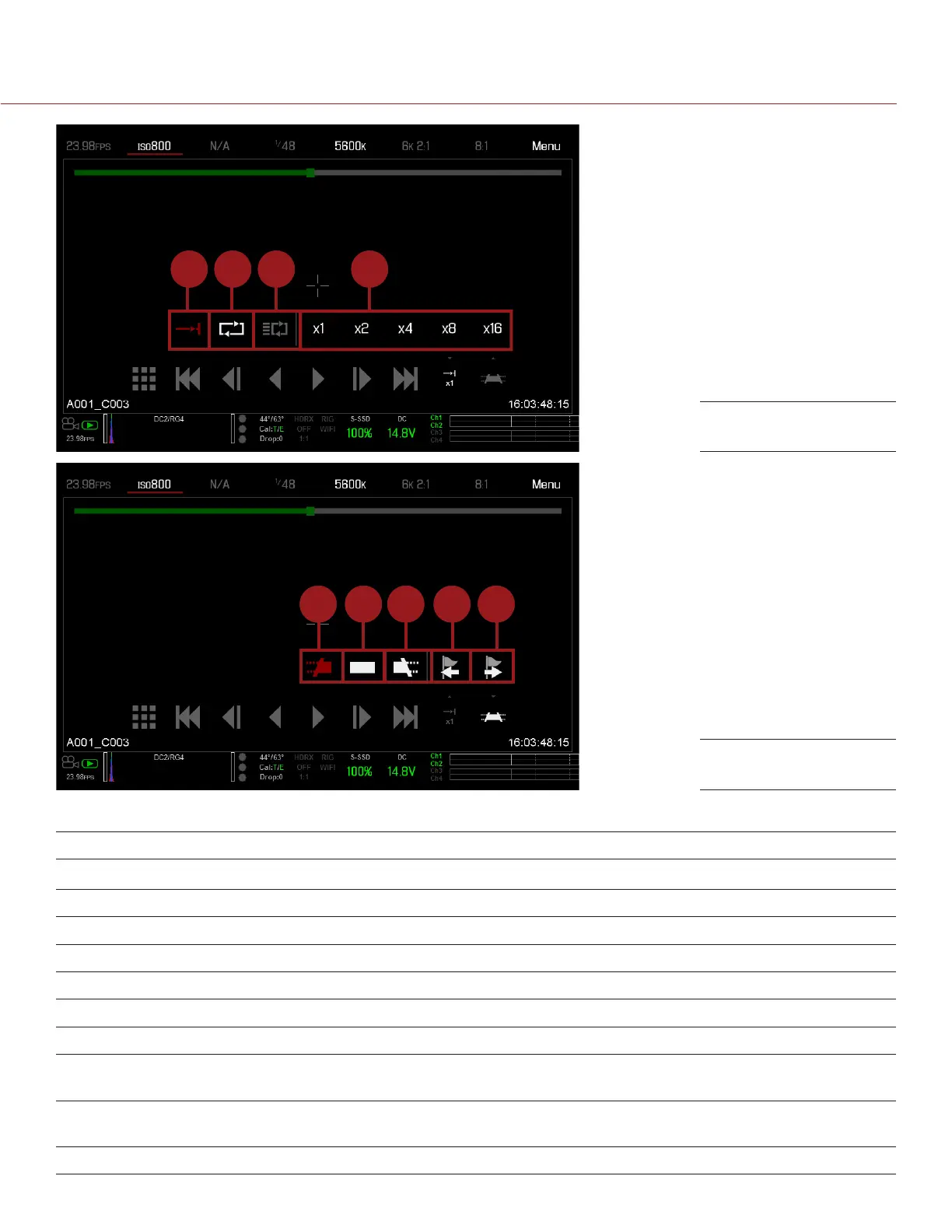
13 14 15 16
17 18 20 2119
The table below describes the Playback controls.
# CONTROL DESCRIPTION
1 Clips View clips as thumbnails
2 Load Previous Clip Loads the previous clip in the playlist.
3 Frame-by-Frame Reverse Moves through the clip frame-by-frame in reverse.
4 Reverse Play/Pause toggle Plays clip in reverse, and toggles between play and pause.
5 Play/Pause toggle Toggles between play and pause.
6 Frame-by-Frame Forward Moves through the clip frame-by-frame.
7 Load Next Clip Loads the next clip in the playlist.
8 Play Options Displays the following subset of options: Play Once, Loop, Loop Playlist,
and Playback Speed.
9 Marker Options Displays the following subset of options: In Point, Remove In/Out Point,
Out Point, Previous Marker, and Next Marker.
10 Apple ProRes Playback Displays the following subset of options: R3D and ProRes
Playback Controls
Playback Controls



 To Next Page