Downloading IWB Remote Desktop Software
1. Start your web browser.
2. Enter "http://(machine's IP address or host name)/" in your web browser's URL bar and
display the Web page for the machine.
3. Click [Download Software].
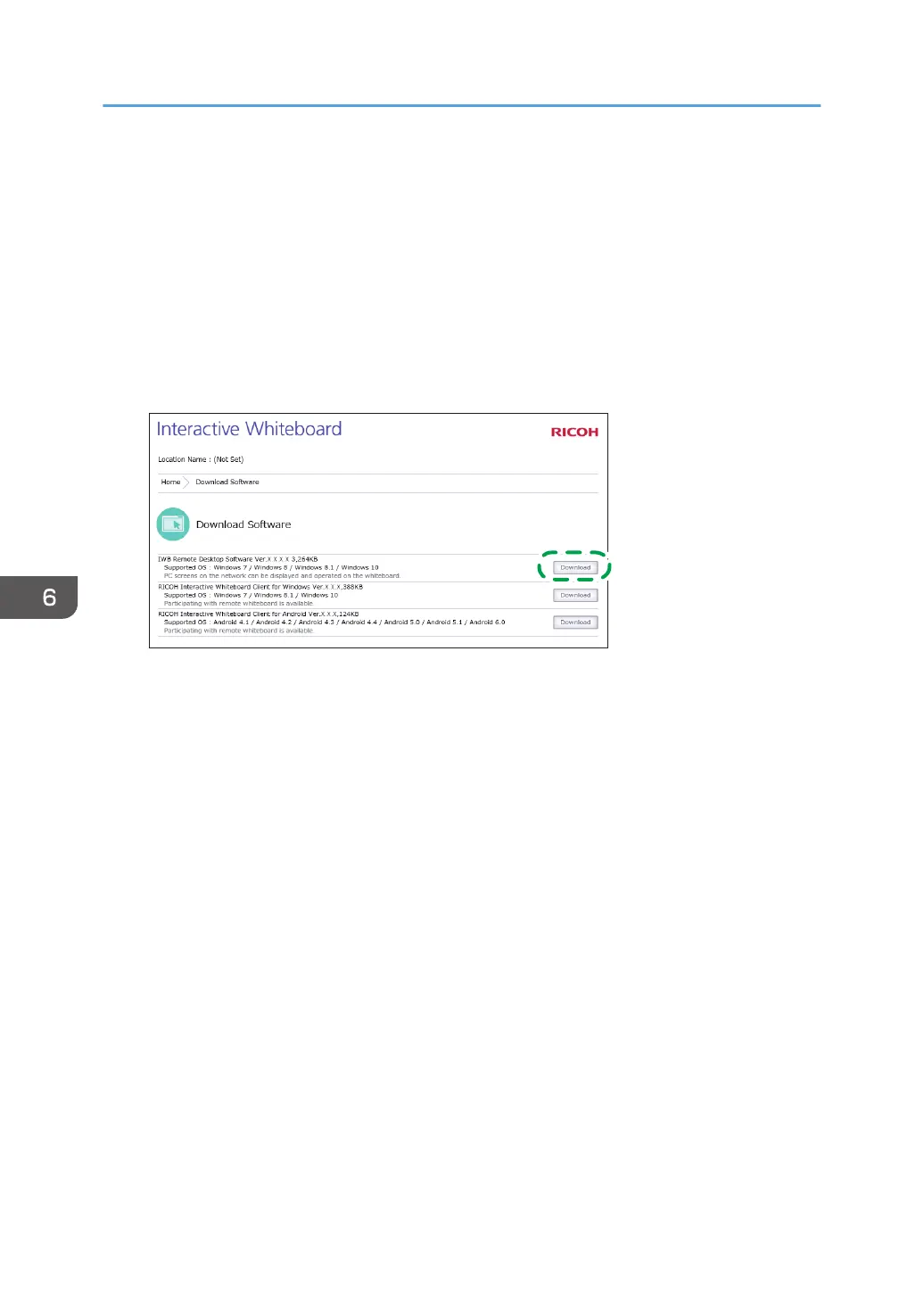
4. Click [Download].
5. Click [Download] under IWB Remote Desktop Software.
6. Click [Save].
IWB Remote Desktop Software is downloaded.
6. Using the Machine to Perform Operations on a Computer Screen
98



 To Next Page