Uninstalling Remote Viewer from the Computer
• Log on to the computer as a user with administrator privileges to uninstall the software.
1. On the [Start] menu, select [Control Panel].
2. Select [Programs and Features].
3. Click [Uninstall a program].
4. Select "RICOH Interactive Whiteboard Remote Viewer Type 1" and click [Uninstall].
5. Confirm the messages and click [OK].
Changing the Display Magnification of Remote Viewer
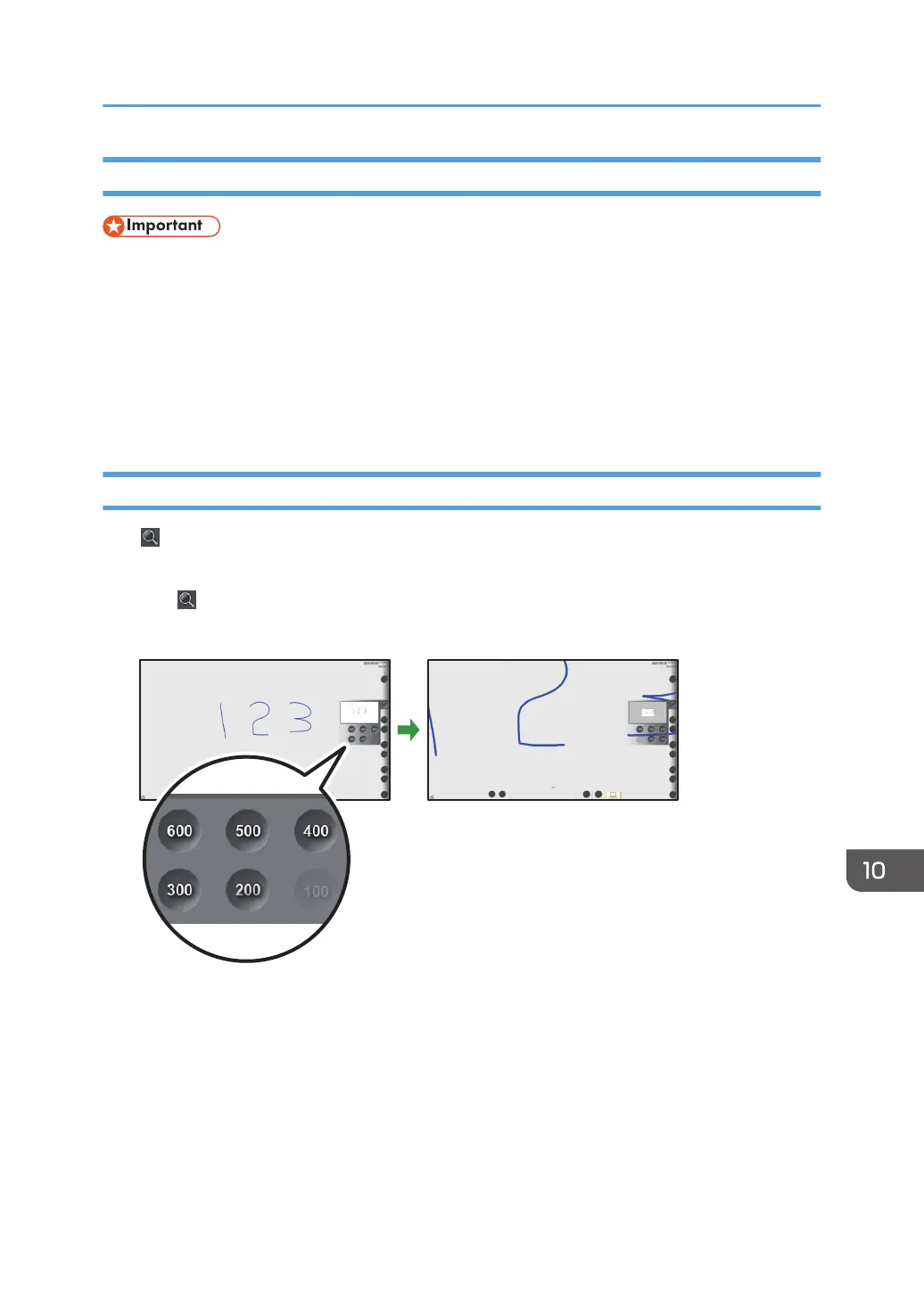
Click , the Loupe icon, to change the display magnification, or to move a displayed area. The
enlarged display area can be moved.
1. Click
, the Loupe icon.
2. Click the display magnification.
Using Remote Viewer
217


 To Next Page