1. Overview
This chapter provides an overview of the whiteboard function of RICOH Interactive Whiteboard
products. It also explains how to view the screen.
Things You Can Do with Interactive
Whiteboard
You can use the Interactive Whiteboard in a variety of ways to fit your needs.
Use a Whiteboard
This chapter provides an overview of the
whiteboard function of Interactive Whiteboard
products. It also explains how to view the screen.
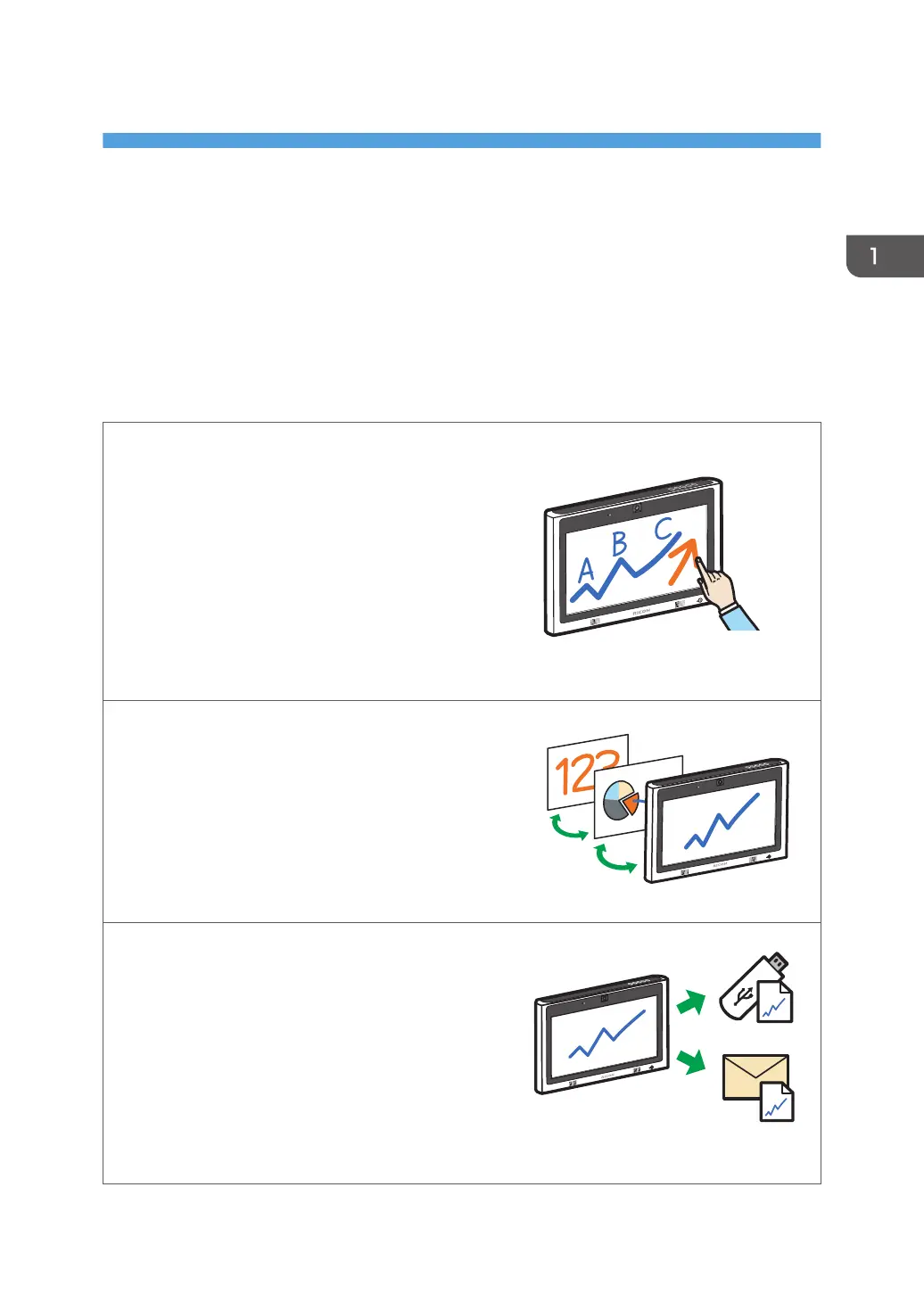
In addition to drawing freehand lines, you also can
convert freehand-written characters to text data,
correct or align freehand-drawn circles and lines,
and enter stamps and figures by selecting them from
the list.
See page 29 "Writing on the Screen".
Operate pages
You can add or delete pages. You can switch
between pages to write, draw, or edit text and
figures. You also can change the display
magnification of the displayed page.
See page 46 "Operating a Page".
Save pages
You can combine all the pages within a single PDF
file. This file can be saved to a USB flash memory
device or sent by e-mail. You also can temporarily
save the page you are currently using on the solid-
state drive of the machine.
See page 49 "Saving Pages".
See page 59 "Sending Pages by E-mail".
See page 52 "Saving Pages Temporarily".
11



 To Next Page