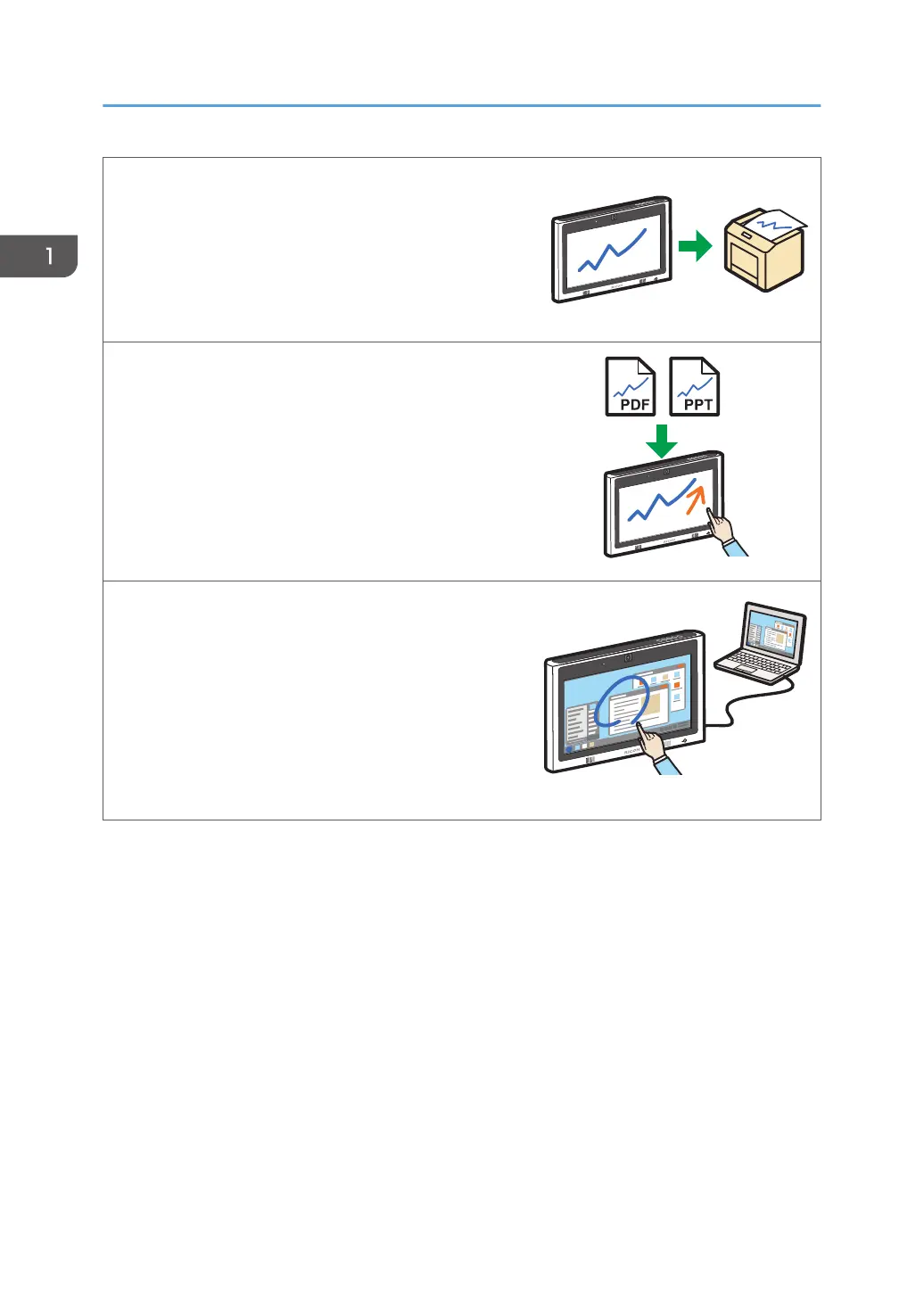
Print pages
You can print the currently displayed page or all
pages.
See page 65 "Printing".
Import a file and write text or draw figures
You can import and display a PDF or PowerPoint file
on the screen, and write text or draw figures on the
displayed file.
See page 53 "Importing a File".
Display the screen of a computer and write text or
draw figures
You can display an image from a computer, tablet,
or document camera. You can also write text or
draw figures on the image that is displayed.
See page 71 "Connecting a Computer or Tablet
to the Machine".
1. Overview
12



 To Next Page