Screen Display Modes
You can switch the screen display mode only when the RICOH UCS function is enabled. For details
about the RICOH UCS function, see page 79 "Using the RICOH UCS Function".
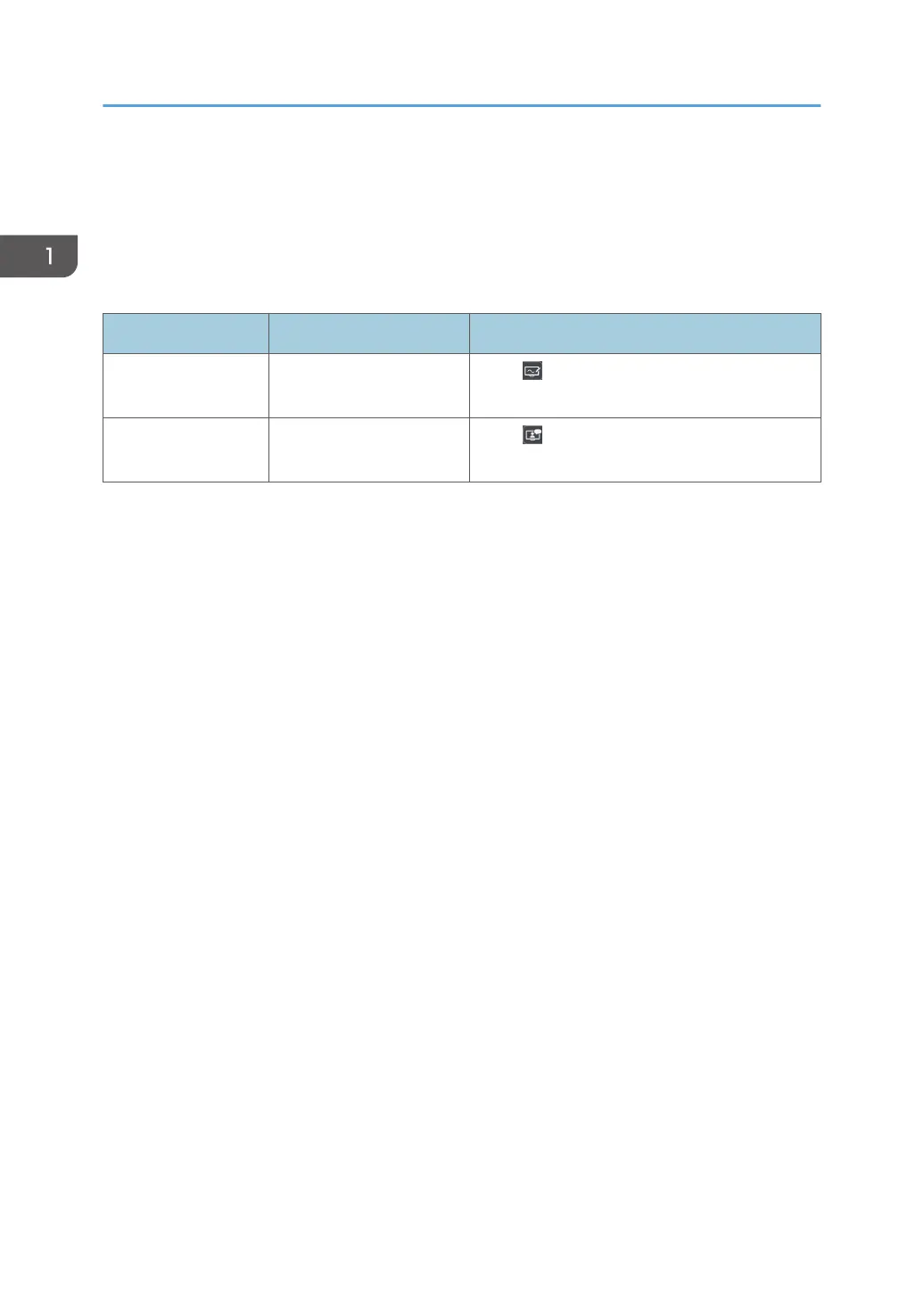
The following two different screen display modes are available:
Display Mode Description Selection Method
Whiteboard Mode
Displays the whiteboard
screen.
Touch , the Whiteboard icon, on the floating
toolbar when you are in RICOH UCS mode.
RICOH UCS Mode
Displays the RICOH UCS
screen
Touch , the RICOH UCS icon, on the floating
toolbar when you are in whiteboard mode.
Toggling between display modes during a meeting
You can switch to whiteboard mode anytime while you are connected to a meeting in RICOH UCS
mode. The connection to the meeting is maintained even after you switch to whiteboard mode.
1. Overview
18



 To Next Page