• When the machine is in palm deletion mode, you cannot perform any operation other than
deletion.
• Up to 4 deletion icons can be displayed and operated at a time.
Enlarging, Reducing, or Moving the Strokes
You can enlarge, reduce, or move the written text or drawn figures after selecting it.
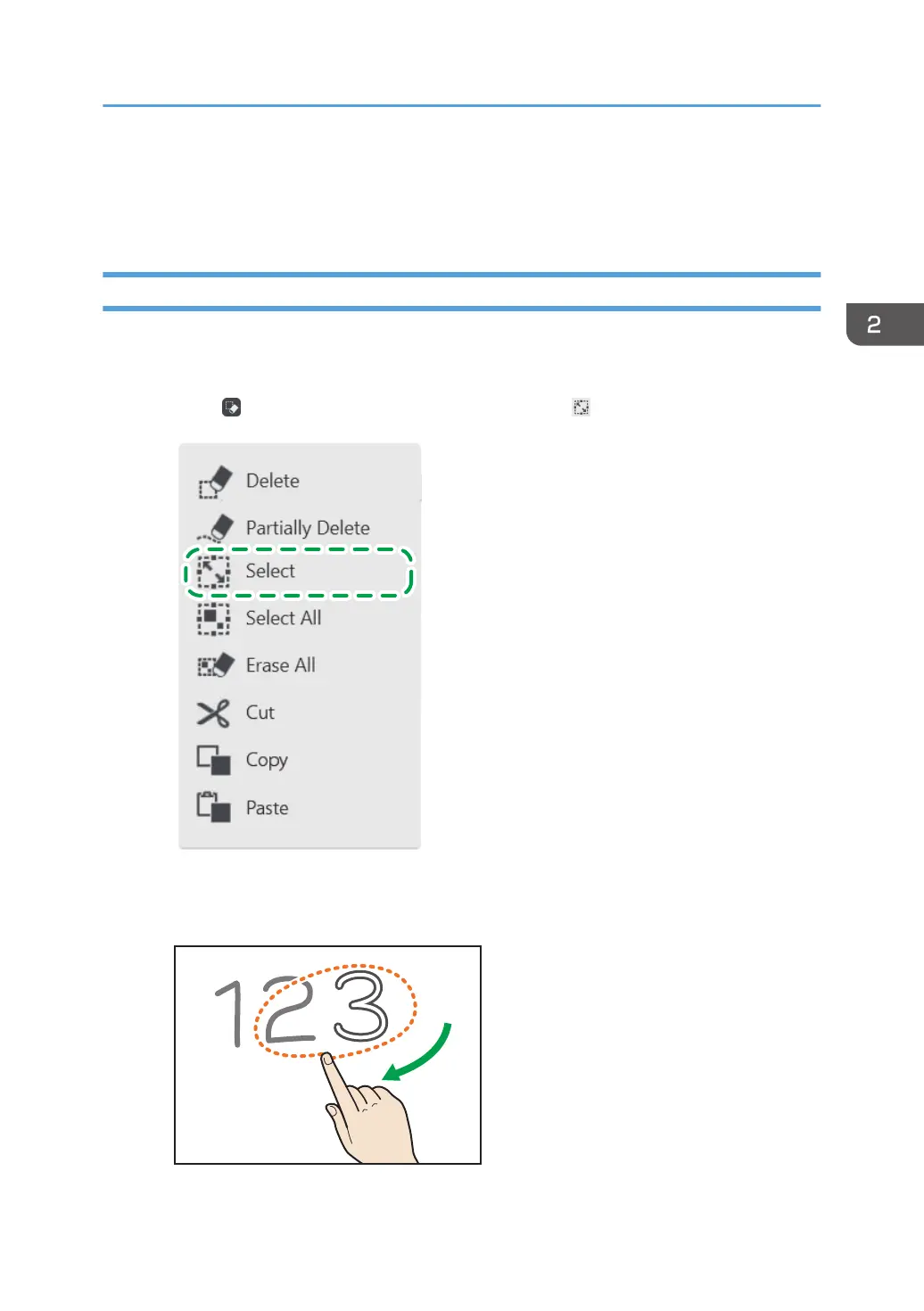
Selecting a stroke
1. Touch , the Select and Delete icon, and then touch , the Select icon.
2. Enclose a stroke with your finger to select the stroke.
You can select a single stroke by touching it.
Basic Operations
39



 To Next Page