Touch [Select All] to select all strokes on the page.
Enlarging or reducing strokes
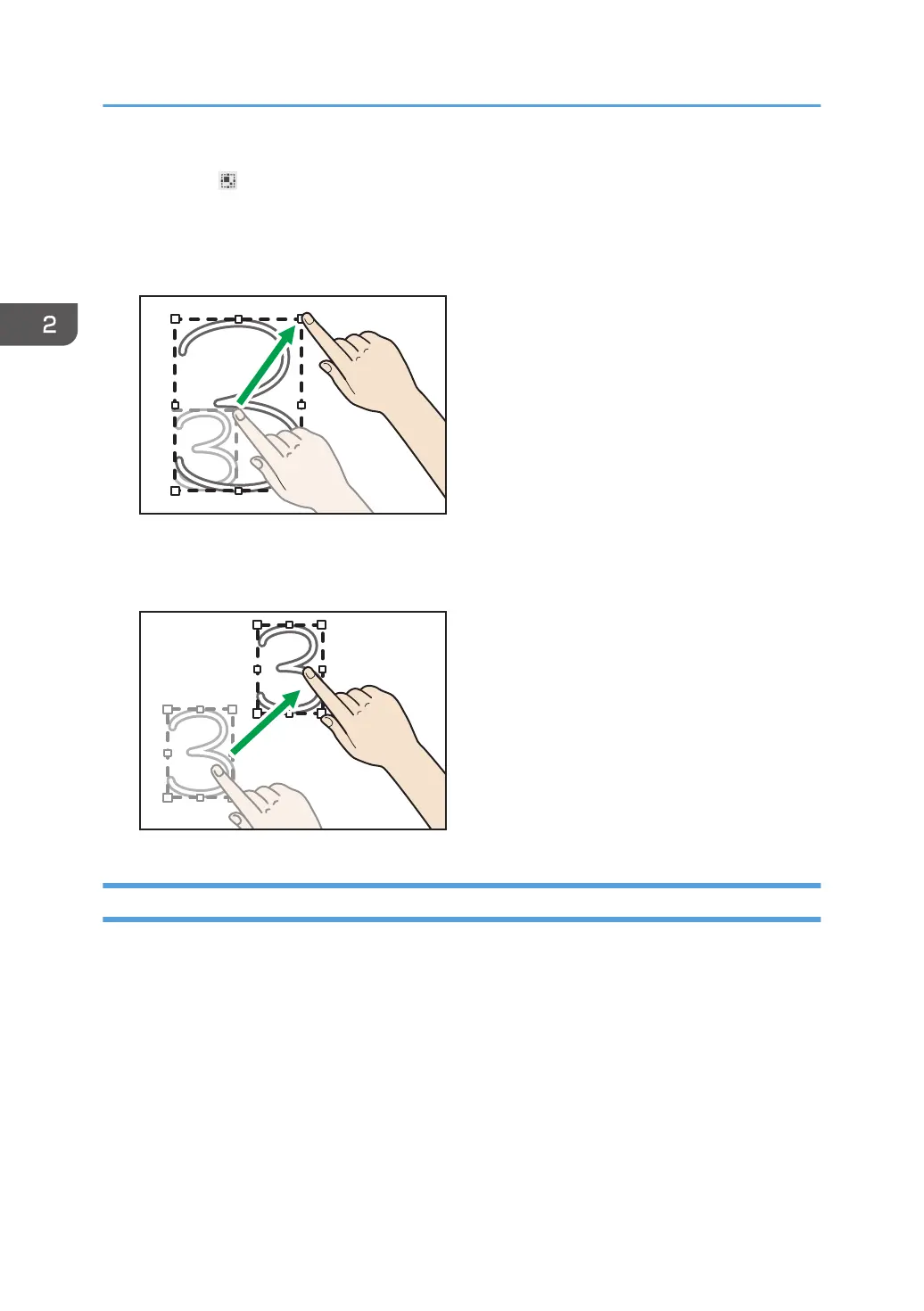
Place your finger on the corner or the center of a side, and then drag your finger so that the stroke
can be enlarged or reduced to the size you want.
Moving strokes
Drag the selected stroke to the area where you want to place the stroke.
Cutting, Copying, or Pasting Strokes
You can select, cut, copy, or paste a stroke already drawn on the screen.
2. Using a Whiteboard
40



 To Next Page