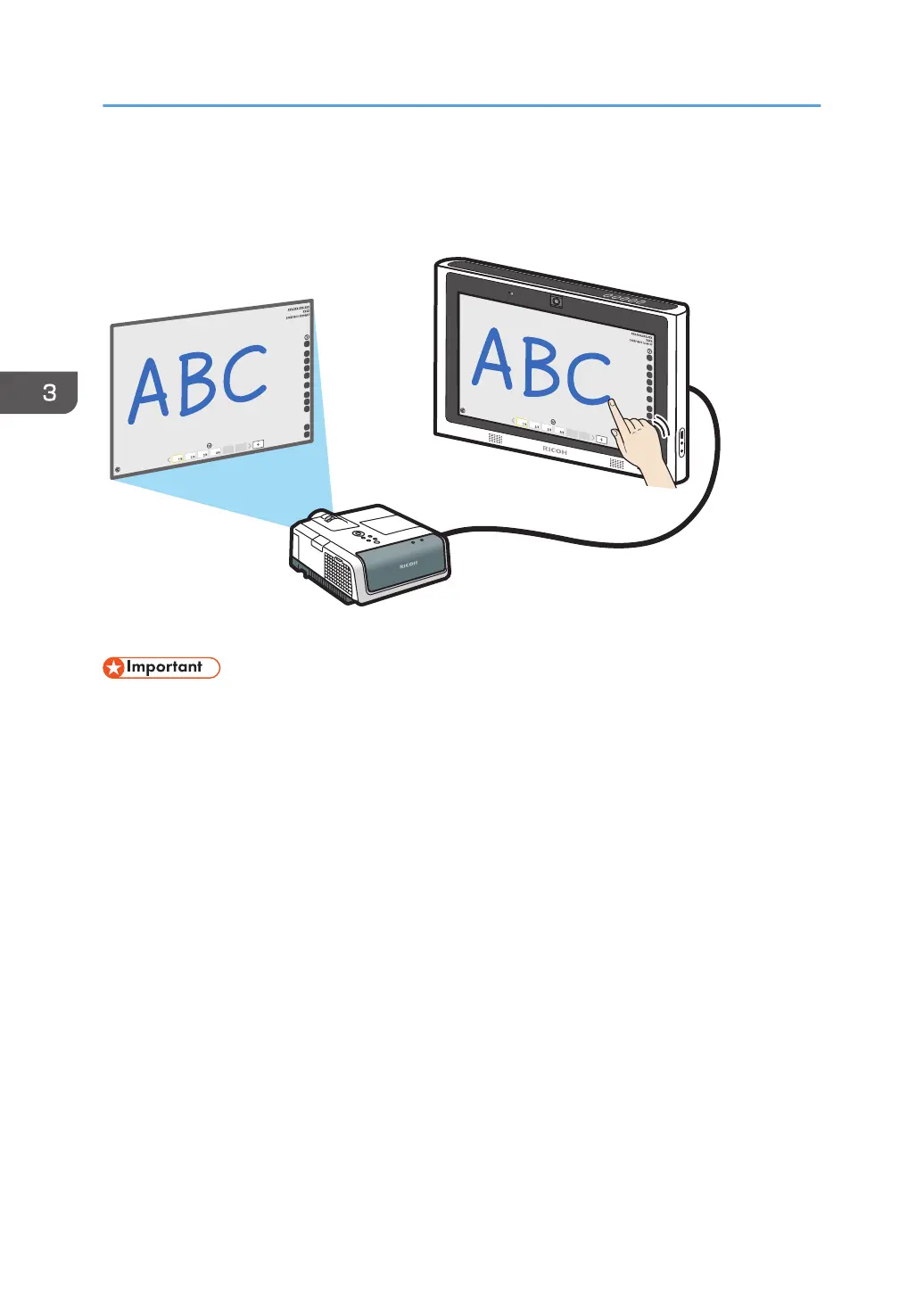
Using a Projector to Project a Screen
You can connect a projector that supports full-HD to the machine to project its screens.
• The machine cannot be connected to an analog input terminal such the VGA input of a projector.
A Ricoh projector which supports full-HD is recommended for use with the machine. Supported models
are as follows:
• PJ WX3231N/X3241N
• PJ WX3340N/WX3340/X3340N/X3340
• PJ WX4130N/WX4130
• PJ WX4240N/X4240N
• PJ WX4141/WX4141N/WX4141NI
• PJ WX5350N/X5360N
• PJ WX5361N/X5371N
• RICOH PJ X3351N/WX3351N
• RICOH PJ X4241N/WX4241N
1. Connect a projector to the output terminal at the back of the machine.
For the input terminals to connect external devices, see page 69 "Devices That Can Be Connected
to the Machine".
3. Connecting Devices
76



 To Next Page