Opening Administrator Settings
Open Administrator Settings to configure machine settings such as network or date and time settings.
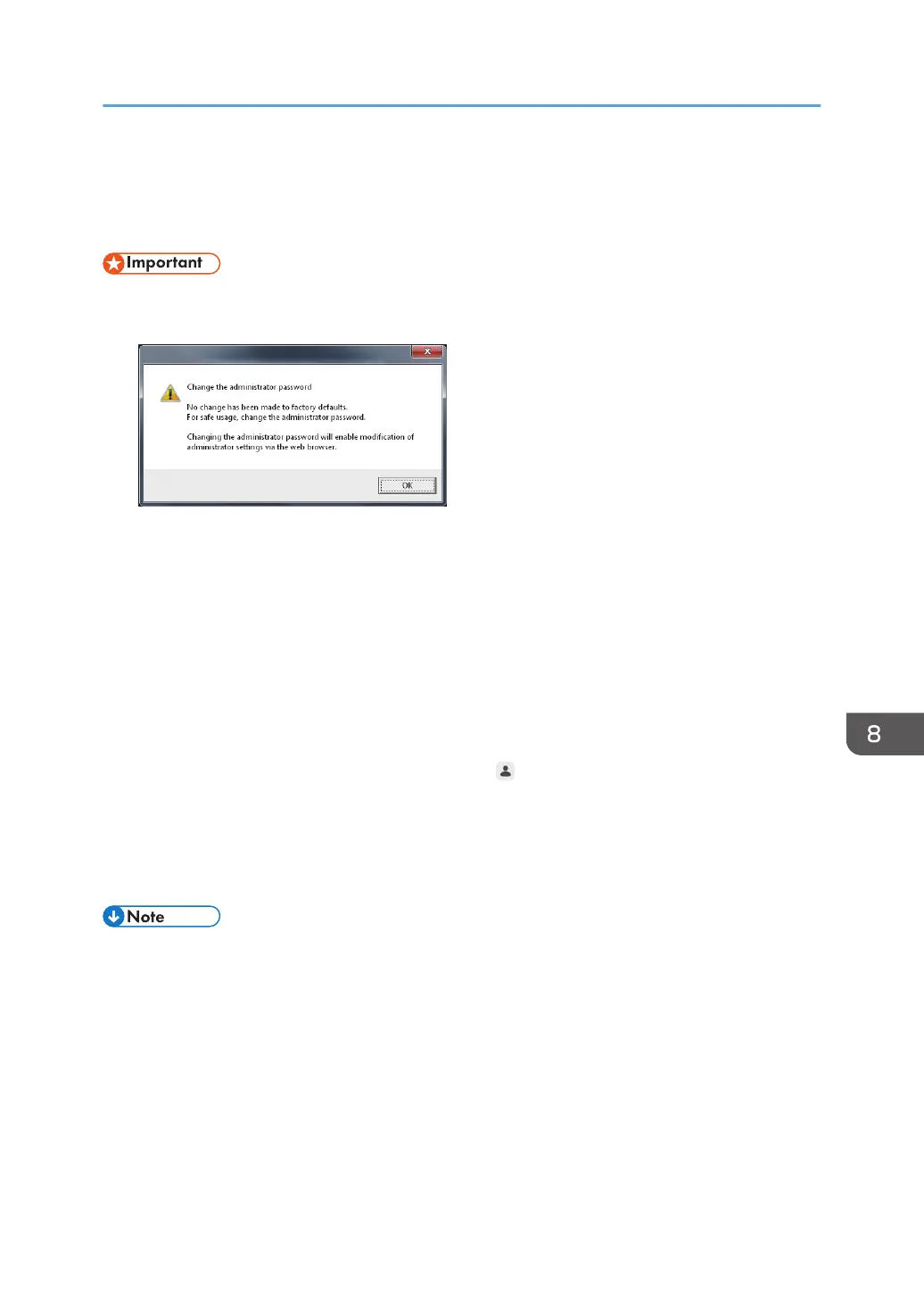
• For security reasons, make sure to change the initial administrator password. If you do not change
the password, a message is displayed each time you open Administrator Settings.
1. Display the desktop.
2. Touch [AdminSettings] two times in quick succession.
3. Display the touch keyboard and enter the administrator password.
The method to display the touch keyboard varies depending on the machine. It may take
approximately 2 seconds until the touch keyboard is displayed.
• If the [keyboard] icon is displayed on the desktop, touch this icon twice quickly.
• If the [keyboard] icon is not displayed on the desktop, use your finger to move the point to the
upper left corner of the display and touch the frame that appears.
The initial administrator password is "admin". Touch
, the Change Administrator Password icon,
to change the password.
4. Touch [OK].
If the entered password is incorrect, an error message appears. Check the password and enter the
correct one.
• When you finish configuring Administrator Settings, touch [Close].
• If no operations are performed for 10 minutes, the configuration screen for the administrator will
disappear automatically.
• You can also configure the administrator settings from the Web page of the machine.
• For details about opening the administrator settings screen, see page 95 "Opening
Administrator Settings".
• For settings that can be configured on the Web page, see page 128 "Administrator Settings".
• The administrator settings screen cannot be opened on the control panel of the machine while the
administrator settings are being configured from the machine's Web page.
Opening Administrator Settings
127



 To Next Page