Managing Temporarily Saved Files
1. Click [Temporarily Saved File Management] on the top page of the Web page.
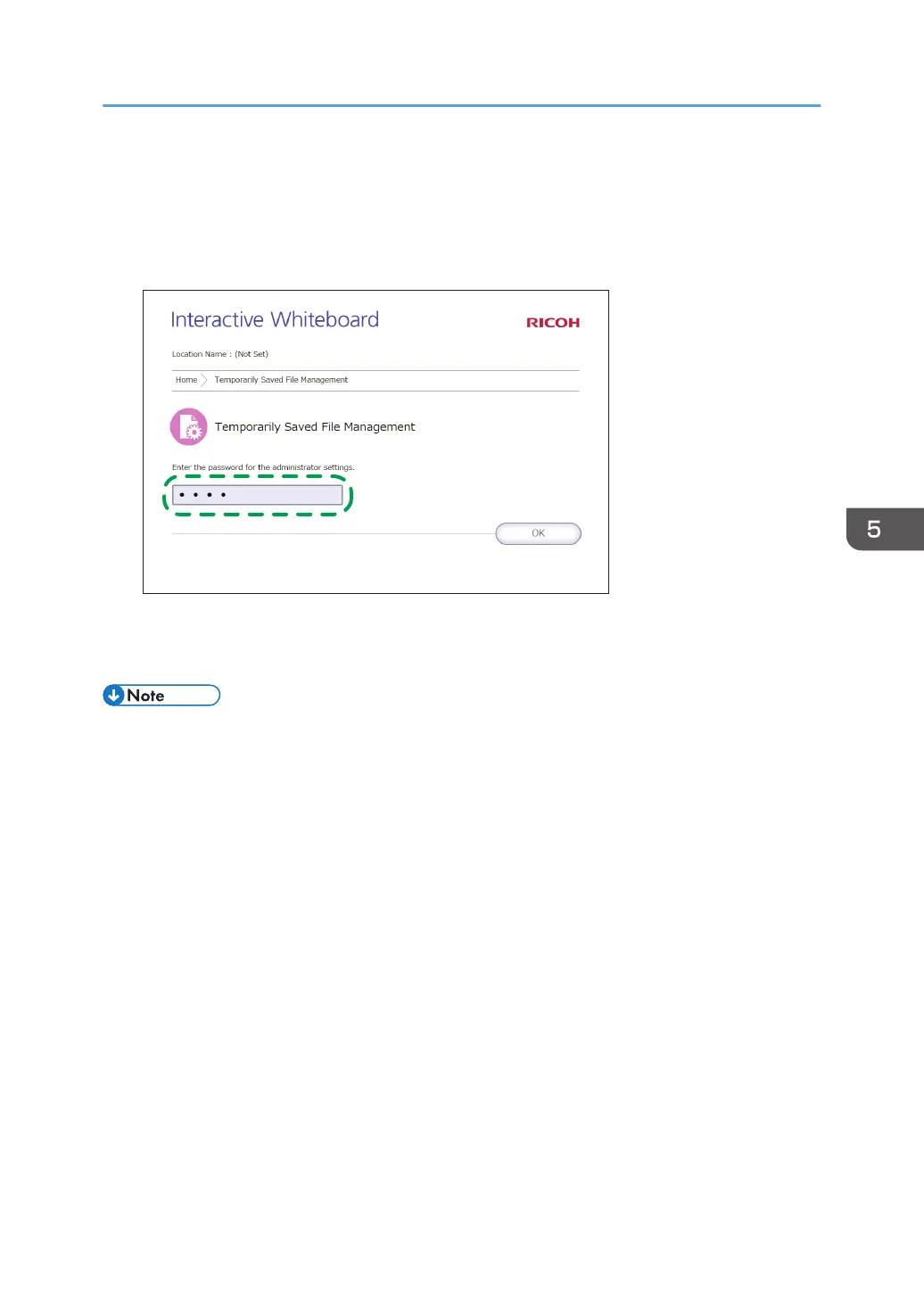
2. In the password input field, enter the administrator password.
3. Click [OK].
The Temporarily Saved File Management screen appears. Delete or download the necessary files.
• Temporarily saved files with no meeting code specified can be managed only on the Temporary
Saved File Management screen.
• Automatic temporary saving is a supplemental feature, and a temporarily stored file may be lost
when a forced termination of the machine occurs. To save pages, enter a meeting code for the
pages and temporarily save them to the machine, or save them in a shared folder or to a USB flash
memory device. For details, see page 49 "Saving Pages".
Managing Temporarily Saved Files
93



 To Next Page