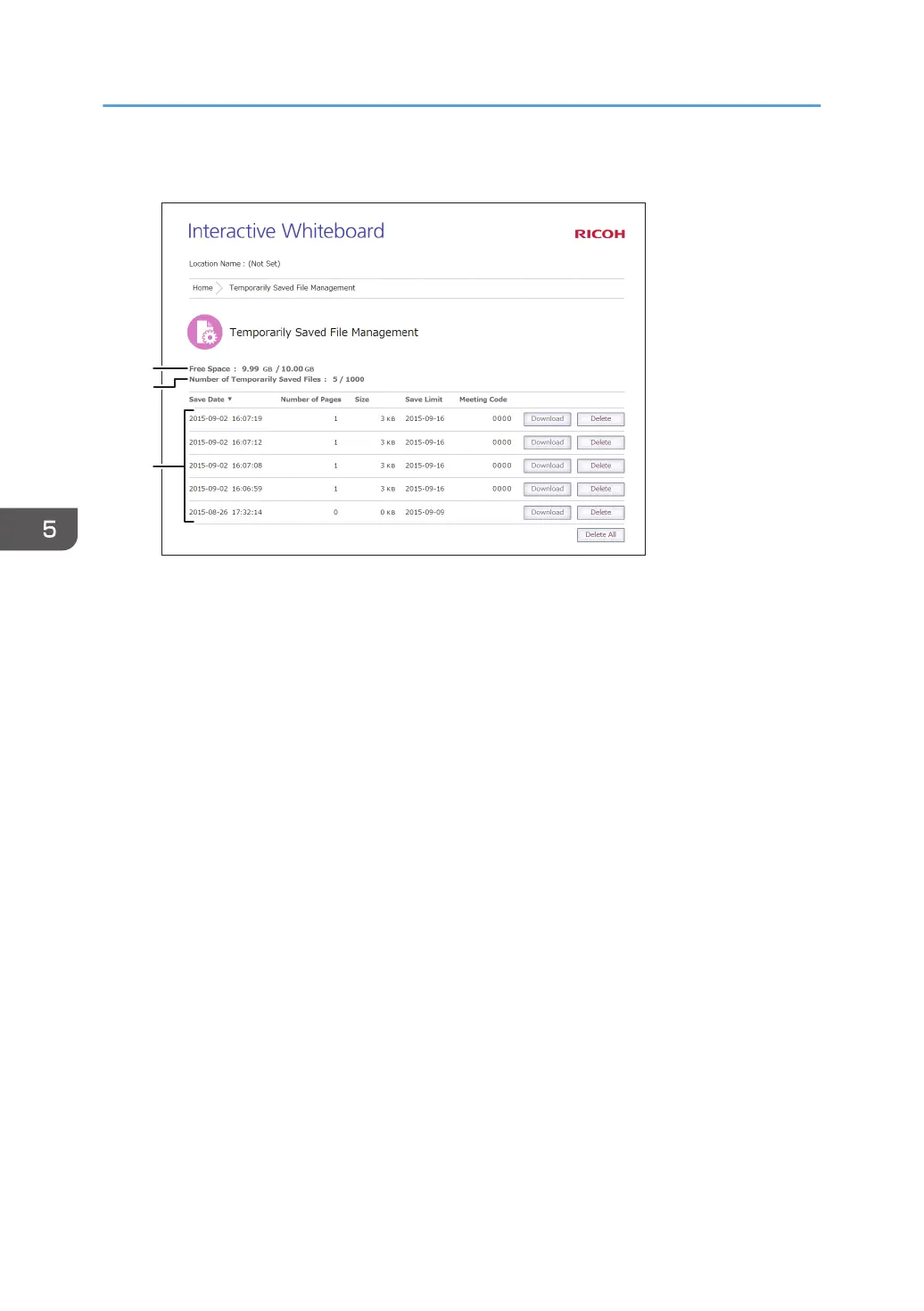
Viewing the Temporarily Saved File Management screen
1. Free Space
Indicates the amount of free space and the maximum storage capacity of the space for temporarily
saved files.
2. Number of Temporarily Saved Files
Indicates the number of temporarily saved files and the maximum number of files that can be temporarily
saved.
3. File List
Displays a list of the temporarily saved files.
5. Using the Web Page of the Machine
94



 To Next Page