Configuring SMTP Server Settings
You can configure the following settings of the SMTP Server on the "SMTP Server Settings" window in
Administrator Settings.
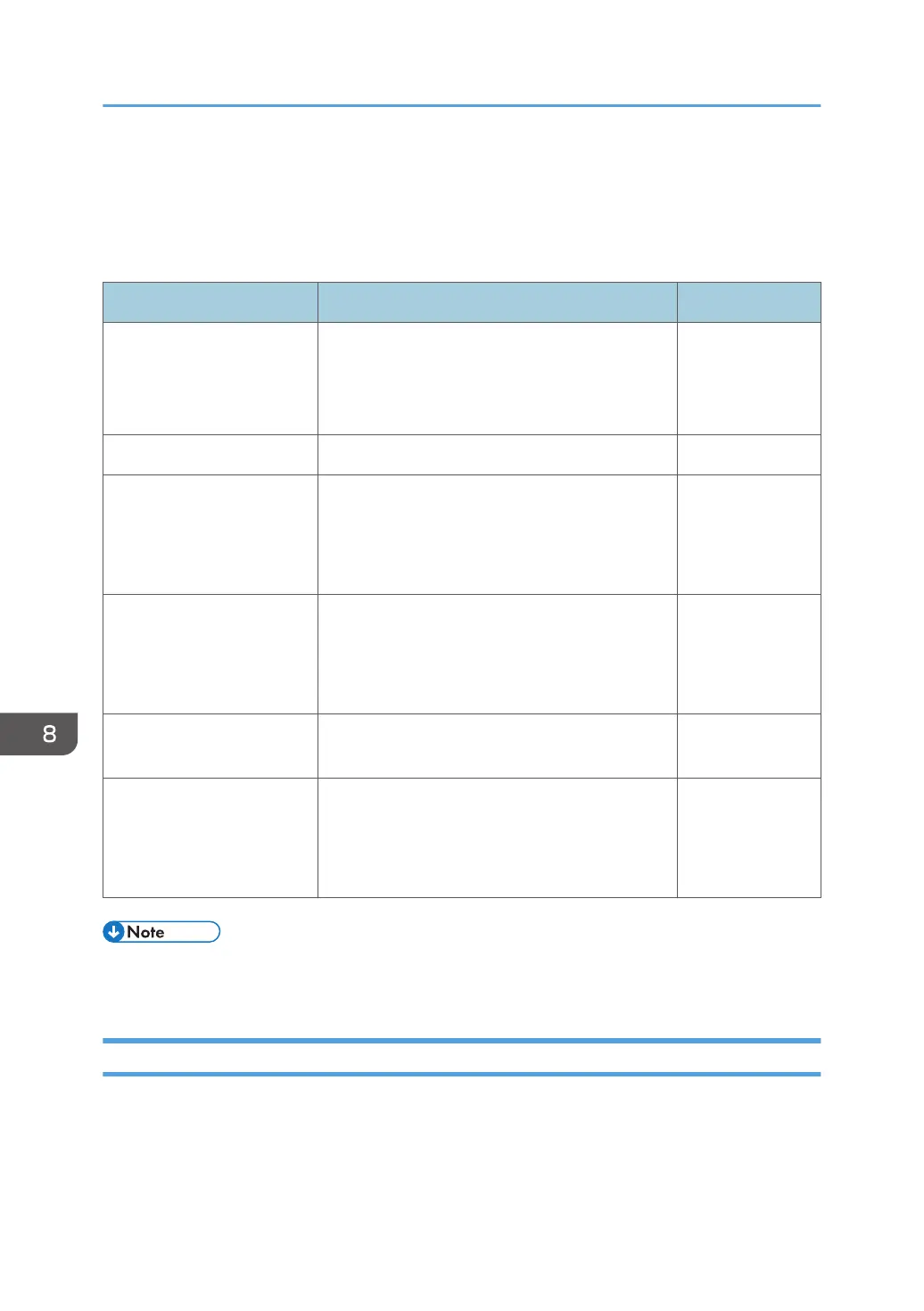
Item Description Initial value
Address Enter the address of the SMTP server. You can
also enter the host name. When you enter the
host name, you must configure the DNS server
settings.
-
Port Number Enter the port number for SMTP. 25
Sender Email Address Specify the e-mail address of the sender.
If you are using RICOH Streamline NX-based
authentication, the e-mail address of the logged-
in user will be used as the sender e-mail address.
-
Require Authentication Specify whether or not SMTP server
authentication is required.
If you select this check box, enter the account and
password for the SMTP server.
Not selected
Security Specify whether or not to encrypt e-mails
destined for the SMTP server with STARTTLS.
Not selected
Set the max size for attached
files
Specify whether or not to split an attached file to
be sent.
If you select this check box, specify the upper limit
for the size of an attached file.
Selected
(5MB)
• Windows CAL might be required to use the Windows server functionality on the SMTP server. For
details about the Windows CAL license, see the Microsoft home page.
Settings for Using the Mail to Print Function
When using the Mail to Print function, select "Set the max size for attached files", and then specify the
maximum file size.
The maximum file size set on the machine should be at least 1.4 times smaller than the maximum size of
incoming mail sent to the destination device.
8. Changing the Interactive Whiteboard Settings
140



 To Next Page