A new blank page is created at the end of the captured pages list. The added page appears on the
screen.
Copying a page
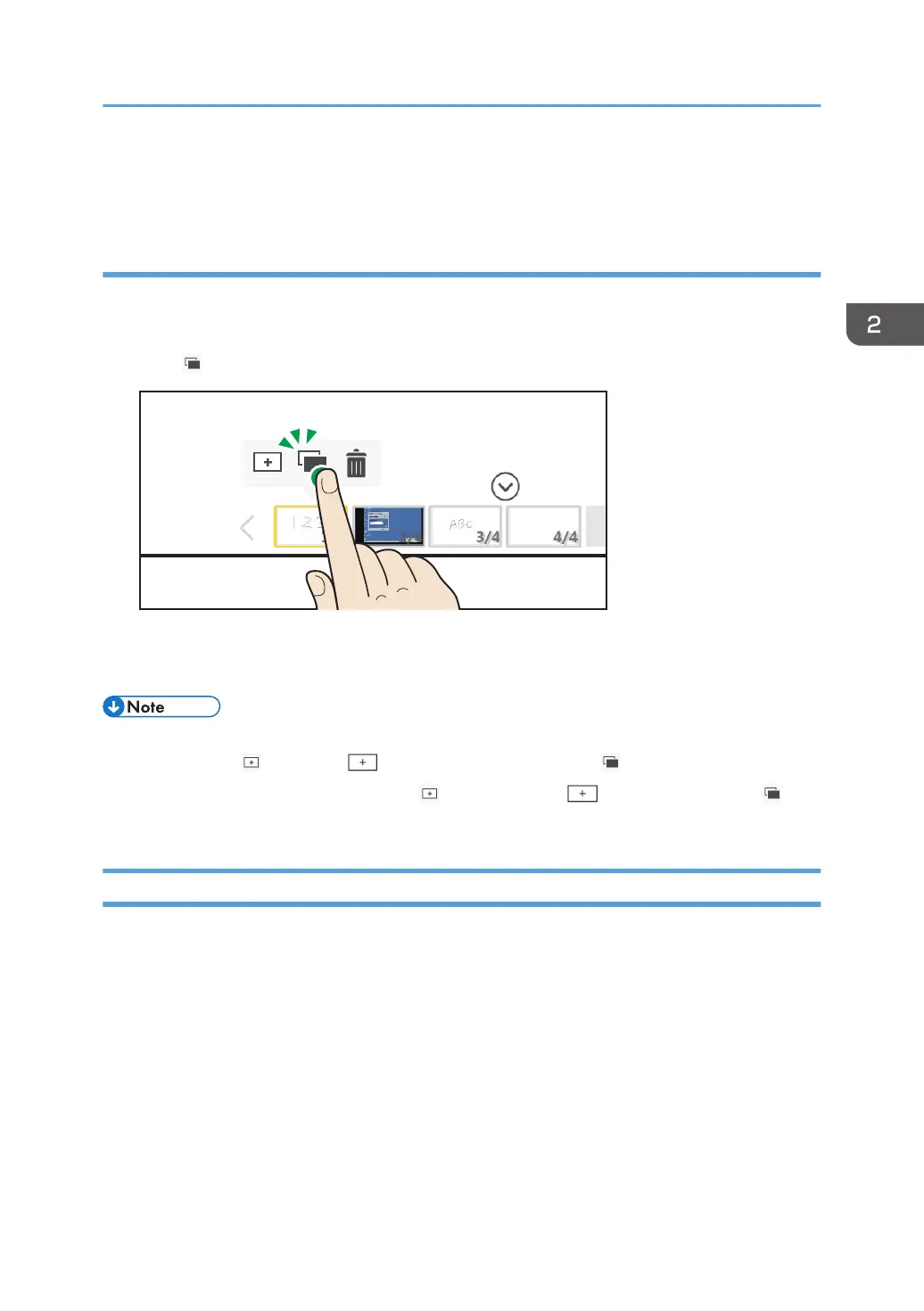
1. On the page list, touch the thumbnail of the page that you want to copy.
The captured page operation panel appears.
2. Touch , the Page Copy icon.
A copy of the selected page is added immediately after the displayed page. The added page
appears on the screen.
• If there is a total of 90,000 strokes, fair copy entry text, figures, and stamps on all pages, you
cannot use the New Page, the Create New Page icon and Page Copy icons.
• During a remote whiteboard session, the Insert New Page, Create New Page and
Copy icons do not work.
Deleting a page
1. On the page list, touch the thumbnail of the page that you want to delete.
The captured page operation panel appears.
Operating a Page
47



 To Next Page