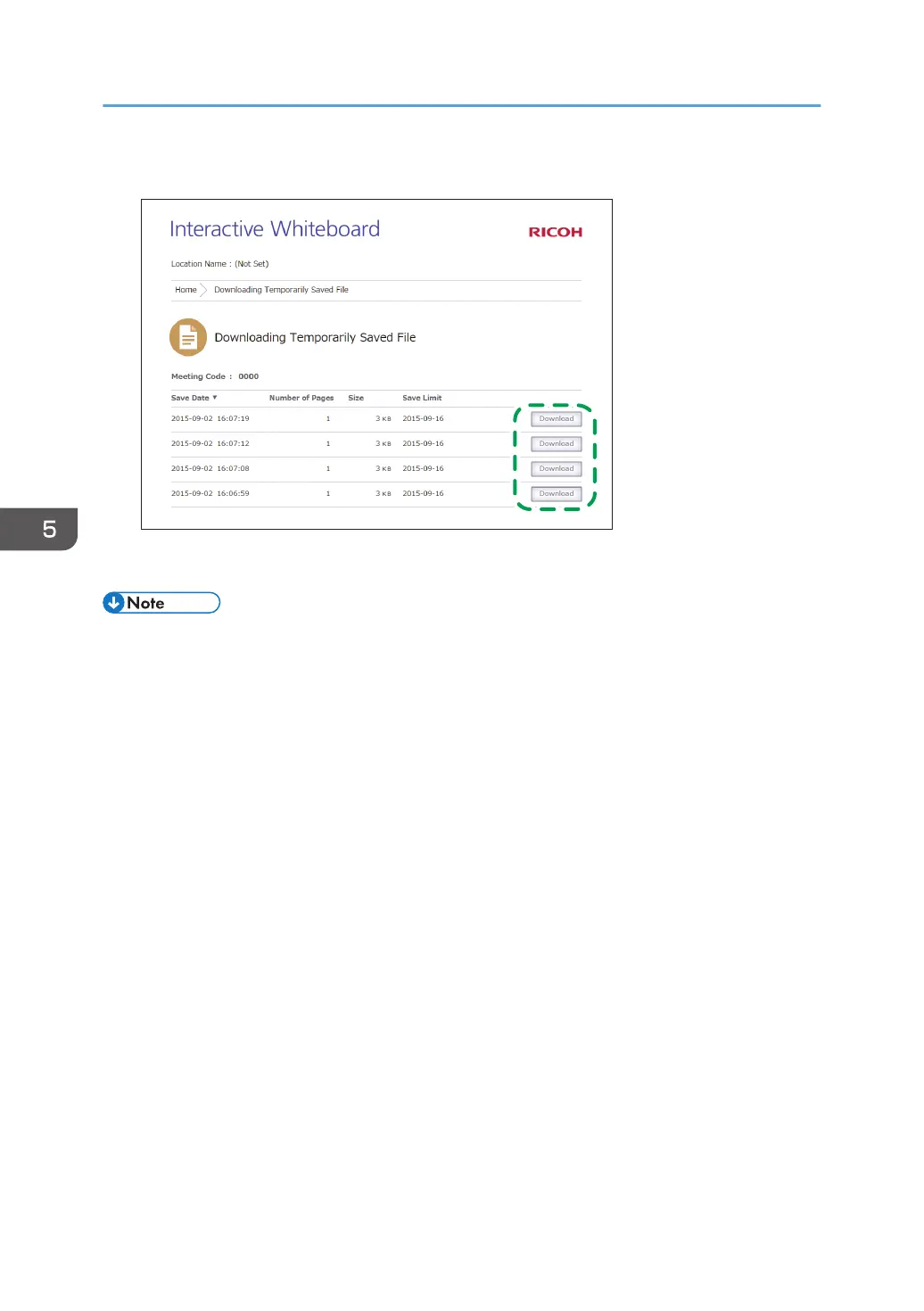
5. Click [Download] for the file you want to download.
6. Rename the file, if necessary, and then click [Save].
• If you do not know the meeting code that was entered when the file was saved, you can find the
meeting code on the Web page screen for managing temporarily saved files. For details about
how to manage temporarily saved files, see page 93 "Managing Temporarily Saved Files".
5. Using the Web Page of the Machine
92



 To Next Page