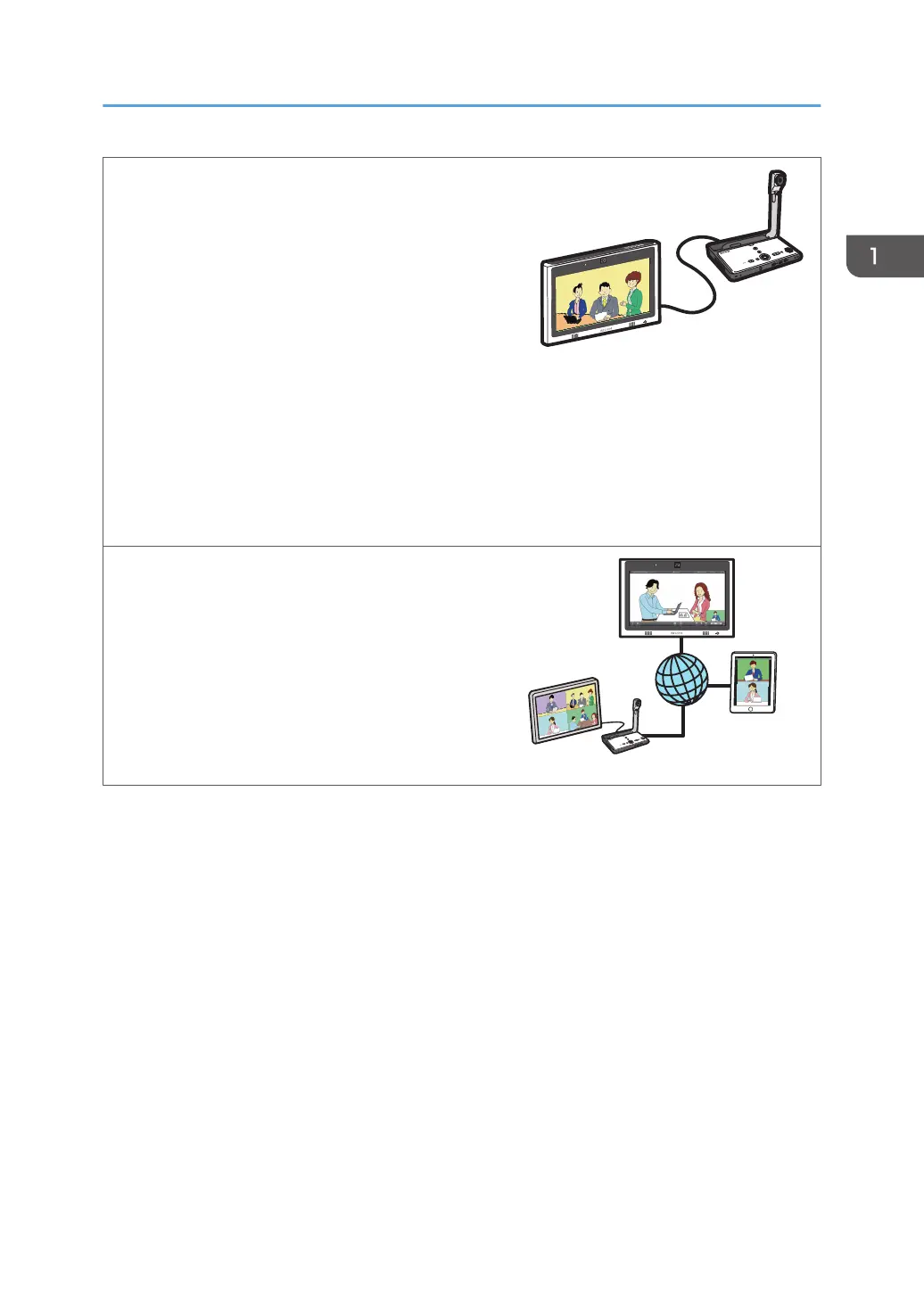
Use Video/Audio devices
You can display an image from a video
conferencing device or share the screen image of
the machine with other devices at remote locations
(RICOH UCS screen sharing). You also can use a
projector to project the screen of the machine.
See page 73 "Connecting a Video Conferencing
Device to the Machine".
See page 74 "Sharing the Whiteboard Screen in
a Video Conference".
See page 76 "Using a Projector to Project a
Screen".
See page 173 "Managing Devices Connected via
Bluetooth".
Connect to a video conference
You can use RICOH UCS-based video conferencing
to hold a meeting via a built-in camera,
microphone, and speaker.
See page 79 "Connecting to a Video
Conference".
Things You Can Do with Interactive Whiteboard
13



 To Next Page