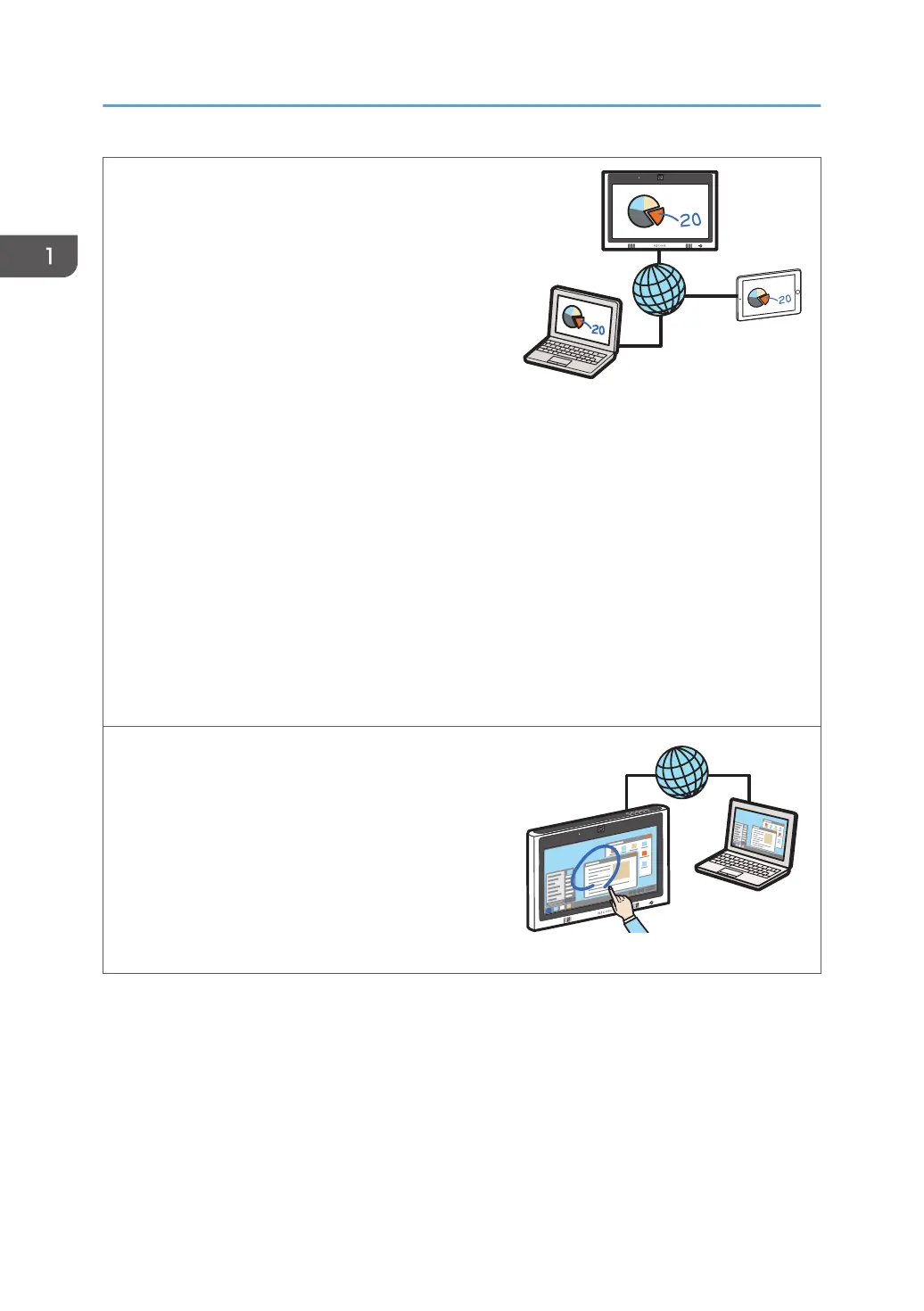
Share a screen with other devices via remote
whiteboard
You can share a screen with multiple devices
connected via a network. You can also perform
operations on the shared screen.
See page 105 "Using a Remote Whiteboard to
Share the Screen".
See RICOH Interactive Whiteboard Client Start
Guide.
View the screen of a remote whiteboard session
You can view the screen of a remote whiteboard
session.
See page 115 "Participating from the Web
Browser".
See page 116 "Participating from Remote Viewer".
Upload image files to the machine
Photos taken with a smart device or stored image
files can be uploaded to the machine.
See RICOH Interactive Whiteboard Client Start
Guide.
Display the screen of a computer connected via a
network
You can use IWB Remote Desktop Software to
display the screen of a computer connected via a
network. You can also operate the computer from
the machine.
See page 102 "Using IWB Remote Desktop
Software to Perform Operations on a Computer
Screen".
1. Overview
14



 To Next Page