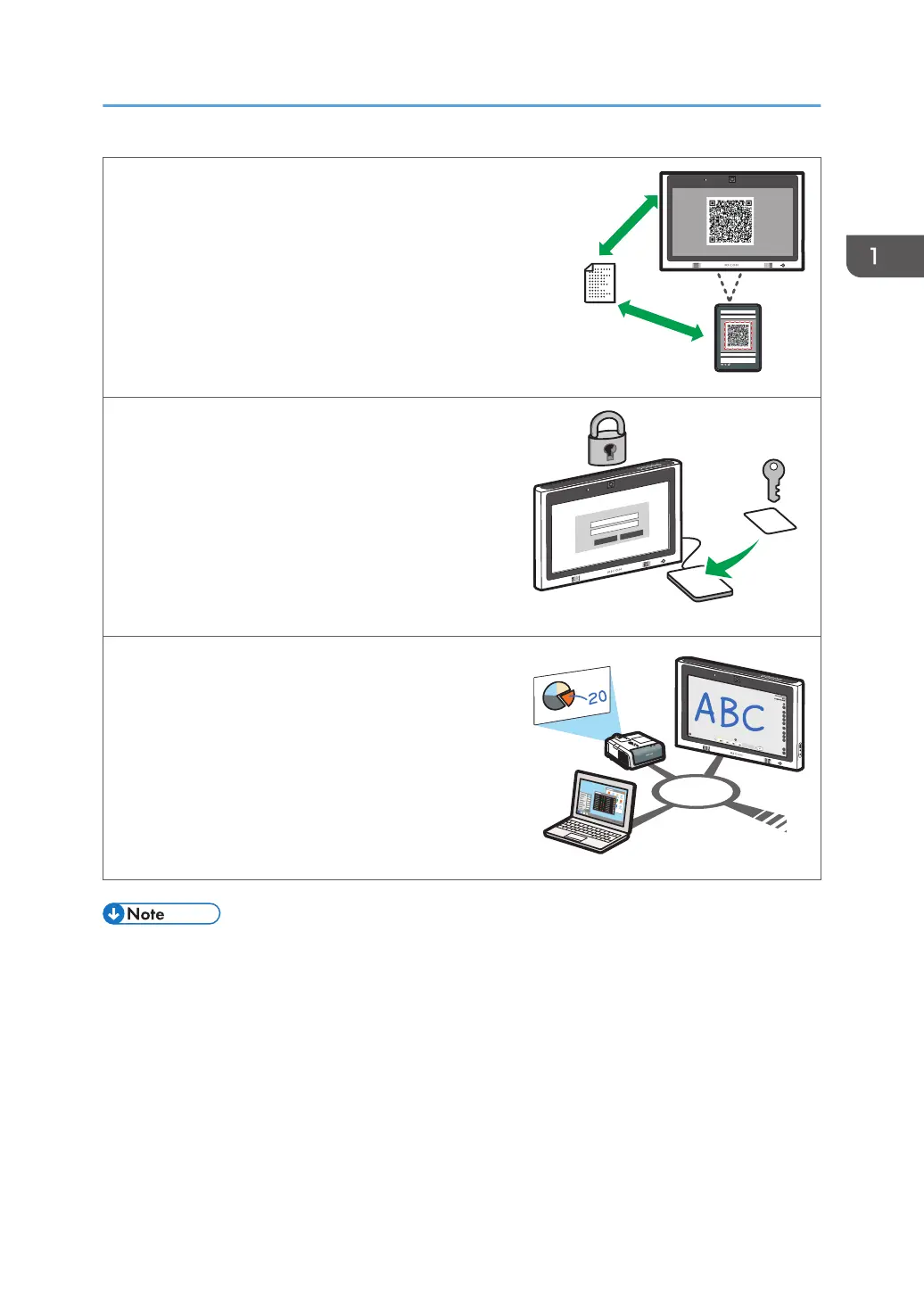
Link with a smart device to display or save files
By scanning the QR code that is displayed on the
machine by a smart device, you can display the files
shown on a smart device on the machine or save the
pages displayed on the machine in the smart device.
See page 67 "Linking with a Smart Device".
Manage the machine with RICOH Streamline NX
You can use the RICOH Streamline NX-based
integrated management system to manage the
machine by using an IC card- or keyboard input-
based authentication function.
See page 211 "Managing the Machine with
RICOH Streamline NX".
Control IWB from Crestron system
As a Crestron supported device, you can connect
and control the machine from Crestron system.
See page 214 "Using the Crestron Function".
• Before using this machine, configure the time, date, network, and other settings. For details about
these settings, see Opening Administrator Settings.
Things You Can Do with Interactive Whiteboard
15



 To Next Page