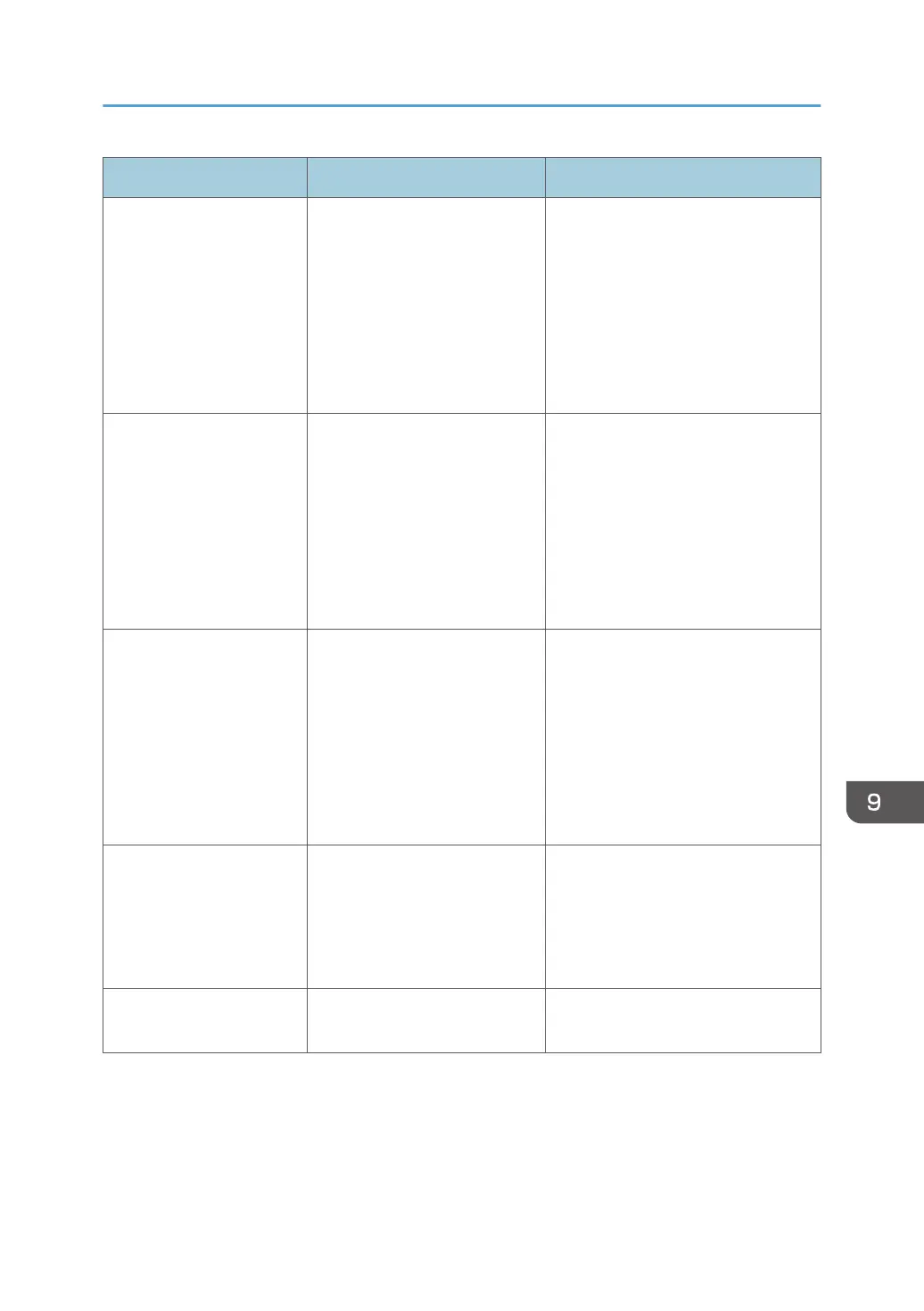
Message Causes Solutions
Cannot import the email
address book
Check the contents of the
file. The last allowed
character of a column and
the first of the next column
must be separated with a
tab character.
• The number of items in the
address book entry is
incorrect.
• Each item in the e-mail
address book entry does
not meet the required
condition.
Correct the file content.
Cannot import the contact
list
Check the contents of the
file. The last allowed
character of a column and
the first of the next column
must be separated with a
tab character.
• The number of items in the
host whiteboard is
incorrect.
• Each item in the host
whiteboard does not meet
the required condition.
Correct the content of the contact list
file.
Cannot import the shared
folder list
Check the contents of the
file. The last allowed
character of a column and
the first of the next column
must be separated with a
tab character.
• The number of items in the
shared folder settings is
incorrect.
• Each item in the main
shared folder settings does
not meet the required
condition.
Correct the content of the shared
folder list file.
Cannot import. Try again
after checking the file
format.
• The domain name contains
an unusable character.
• The domain name is empty
or contains more than 256
characters.
Correct the content of the domain list
file.
Check the proxy settings. The proxy server setting is
incorrect.
Specify the correct proxy server
setting.
If a Message is Displayed during Operation
197


 To Next Page