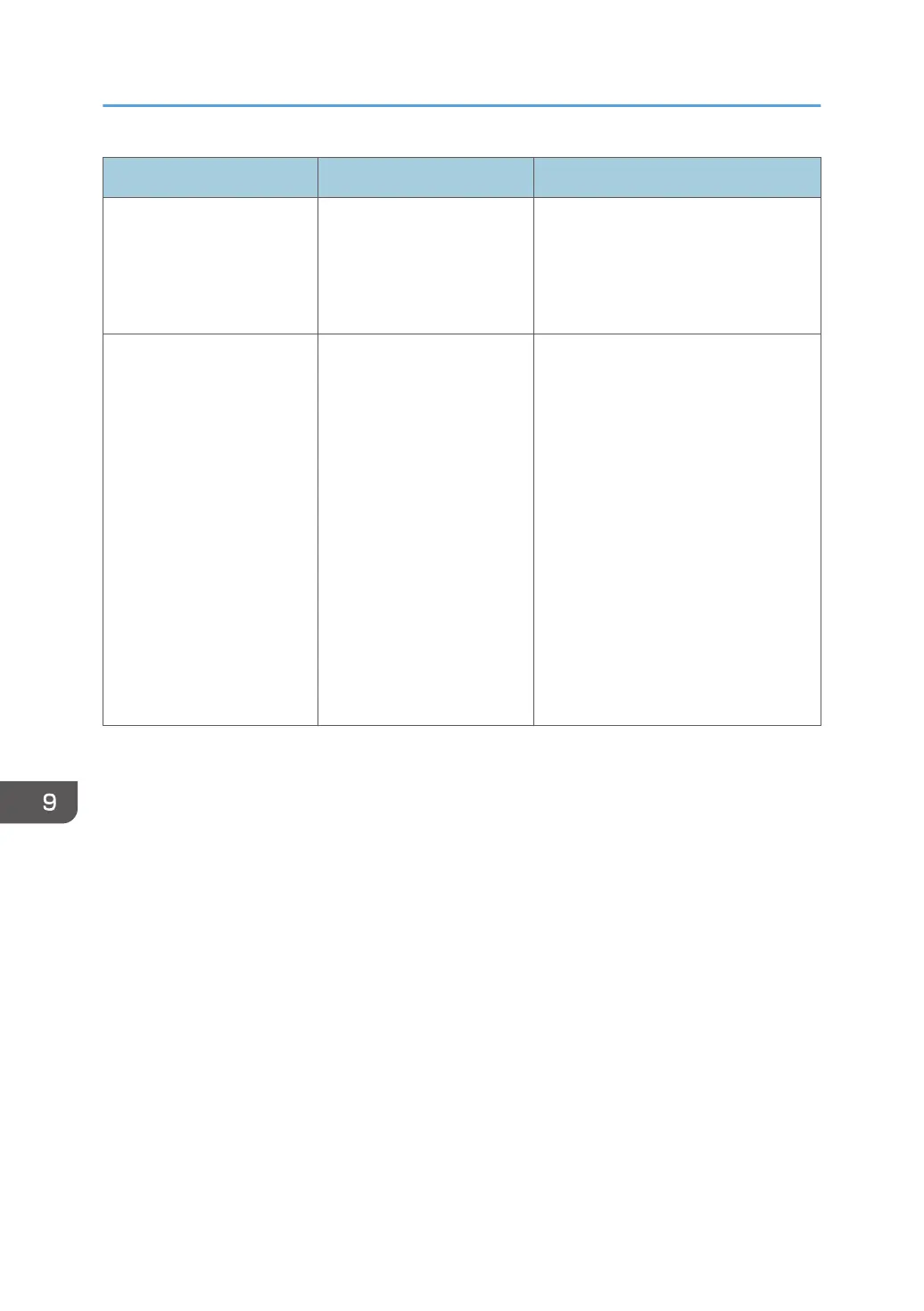
Problem Causes Solutions
The shared folder list cannot
be imported.
The shared folder list is not
created correctly.
Check that the shared folder list is
created correctly. For details about
how to create a shared folder list, see
page 150 "Managing a Shared Folder
List".
The email address book,
contact list, or shared folder
list cannot be exported.
• No USB flash memory
device is connected.
• The USB flash memory
device has insufficient
free space.
• You do not have the
authority to write to the
USB flash memory
device.
• Insert a USB flash memory device
to a USB port on the side of the
display.
For details about how to connect
a USB flash memory device, see
page 27 "Inserting a USB Flash
Memory Device".
• Delete unnecessary data from the
USB flash memory device or
connect a USB flash memory
device that has sufficient free
space.
• Configure the USB flash memory
device properties to allow
information to be written.
9. Troubleshooting
208



 To Next Page