Deleting a portion of a stroke
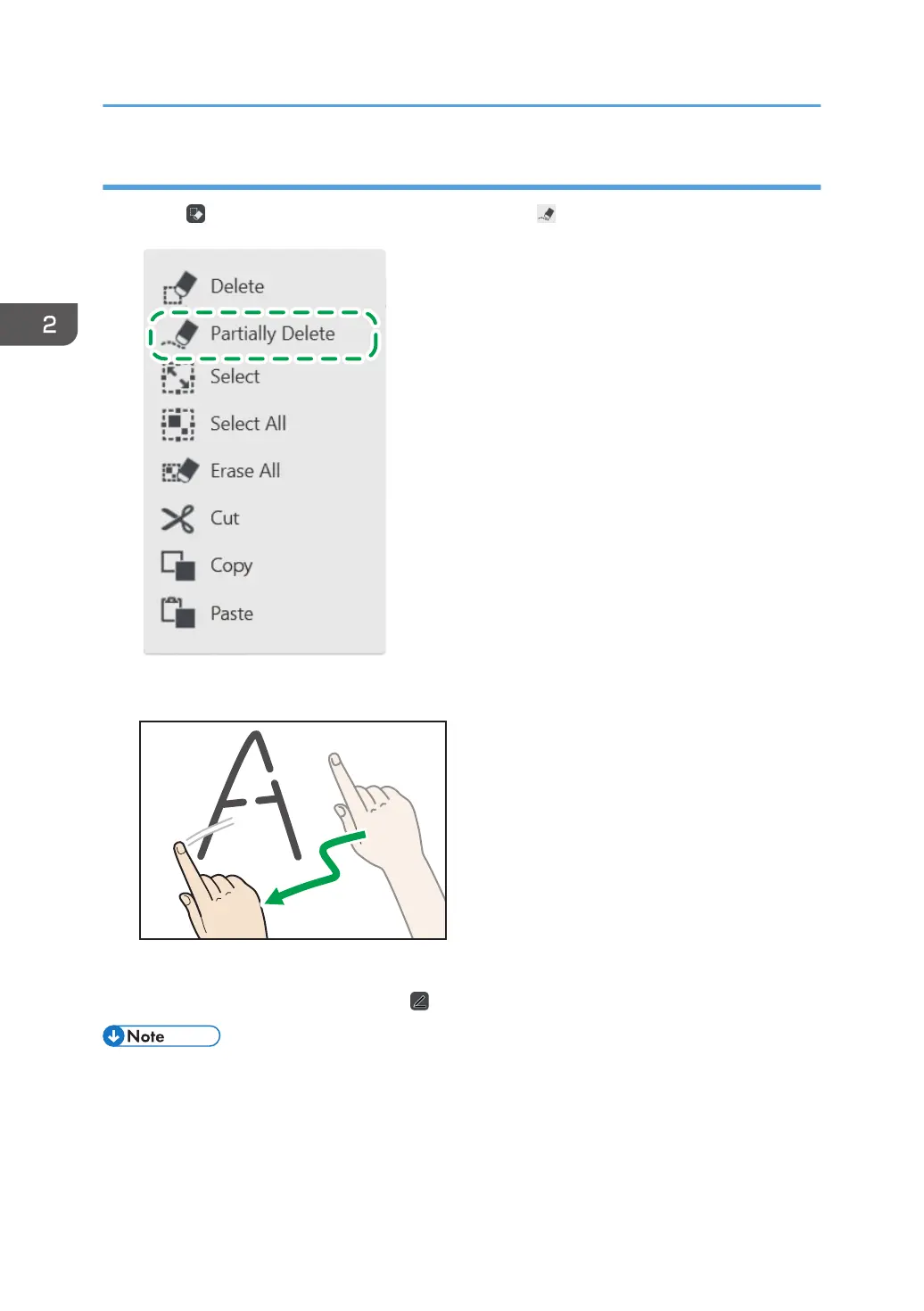
1. Touch , the Select and Delete icon, and then touch , the Partially Delete icon.
2. Move your finger over the stroke.
Only the portions of the stroke touched by your finger are deleted. The thickness of the deleted
portions is equal to the one selected by , the Pen icon.
• You cannot partially delete fair copy entry text, figures, or stamps.
• You cannot use this function when using remote whiteboard in compatible mode.
2. Using a Whiteboard
34



 To Next Page