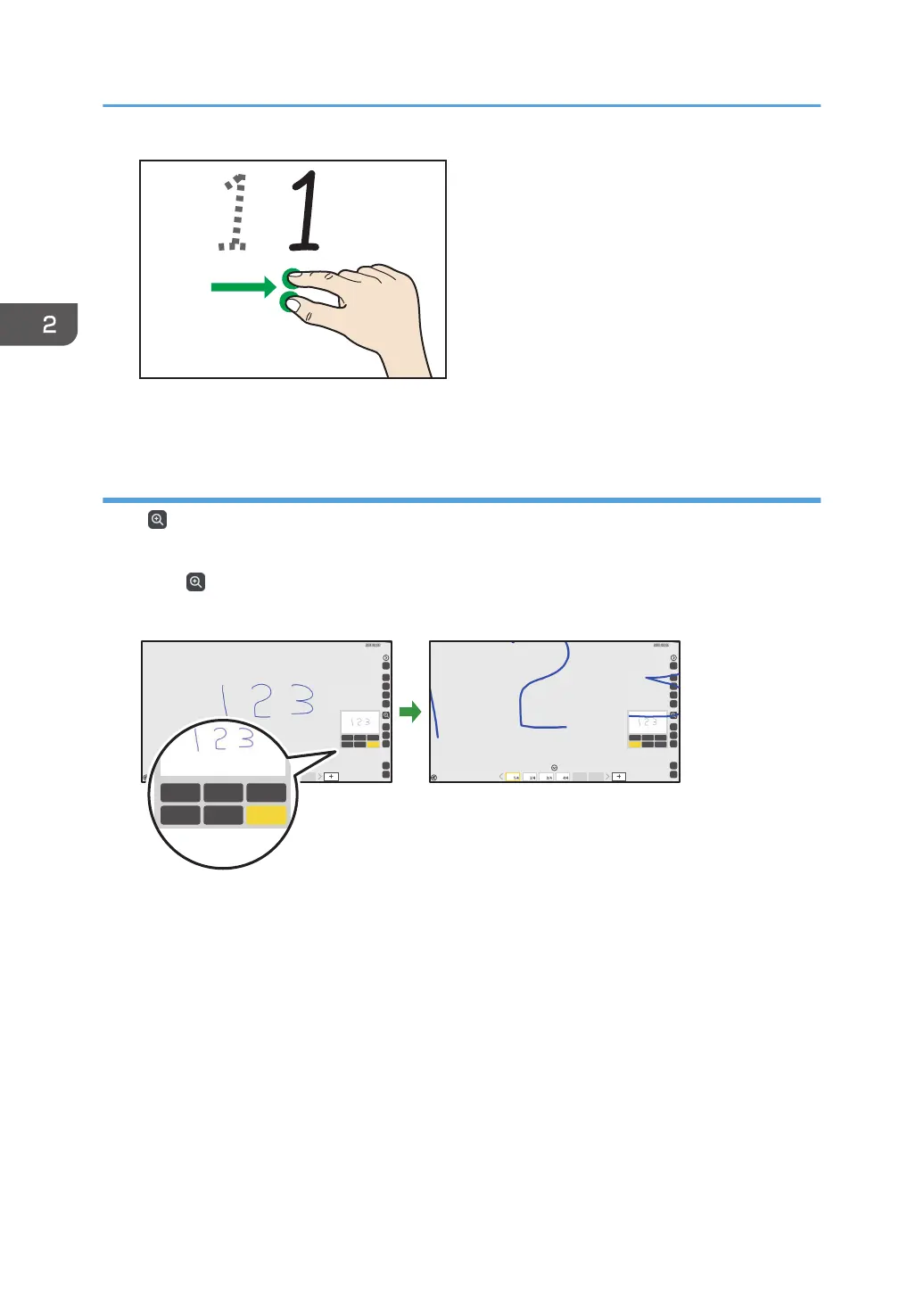
The display area moves with the movement of your fingers.
Using the submenu accessed from the Loupe icon
Select , the Loupe icon, to change the display magnification, or to move a displayed area. The
enlarged display area can be moved.
1. Touch , the Loupe icon.
2. Touch the display magnification, and then select the magnification.
100%200%300%
400%500%600%
100%200%300%
400%500%600%
2. Using a Whiteboard
44



 To Next Page