• Printer types supported for printing are listed below.
• Printer or multifunction printer supporting Universal Printer Driver
• Inkjet printer
• Wide format multifunction printer
• To use an inkjet printer or wide format multifunction printer, download an appropriate printer driver
for Whiteboard from the Ricoh website, and install it in the machine. To do so, use a USB memory
device. For details about how to install a printer driver, see page 158 "Updating the System Using
a USB Flash Memory Device".
• To configure inkjet printer or wide format multifunction printer settings, use [Others] on the [Print
Settings] screen that can be displayed from Administrator Settings. For details about the
Administrator Settings, see page 127 "Opening Administrator Settings", and for details about the
Print Settings, see page 170 "Changing the Print Settings".
• For details about models that support Universal Print Driver, see the driver download page on the
RICOH website.
• For details about supported inkjet printers and wide format multifunction printers, see the RICOH
website or consult your sales representative.
• If you are using RICOH Streamline NX, you will need to pre-configure the environment
appropriately. For details, see page 211 "Managing the Machine with RICOH Streamline NX".
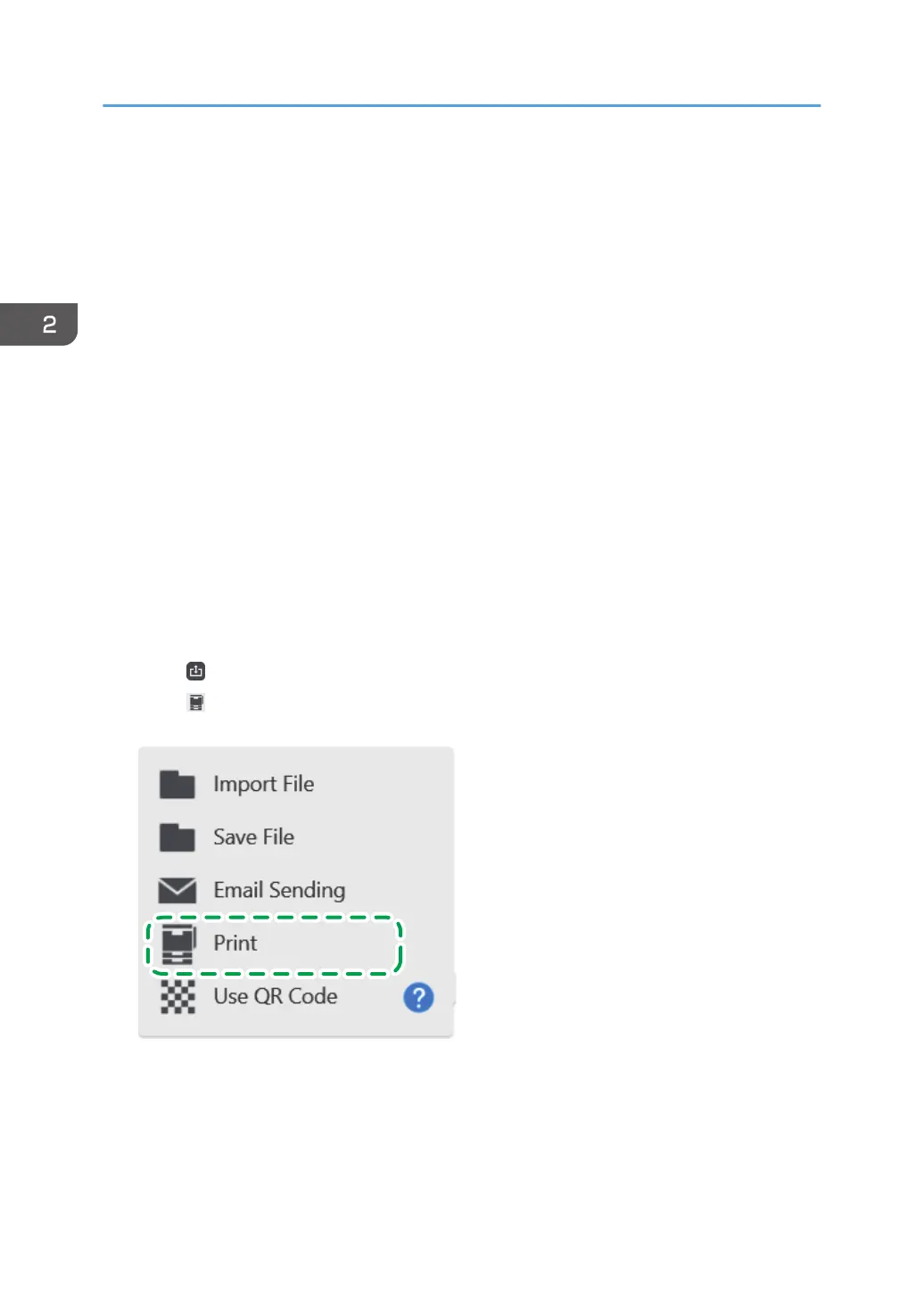
1. Touch
, the Import and Save icon.
2. Touch [Print].
A window for specifying the printing conditions appears.
2. Using a Whiteboard
66



 To Next Page