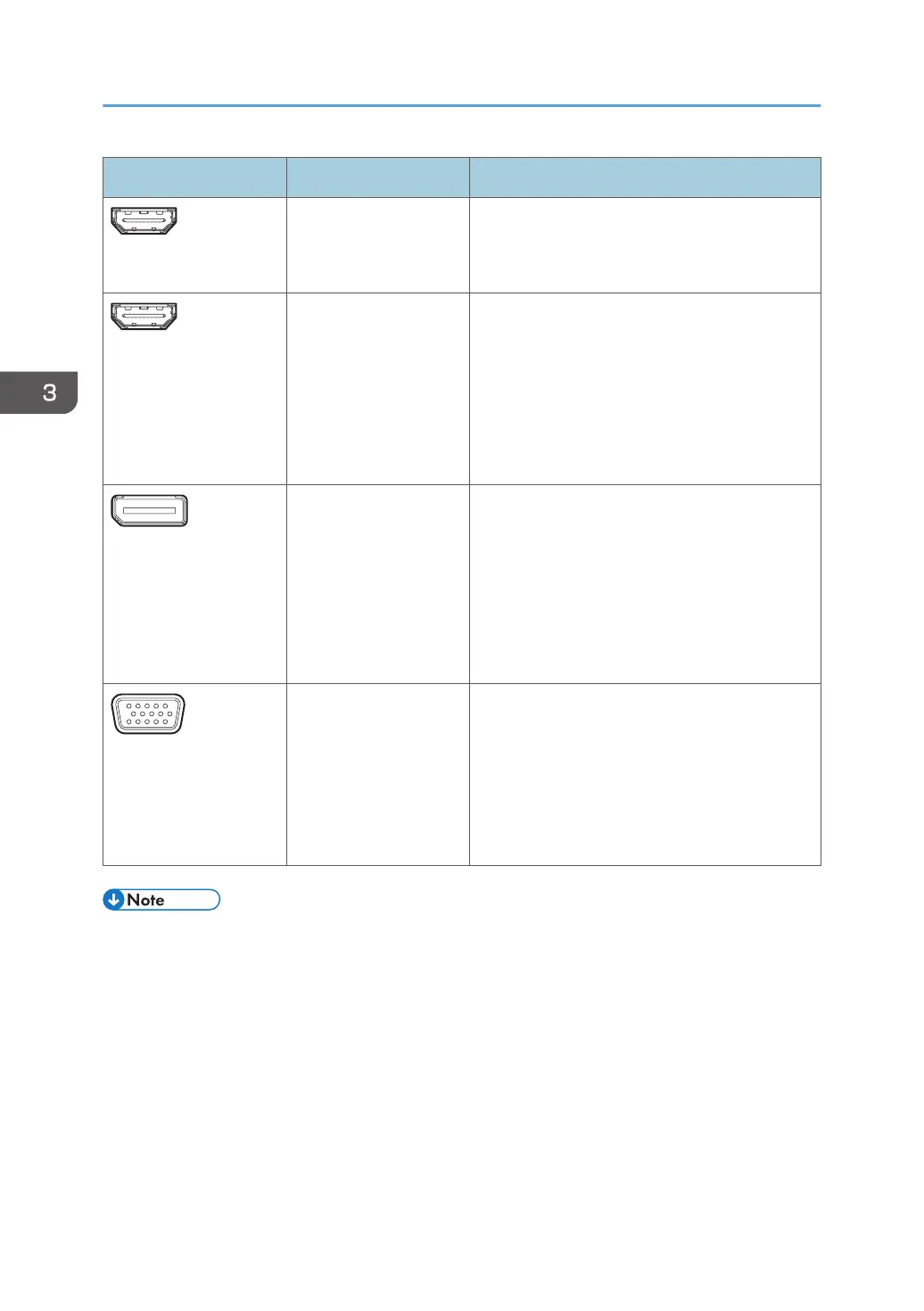
Terminal Devices Connection method
HDMI Output
• Projector
• Monitor
Used to connect a video output device.
See page 76 "Using a Projector to Project a
Screen".
HDMI Input
• Computer
• Tablet
• Document camera
• Digital still camera
• Digital video
camera
This terminal is used to connect an image output
device to display an image, and to write
information on the image that is displayed. You
cannot display copyright protected content, such
as data on DVDs and Blu-ray discs.
See page 71 "Connecting a Computer or
Tablet to the Machine".
DisplayPort Input
• Computer
• Tablet
• Document camera
This terminal is used to connect an image output
device to display an image, and to write
information on the image that is displayed.
You cannot display copyright-protected content
such as DVD and Blu-ray discs.
See page 71 "Connecting a Computer or
Tablet to the Machine".
VGA Input
• Computer
• Tablet
• Document camera
• Video
conferencing
device
This terminal is used to connect an image output
device to display an image, and to write
information on the image that is displayed.
See page 71 "Connecting a Computer or
Tablet to the Machine".
• For details about the input signals that are supported, see page 222 "List of Video Input Signals
Supported by the Machine".
• When more than one device is connected to the input terminals, priority is given to the terminals in
the order of HDMI Input, DisplayPort Input, and VGA Input.
• To display an externally input still or video image on the machine in cases other than for citation,
the material must be created by yourself and you must own the copyright, or you must be granted
permission to use the material from the rightful owner of the copyright.
• A delay may occur when an image is displayed that is input from the HDMI, DisplayPort, or VGA
input terminal due to various composite processing methods such as overlaying entries.
3. Connecting Devices
70



 To Next Page