• Internet Explorer 8/9/10/11
• Firefox
• Safari for OS X
• Safari for iOS
*1
• Chrome for Android
*2
• Chrome for Windows
• Microsoft Edge
*1
For iPad only. iPhone is not supported.
*2
For tablet PC only. Smartphones are not supported.
1. Check the IP address displayed at the top of the machine screen.
If no IP address is displayed, use
, the Information display icon, to display the IP address.
2. Start your web browser.
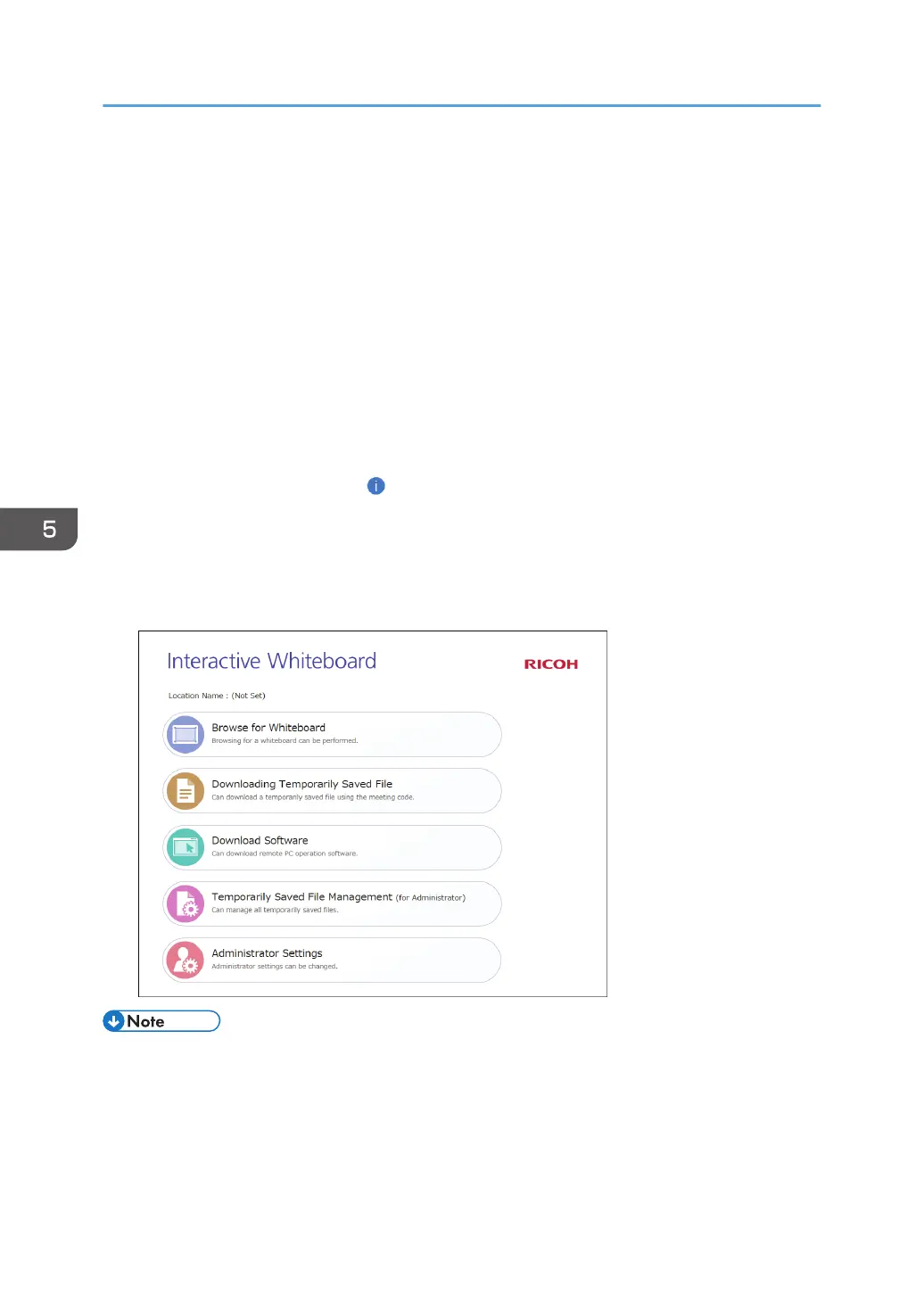
3. Enter "http://(machine's IP address, host name, or fully qualified domain name)/" in your
web browser's URL bar.
The Web page for the machine is displayed.
• Up to 20 web browsers can access the machine at the same time.
• You cannot access the Web page when the power of the machine is off.
• If the administrator password is not changed from its initial setting, [Administrator Settings] is
displayed, but cannot be accessed. Change the administrator password. For details about
changing the administrator password, see page 128 "Administrator Settings".
5. Using the Web Page of the Machine
90



 To Next Page