Icon Description
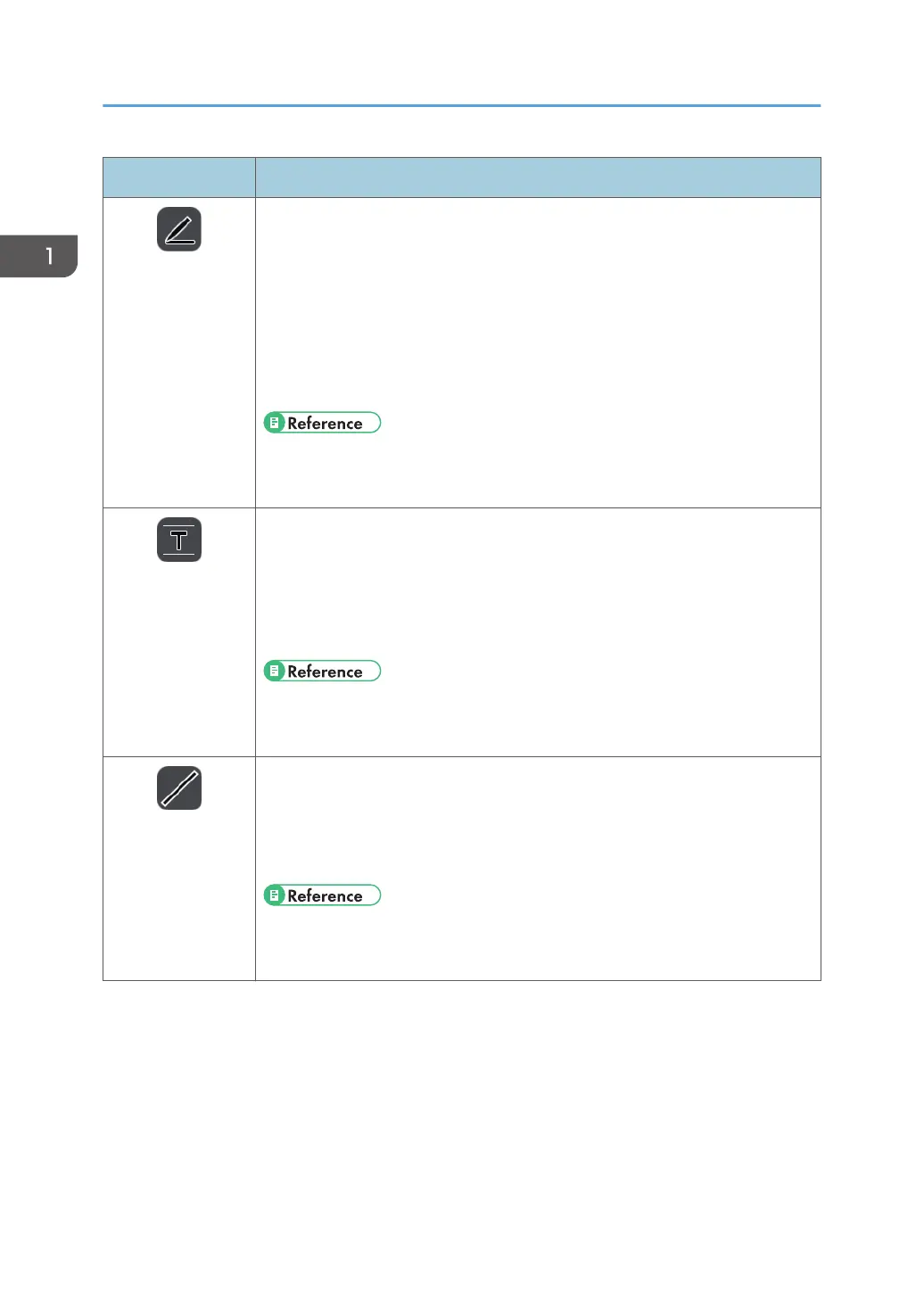
Pen
Handwritten Entry
Mode
• Used to draw strokes, text, or figures, or enter a stamp.
• This icon appears when handwritten entry mode is selected from the pen
submenu.
• Used to change the colors and thickness of the drawing.
• Used to display a grid on the screen.
• The color of the icon changes according to the selected color. Also, the
line width of the icon changes according to the selected line width.
• See page 30 "Writing on the Screen".
• See page 32 "Writing in handwritten entry mode".
Fair Copy Entry
Mode
• This icon appears when fair copy entry mode is selected from the pen
submenu.
• Used to write handwritten text and have the text recognized and
converted to text data.
• The color of the icon changes according to the selected color.
• See page 30 "Writing on the Screen".
• See page 33 "Writing in fair copy entry mode".
Line Entry Mode
• This icon appears when line entry mode is selected from the pen submenu.
• Used to draw lines, dotted lines, and arrows.
• The color of the icon changes according to the selected color. Also, the
shape of the icon changes according to the selected line type.
• See page 30 "Writing on the Screen".
• See page 34 "Writing in line entry mode".
1. Overview
20



 To Next Page