SM 1-17 G147
Installation
1.7 PUNCH UNIT (B377)
1.7.1 ACCESSORY CHECK: PUNCH UNIT
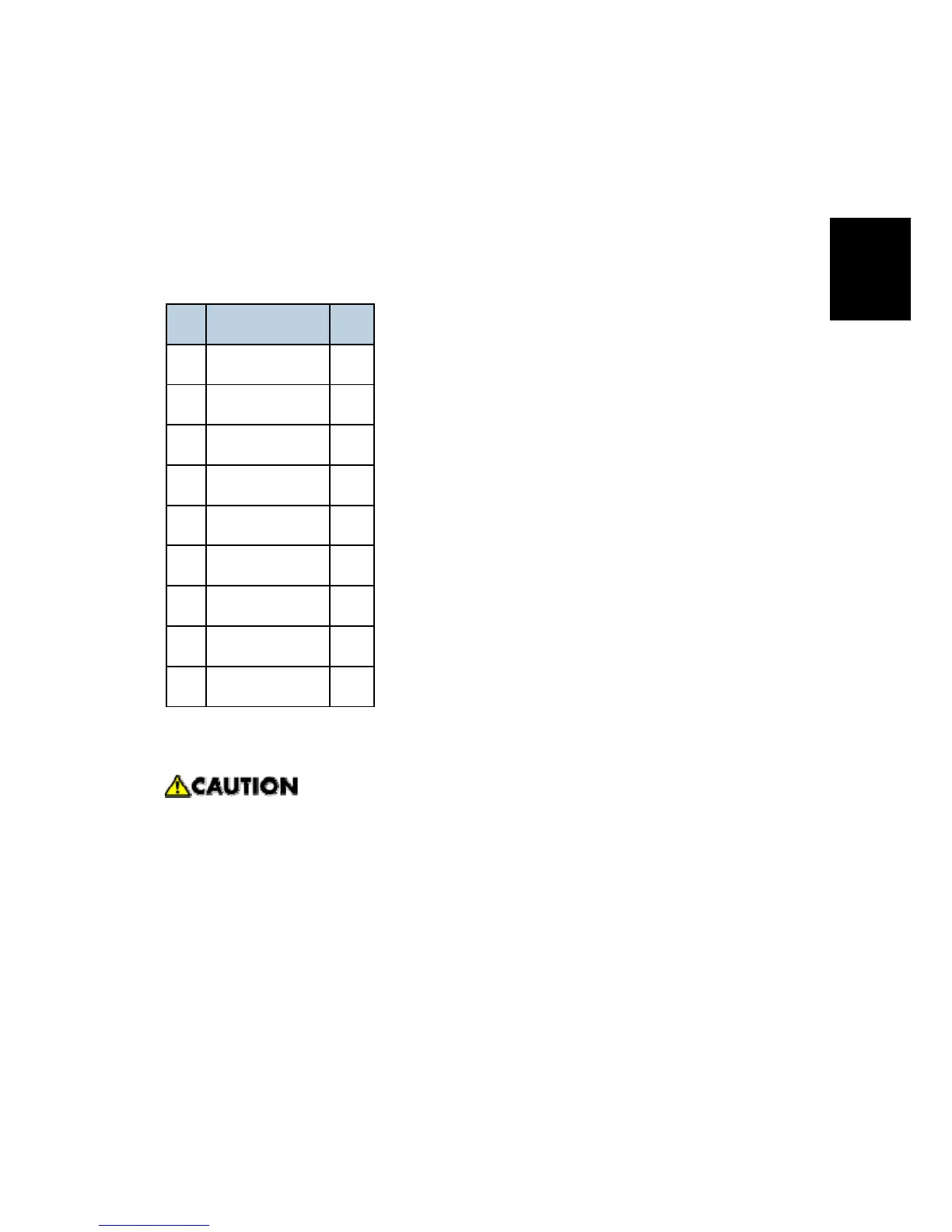
Check the quantity and condition of the accessories in the box against the following list:
No. Description Q’ty
1. Punch unit 1
2. Sensor arm 1
3. Hopper 1
4. Step screw 1
5. Spring 1
6. Spacer (2 mm) 1
7. Spacer (1 mm) 2
8. Tapping screw 1
9. Tapping screw 2
1.7.2 INSTALLATION PROCEDURE: PUNCH UNIT
Switch off the main machine and unplug its power cord. If the Two-Tray Finisher is
installed, disconnect it and pull it away from the machine.
1. Unpack the punch unit and remove all tapes and shipping retainers.



 To Next Page