2.Replacement and Adjustment
58
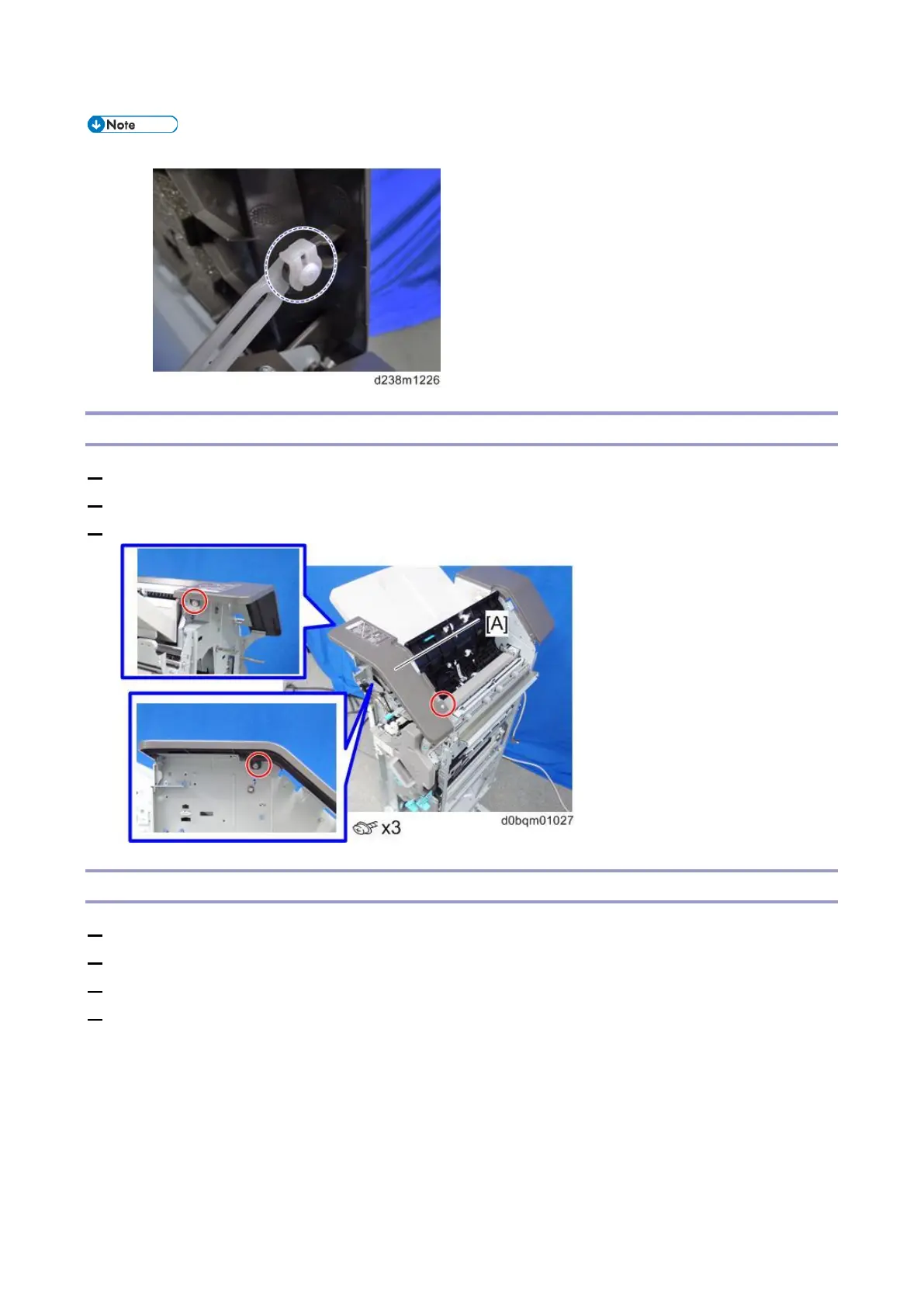
• When reattaching the upper cover, attach the clips so that their tabs face upward.
Upper Front Cover
1. Remove the front left cover (Front Left Cover).
2. Remove the upper cover (Upper Cover).
3. Remove the upper front cover [A].
Upper Rear Cover
1. Remove the rear cover (Rear Cover)
2. Remove the paper exit guide cover (Paper Exit Guide Covers (Front and Rear))
3. Remove the upper left cover (Upper Left Cover)
4. Remove the upper cover (Upper Cover)



 To Next Page